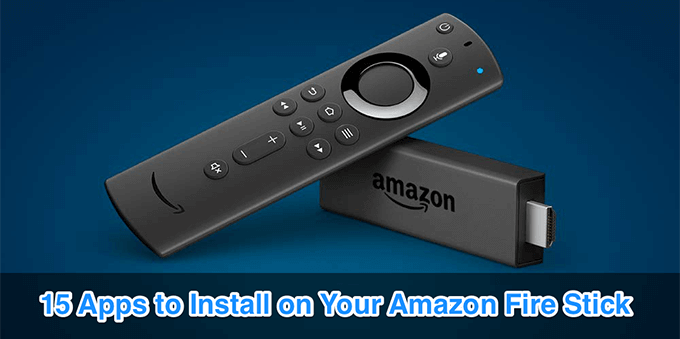
- Netflix
- YouTube
- Hulu
- Crackle
- Spotify
- VLC Media Player
- AllCast
- Twitch
- Kodi
- Private Internet Access
- Downloader
- AirScreen
- ES File Explorer
- Calculator
- Bookmarker 1
If you’re interested in using your Fire stick primarily for watching TV shows and movies, then make sure to check out our YouTube video also:
Netflix
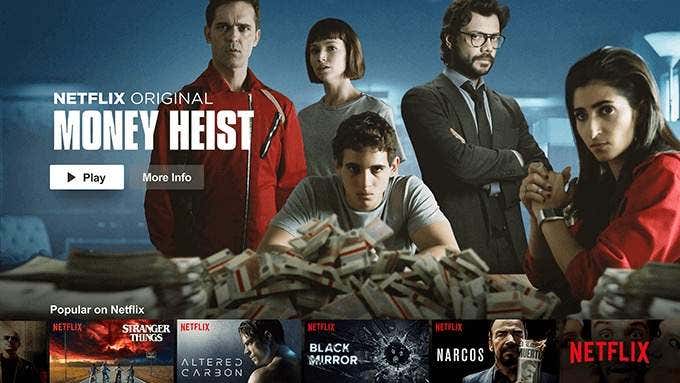
When it comes to streaming services, Netflix is a very popular app giving you access to tons of original Netflix and other content on your devices. The app’s available for Fire TV as well, and that means you can enjoy all of your favorite shows on your TV now.
YouTube
Hulu
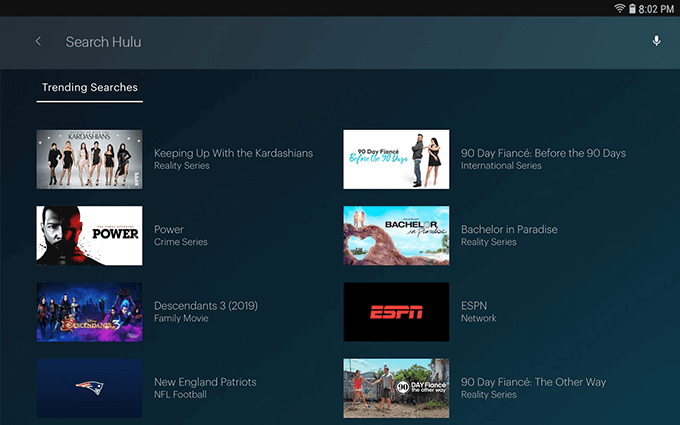
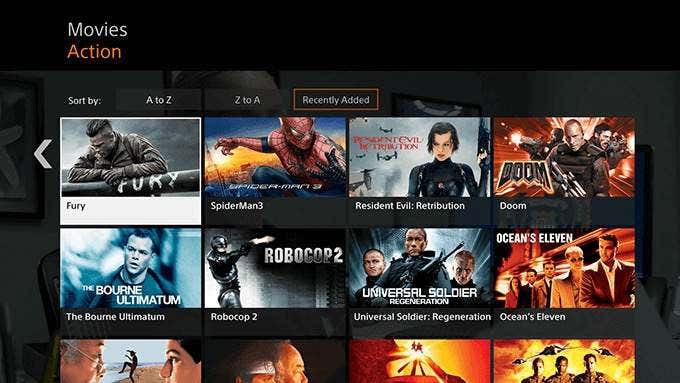
If Hulu is your favorite streaming app, it’s available for Fire TV letting you access all your favorite live TV and other content from various categories. It comes bundled with features like multiple user profiles and kids profiles so you always see the content relevant to you when you use it.
Crackle
Spotify
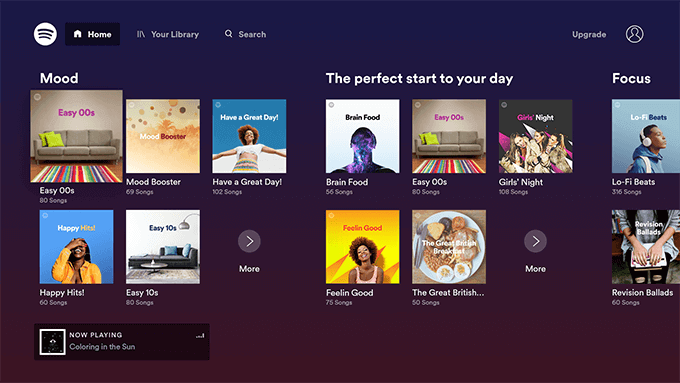
Your Fire TV isn’t just meant to watch videos. You can use it to listen to your favorite music tracks as well, and Spotify lets you do just that. If you have a Spotify subscription already, then all you need to do is install the app and you can start listening to your favorite playlists .
VLC Media Player
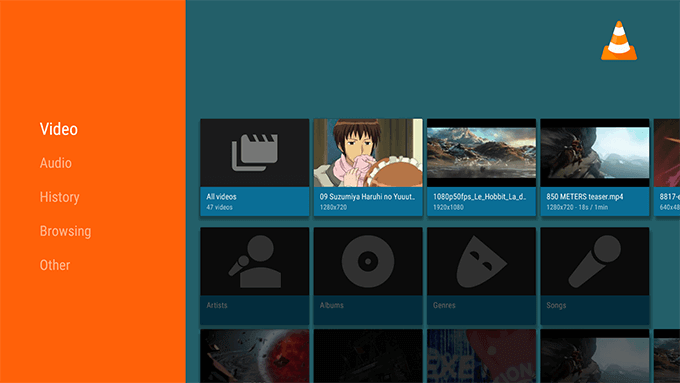
Not all the videos have a standard file format and your stick may not play the videos that use a rather odd format. In that case, VLC Media Player for Fire Stick will help you out. As you already know, it can play almost all the media formats available out there, and it can now do it on your Fire Stick, too.
AllCast
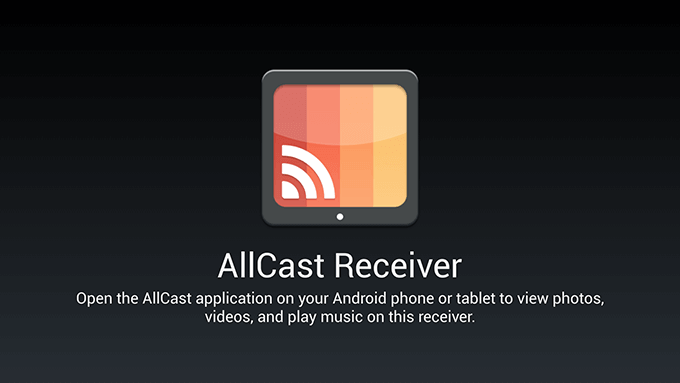
Sometimes, you may want to watch some of the contents that’s stored on your mobile device on your TV. AllCast makes it possible by letting you cast your media files from your compatible device over to your Fire Stick. Both your devices should be on the same network and you’re ready to cast.
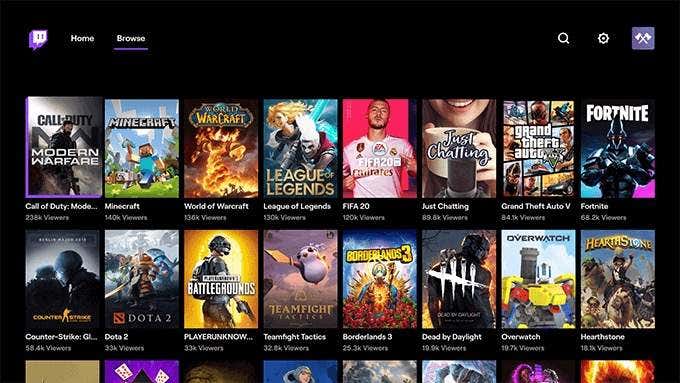
Twitch
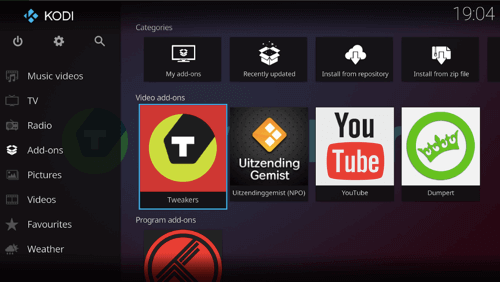
Kodi
Private Internet Access
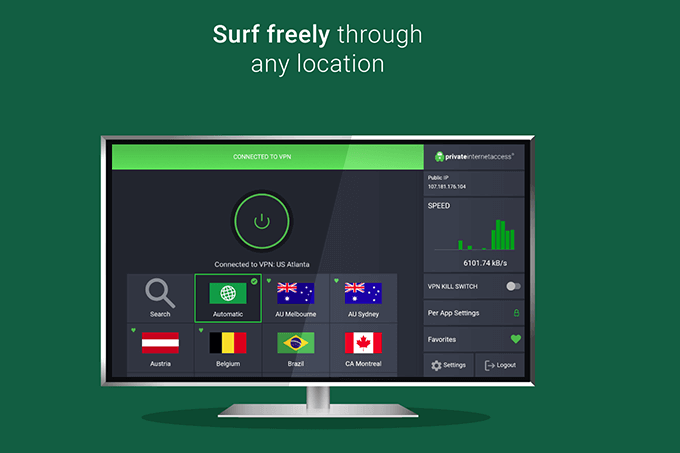
When you connect your Fire Stick to a host of online networks, it’s recommended you keep your profile protected from any unauthorized activities. Private Internet Access is a VPN app that encrypts your connection and also allows you to spoof your IP address, if you need to do it in some of the apps on your Fire TV.
Downloader
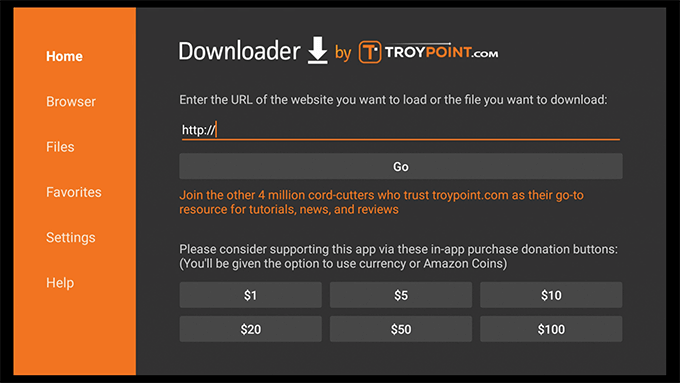
You’ll need it to load the apps that aren’t available on the App Store.
AirScreen
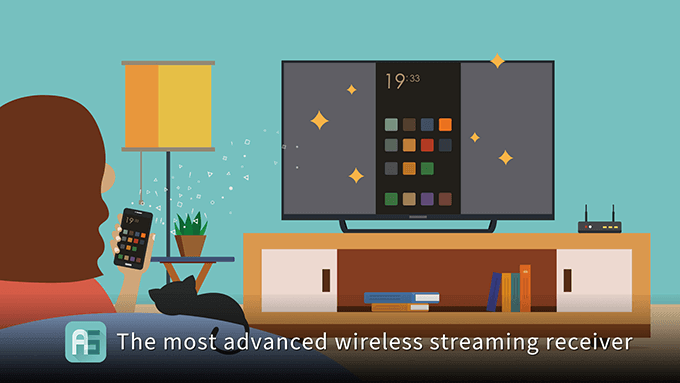
AirScreen lets you mirror the screens of your smartphones to your Fire Stick. You basically download the app to your stick and connect your device to it using a standard connection method, and you have your phone’s screen showing up on your TV.
ES File Explorer
Calculator
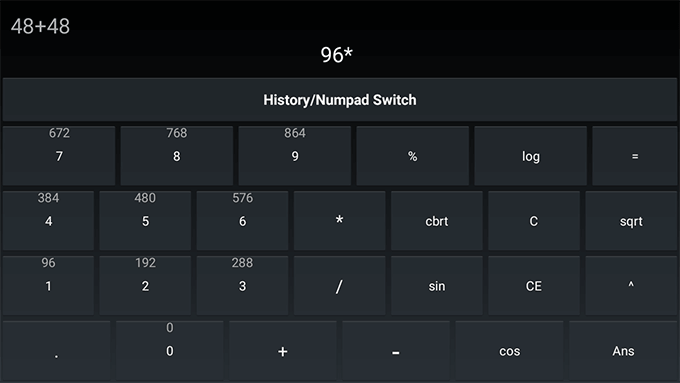
You aren’t likely to use a calculator on your TV but it’s good to have it just in case you need it in those rare occasions where your phone has died. The Calculator app brings a simple yet fully functional calendar to your Fire Stick.
Some of the features it includes are calculations history, the ability to perform almost all types of calculations, and the ability to predict the calculation results.
Bookmarker 1
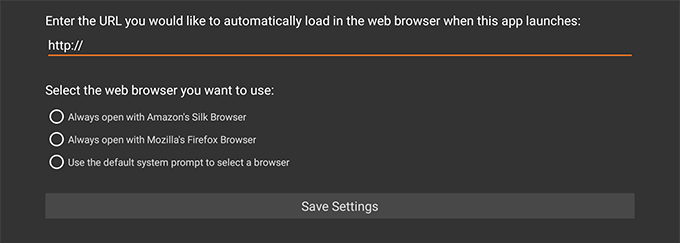
Typing isn’t the most easiest of things to do on a Fire Stick and Bookmarker 1 solves the issue for you, at least in a few cases. It’s a bookmarking app that allows you to save your URLs and open them later in the browser of your choice with a single-click.
It currently works with both Firefox and Silk browser and you should have one of these installed on your stick to use the app.
Wrap-Up
- How to Close Apps on Your Fire TV
- Is Your Fire TV Slow? Here Are 10 Ways to Speed It Up
- Fire TV Keeps Restarting? 8 Fixes to Try
- How to Connect Bluetooth Devices to Your Fire TV
- How to Update Your Fire TV Device
