Having a smartphone or tablet makes it easy to read on the go. No matter where you are, you can pull up a book and start reading. If you like to read, you’ve probably had the problem of running out of things to read. This can be an issue, especially if you find you’re spending more and more on books you want to read.
So what about some free books? There are plenty of apps available for both iOS and Android that allow you to access books for no cost at all. No matter what kind of book you’re in the mood for, you’re likely to find just the thing with these free book apps listed below.

My Books
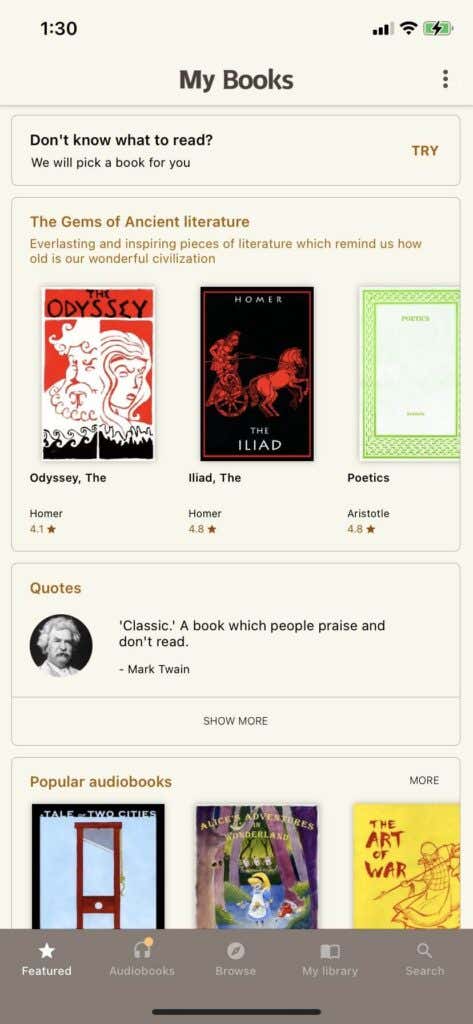
If you’re into classic literature or nonfiction, My Books is a treasure trove of free reads. You can browse through many genres such as adventure, fantasy, history, politics, psychology, and more. It’s a great way to get access to some of the most influential books ever written, especially if you’ve been meaning to read some of these classics. The reading interface is pretty well done and allows you to use a bookmark.
Download for iOS
Libby
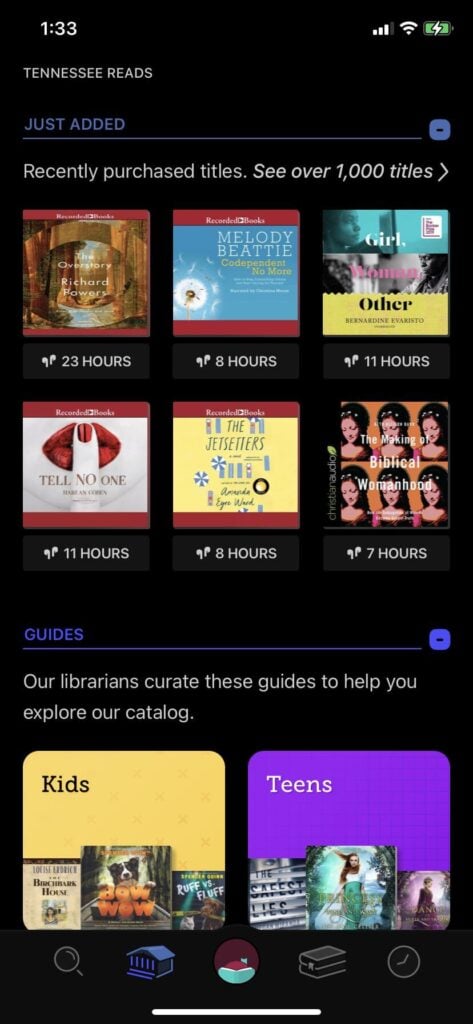
The app works similarly to a library, as you borrow books for a period of time as a download to read it offline, and then return it. You can also sample books before borrowing them if you wish. You can also place holds on books you wish to read. Overall, this is a great app if you have a participating library near you.
Download for iOS
Download for Android
Wattpad
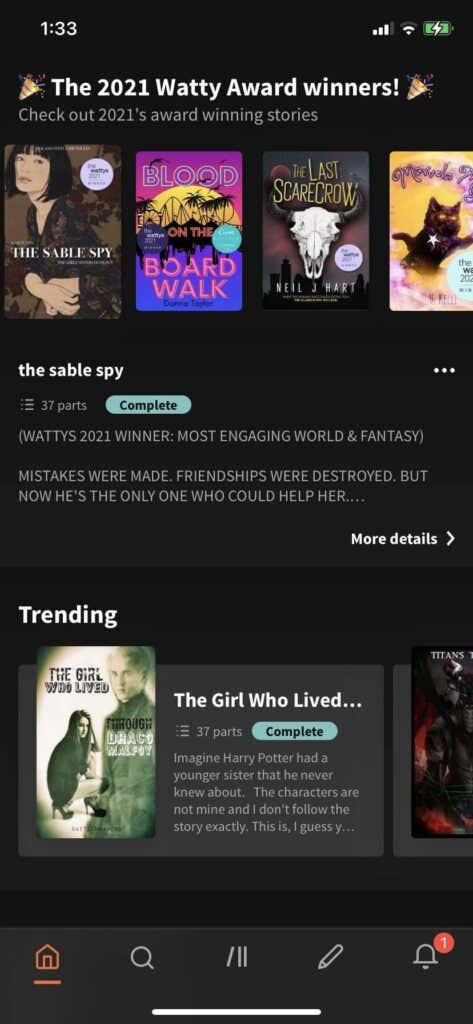
Many of the books that have been hosted on Wattpad have gone on to become published novels. But, you can read them directly on the app as well. There are certain titles that may be locked behind Wattpad’s premium upgrade, however this isn’t the case for the majority of the stories on the app.
Download for iOS
Download for Android
Download for iOS
Download for Android
iReader
iReader has a good collection of classic books, ranging in genre from fantasy to history and more. There’s also a large collection of nonfiction books to read as well if you’re into classic philosophy or political books.
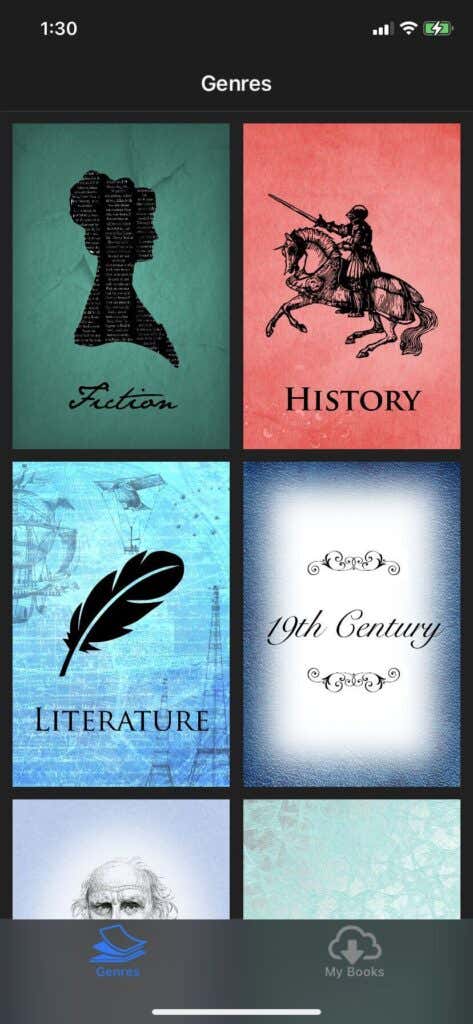
The user interface is also easy to use. All you need to do is download the book(s) you want to read, and they’ll come up in your library so you have access to them at any time. When reading books, you can swipe to read pages.
Download for iOS
Nook
Nook is Barnes & Nobles take on an e-reading app. There are tons of books that you can buy on the app and read directly on your phone or tablet. However, as far as free books go there are a good number available. All you have to do is scroll to the very bottom of the main page to access the free ebooks section.
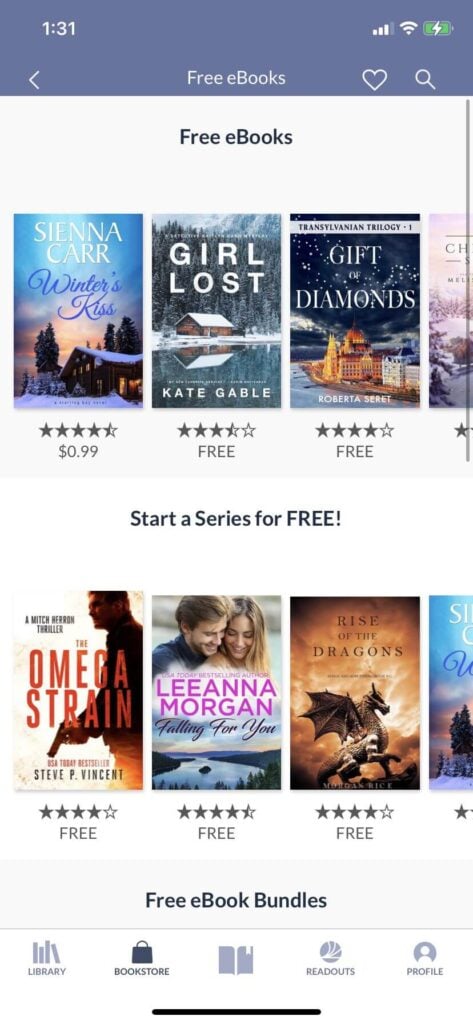
This section of books changes often, so you will typically have new things to read whenever you check back. This section includes lots of fiction, especially romance and fantasy, so if you enjoy those types of reads then it’s a great place to look for free books. You can also find some free comic books in this section.
Download for iOS
Download for Android
Apple Books
One place you may want to look for free ebooks is an app you probably already have downloaded, which is Apple’s Books app. Within this app, you can browse the Book Store in order to download new ebooks to read. If you look in this store you’ll see a section for special offers and free books. Here, you’ll be able to find tons of classics as well as more recent fiction titles.
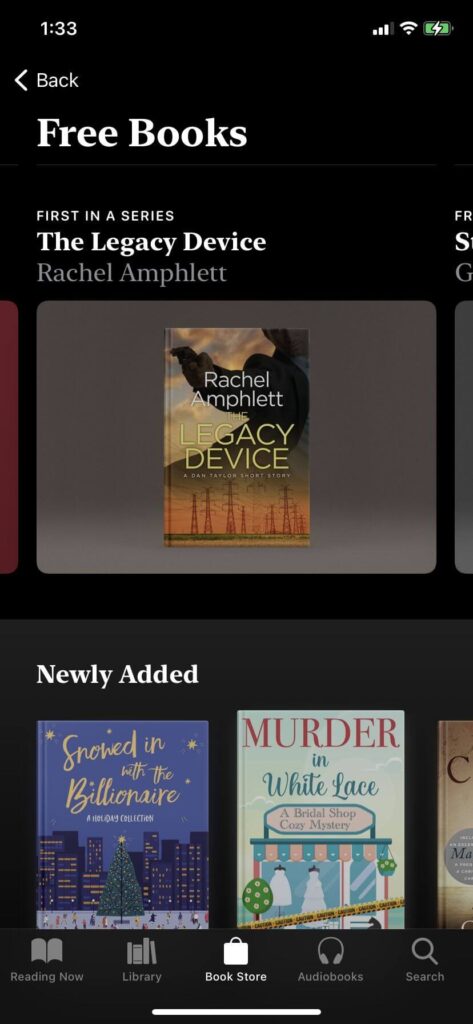
Since this app comes pre-downloaded on iPhones, you may want to check it out first to see what free books are available. Many of the free ebooks here are also available on the other apps listed above, so it could save you a download from the app store if you have an iPhone.
Download for iOS
Get These Free Reading Apps for iPhone or Android
With all the available books in the best apps listed above, you’ll have plenty to read for a long time to come, without it costing you a cent. No matter what genre of book you’re looking for, these apps have it all. So give them a try and see if you find your next favorite book.
- Is a Smartwatch Worth It in 2025 and Beyond?
- 7 Best Linux Laptops in 2025
- 14 Best Options for Video Game Rentals in 2025
- 12 Best Portable Wi-Fi Routers for Traveling in 2025
- Insta360 Ace Pro Vs GoPro HERO12 Black: Which Action Camera Should You Get in 2024?
