Distance learning is fast changing from a “backup” choice to the preferred way modern students want to study, thanks to better eLearning technologies. Online educators need to learn new digital and media literacies. For many long-time educators, this can be a steep learning curve.
Luckily numerous online tools make life as a distance learning educator easier. You don’t need to be an expert technologist or media maven to be an effective online teacher, just the right online learning tools to do the job right from your laptop.

Generic Tools Online Educators Should Know
This article is about the best tools specifically designed for online learning, but most of the tools used in remote education are generic. It’s a long-standing tradition to repurpose tools with business or entertainment functionality into potent teaching tools. There are several stalwart digital tools that online teaching simply wouldn’t be possible without:
- Video conferencing and webinar apps. E.g., Zoom, Skype, Teams, etc.
- Video editing apps: E.g., LumaFusion, Adobe Rush, Adobe Premiere, etc.
- Screen recording tools: E.g., Nvidia Experience, Open Broadcast Software , etc.
- Social media platforms: E.g., Facebook, Twitter, messaging apps, etc.
Online teachers should never disregard a tool or app because it’s not explicitly designed for educational use. Try to think a little out of the box, and you may find software that enhances the online learning experience for your students.
Google Suite Apps
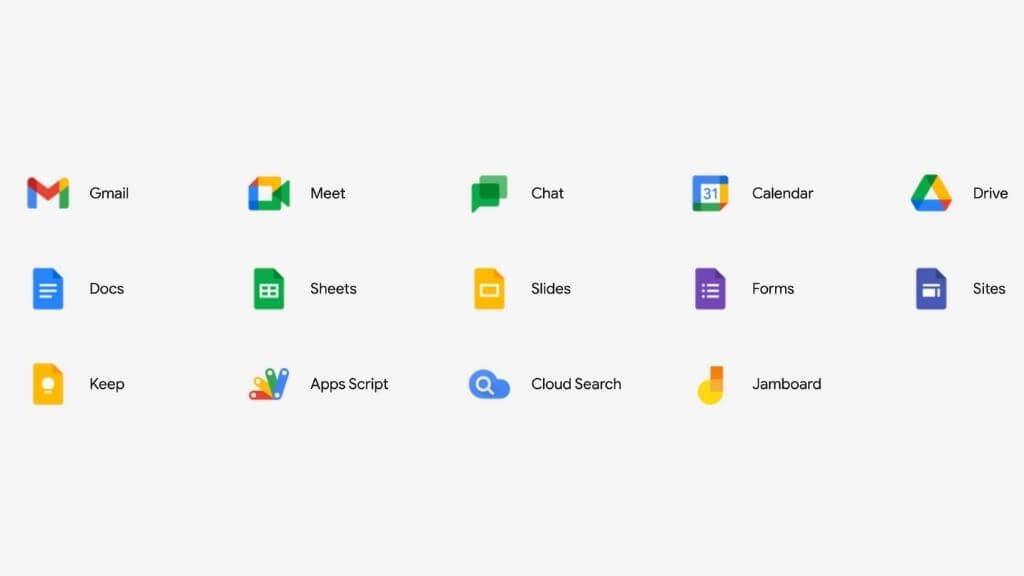
Even if you’re only an individual Google account holder, you have access to many online tools that make it easy to create, collaborate, and disseminate content. For example, Google Docs is the primary word processor, and it’s a quick way to generate documentation in collaboration with other team members. Learners can also use these Google apps to collaborate and even submit work for comment or editing.
Google Drive makes it easy to store and share files with your students. The Google suite of apps has excellent access control settings, so you won’t accidentally give students access to your private documents or allow them to edit what they shouldn’t.
Google Classroom
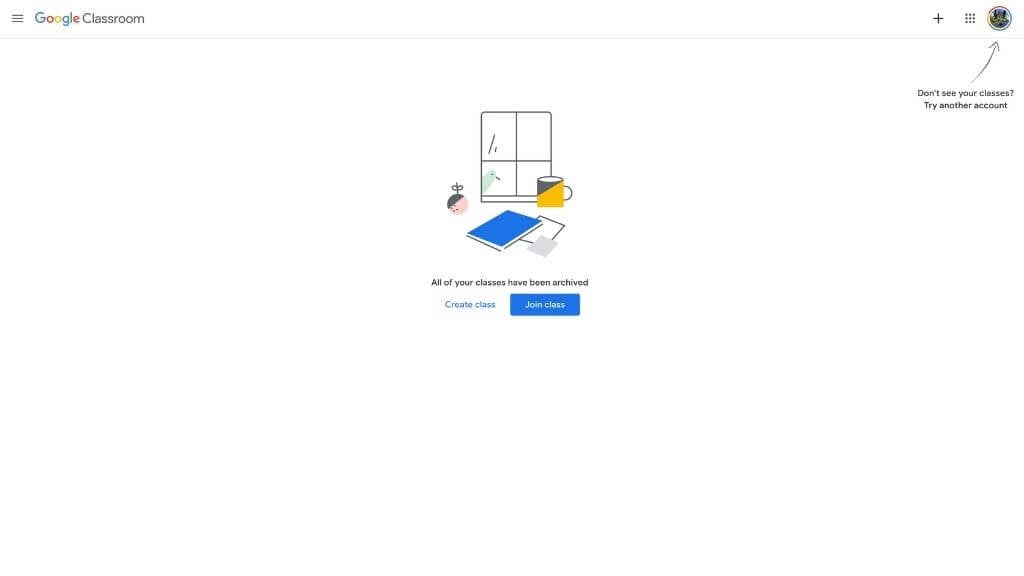
While the Google suite of online apps is perfect for educators who need a few informal tools to augment their online teaching practices, Google Classroom offers a purpose-built learning environment that integrates many existing Google tools (such as Google Calendar) into something meant for students and teacher use.
Available as a website and a mobile app, Google Classroom provides all of the following to online educators:
- General classroom management.
- Create class templates by copying a class .
- Hold video meetings.
- Track student progress and feedback.
- Create and share learning materials and lesson plans.
- Creating virtual courses, assignments, and assessments.
Classroom can be used to supplement in-person classes (the hybrid classroom model), or it can act as a streamlined LMS (Learning Management System) for fully online teaching and learning.
Google Jamboard
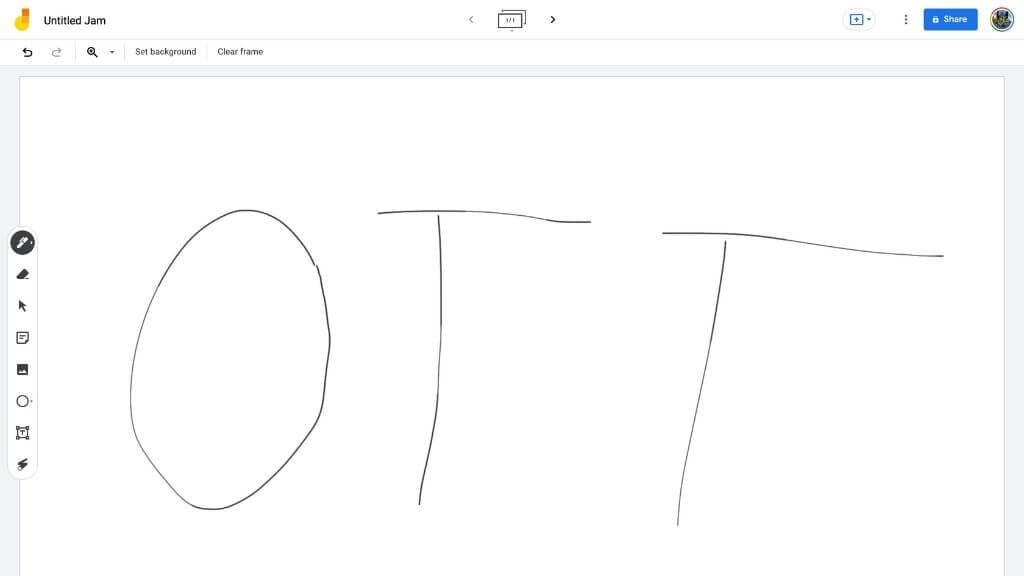
Digital whiteboards are an essential tool for live video lectures and pre-recorded content. It’s an excellent way for teachers to illustrate lessons in real-time using the natural whiteboard skills.
There are many paid and free options, but we think that Google’s Jamboard is the best. This free tool allows for real-time collaboration and works on any device through a browser or mobile app.
Khan Academy for Teachers
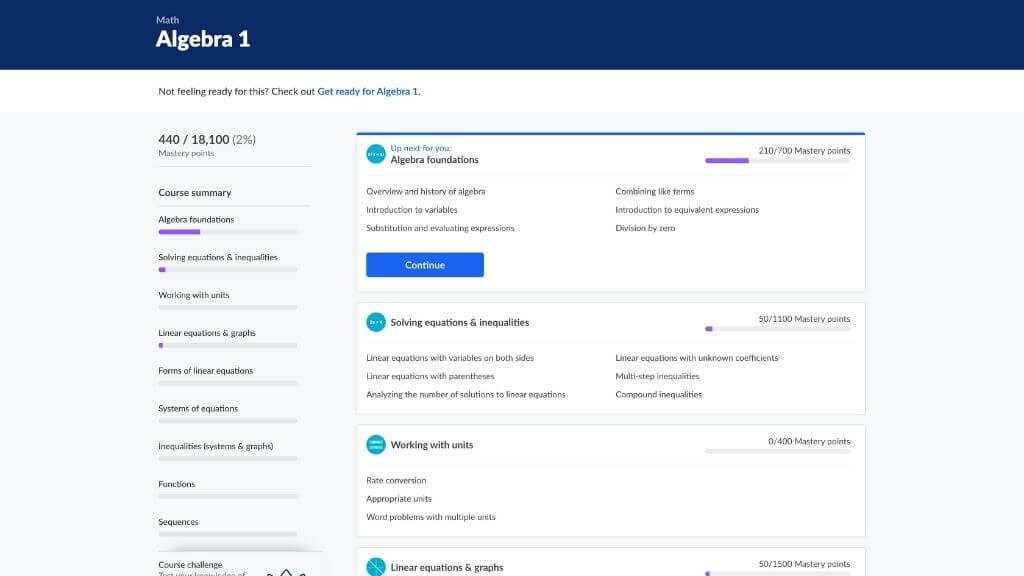
Khan Academy is a free online learning resource that covers the entirety of public schooling up to high school and some college-level subjects. Subjects are taught uniquely, progress is recorded using a gamified system, and learners choose to walk unique paths through subjects such as mathematics to learn only what they need for specific purposes.
The Open Textbook Library
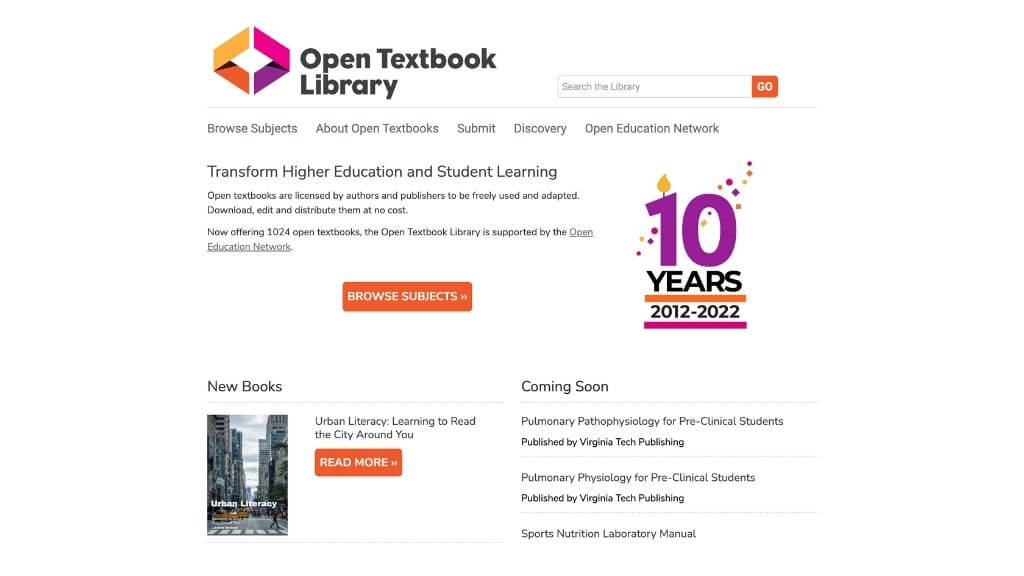
OERs (Open Educational Resources) are learning resources that are openly licensed so that anyone can use them in their curricula. Depending on the exact license, you can use them for commercial purposes, but not in the case where (for example) it’s licensed under Creative Commons Noncommercial.
Finding high-quality OERs can be daunting, but the Open TextBook Library lets you quickly find the best open textbooks for any subject you care to imagine.
Libretexts
If you don’t find what you need in the Open Textbook Library, your next stop should be LibreTexts. This is an exciting project backed by several major institutions to provide quality OER textbooks in subjects ranging from social studies to business or engineering.
Edpuzzle
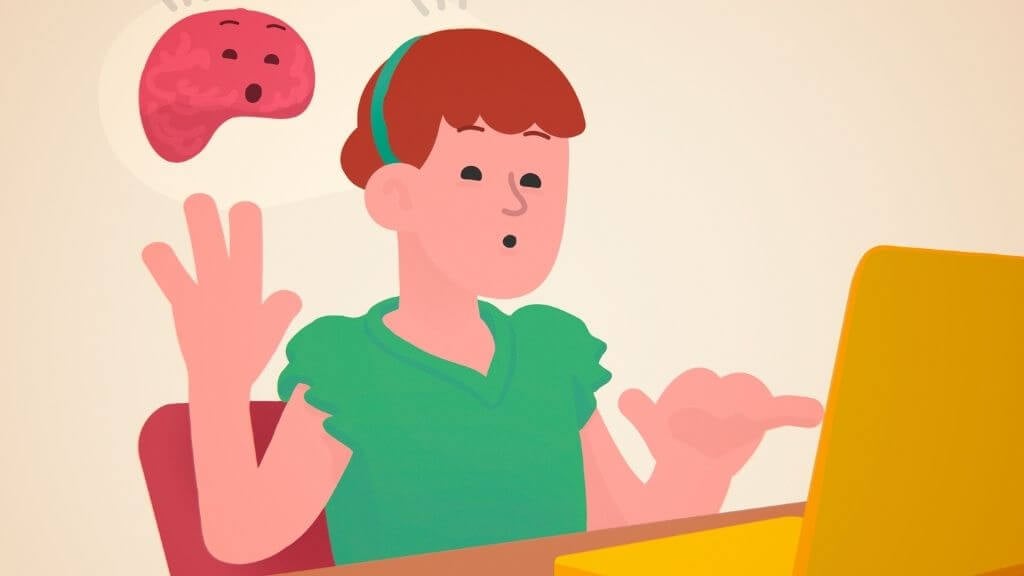
Edpuzzle takes the modern pivot to online video and allows online educators to add their educational layer on top of that video content. You pick a video clip that you’d like to assign as learning content and then add questions to that video using Edpuzzle.
You can then track how students engage with the video and perform the questions. Edpuzzle can integrate with mainstream LMS products such as Moodle, Backboard, Canvas, Google Classroom, etc.
SmartBuilder
Udemy
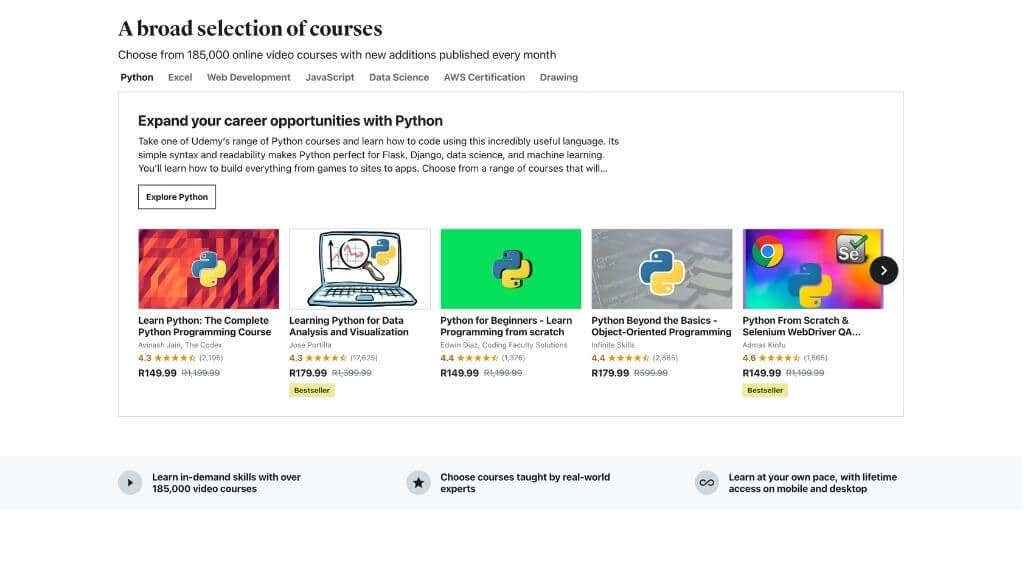
You may have heard of MOOCs or Massive Open Online Courses , but you know you can easily create your own? Udemy is one of many platforms to offer MOOCs, but what sets it apart is that virtually anyone with something valuable to teach can author and upload a course and make some money to boot! Whether you want to create something meant for school districts or wish to sell professional development courses, Udemy is a top choice.
EdModo
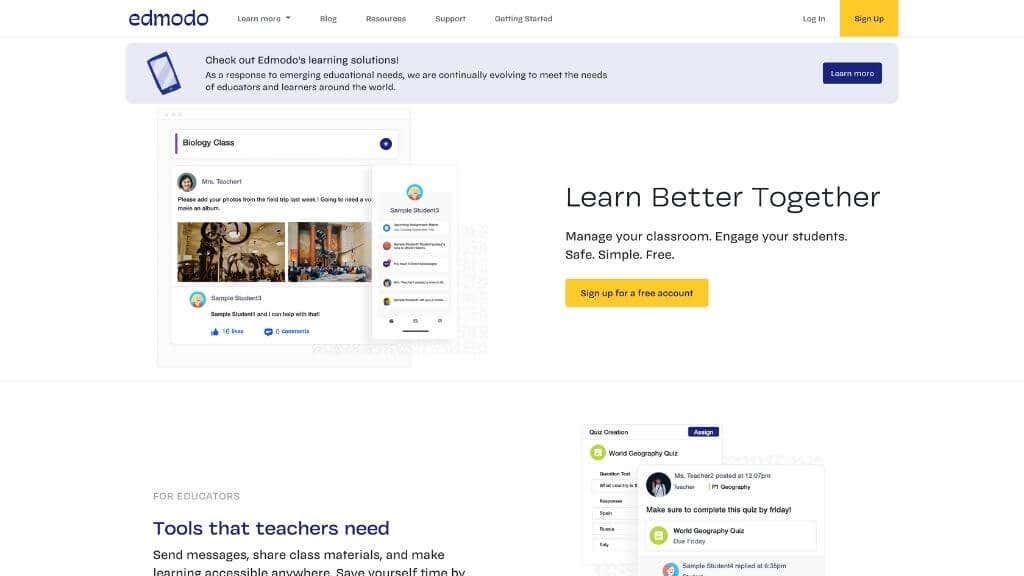
EdModo is a platform like an LMS and sort of like a classroom management system, with some social media platform aspects thrown in. It also includes all the tools you’ll need to create curricula, lessons, and assessments and have engaging remote conversations with your students. If you’re not keen on the bric a brac approach to building your remote teaching arsenal, EdModo is an excellent one-stop-shop.
Flipgrid
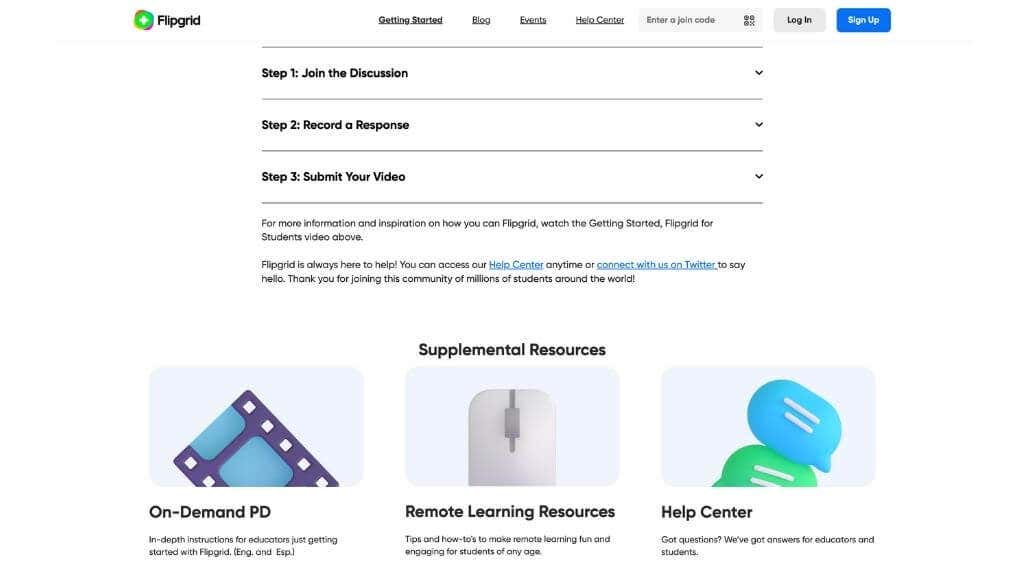
Flipgrid is a clever video discussion tool by Microsoft. What sets it apart from the likes of Zoom or Skype? The idea is to create an open video discussion platform appropriate for Pre-K to Ph.D. Most importantly, it isn’t a live video tool but one where students can pre-record their responses.
The role of teachers in Flipgrid is to act as facilitators. Students can be organized into groups and given specific topics to discuss. Students then use Flipgrid to record and edit their responses to the case. The reaction can be recorded as many times as the student likes before submission, removing any pressure to answer in a live situation.
Kahoot
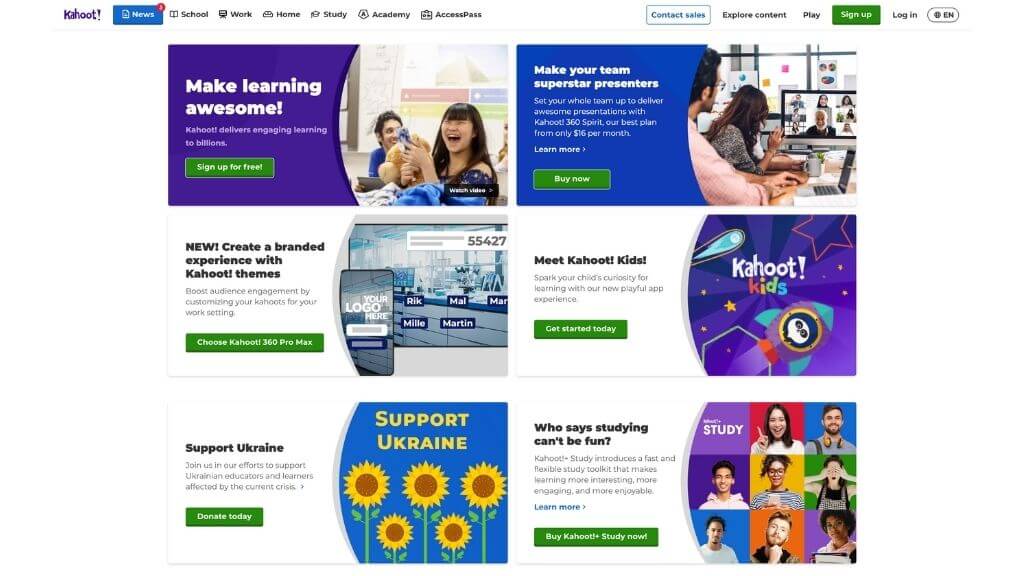
You may have heard about terms like “gamification” or “game-based” learning, but using game elements or building game-like educational experiences is a formidable technical challenge unless you have a tool like Kahoot. Kahoot is designed to let you author quizzes and let students tackle them as a form of learning through play.
Moodle&MoodleCloud
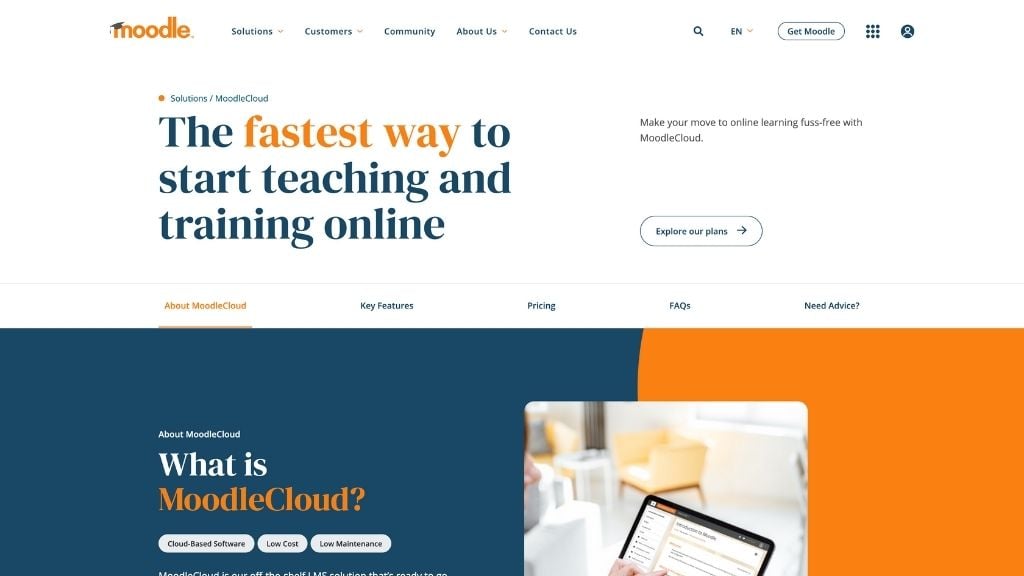
There’s hot competition in the LMS industry to be the platform of choice. But even there, Moodle stands out as both a cutting-edge eLearning solution and a free and open-source product.
Moodle is a full-fledged online learning platform used by some of the largest institutions in the world. According to Moodle itself, 25% of the top 200 world universities are on the forum.
So it’s amazing to consider that you can set up your server, install Moodle on it, and run it like your own college or university. If you aren’t technically inclined or can’t afford to set up your infrastructure, you can pay for a managed instance through third parties or the official MoodleCloud service. MoodleCloud comes with a 45-day free trial, so you can safely evaluate the LMS to see if it will work for you.
Pear Deck for Google Slides
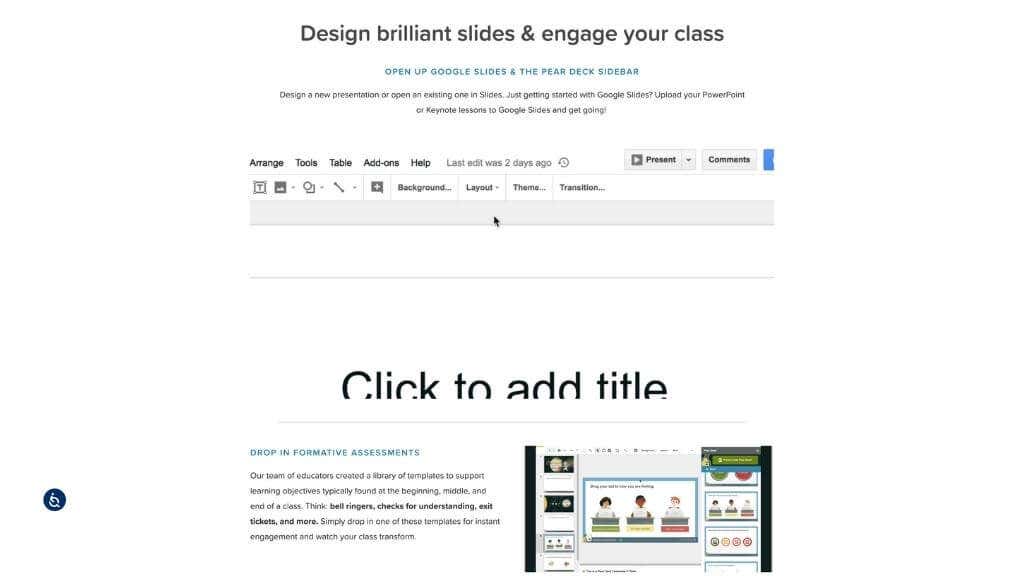
Pear Deck is a neat add-on for Google Slides (a PowerPoint alternative) that lets you use Google’s cloud app to build instructional content from within the Google Slides interface. You can drop formative assessments directly from Pear Deck’s sidebar. You can create custom questions, add audio, and more. They also have an excellent onboarding tutorial, so you can hit the ground running.
Near, Far, Wherever You Are!
Armed with these distance learning tools, no student is beyond your reach. This is the most exciting time for education since Socrates came up with his method!
- Is a Smartwatch Worth It in 2025 and Beyond?
- 7 Best Linux Laptops in 2025
- 14 Best Options for Video Game Rentals in 2025
- 12 Best Portable Wi-Fi Routers for Traveling in 2025
- Insta360 Ace Pro Vs GoPro HERO12 Black: Which Action Camera Should You Get in 2024?
