

This service is available to organizations of any size in any industry for the use of, but not limited to, websites, mobile apps, archiving, data backups and restorations, IoT devices, and enterprise apps.

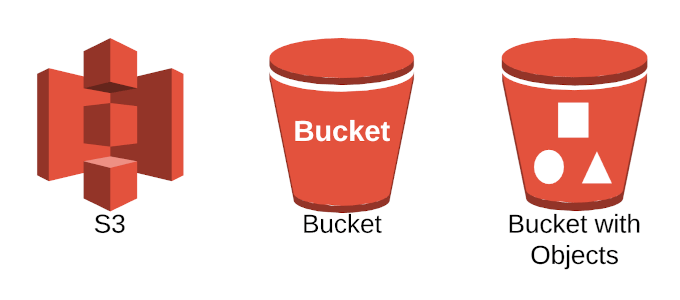
AWS limits the creation of buckets to 100 for each of your AWS cloud accounts. This number can be increased to a maximum of 1000 upon submission of a service limit increase request.
When a bucket is created, you’ll choose the AWS region for where you’ll want it stored. The closer the region is to your physical location, the minimal your latency concerns and costs will be. Objects within a bucket stored in a specific region will remain there until transferred by you.
The unique identifier for each bucket is global. This means that nowhere else in the world will a bucket have the same name as the one you’ve created until that bucket has been deleted.
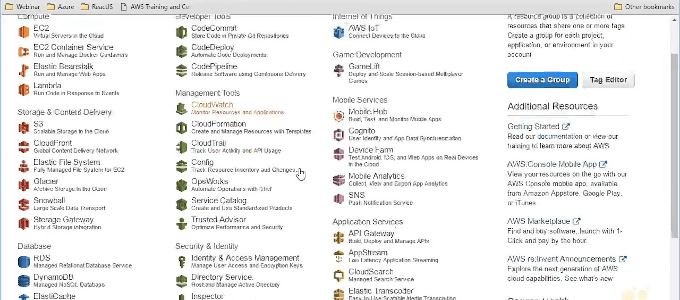
Access permissions to your buckets and objects are also set using the management console.
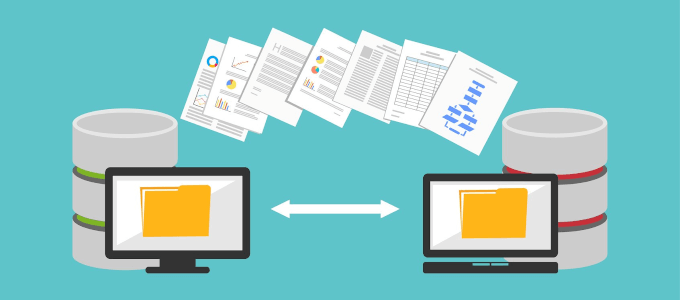
Scalability

Durability, Accessibility, And Cost-effectiveness
The data can be stored in a range of frequency-based storage classes . Storage classes range from high to low cost, based around how mission-critical the files are to how frequently certain files are accessed.
If you need immediate access to important files, the range will be set to the more expensive end. This could change over time depending on how often the files are accessed. AWS gives you the tools to monitor each object and determine if they need to be moved to a higher or lower storage class. It will also move your objects automatically based on ongoing access patterns.
Security

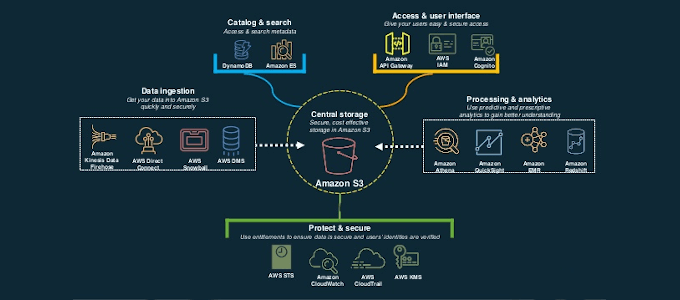
Encryption features and access tools protect the data you store within your AWS S3 environment from unauthorized access. This is for both the bucket level and at the account level.
By default, users will only have access to the buckets and objects they create. AWS offers a variety of security management features at your disposal to change and customize access permissions.

- How to Install the Amazon Appstore in Windows 11
- How to Fix Amazon CS11 Error Code in Android and iOS
- How to Set Up an Amazon Echo Dot
- How to Cancel Amazon Music
- Amazon Fire Tablet Won’t Turn On? How to Fix
Former US Army IT communications specialist who began his online blogging career in 2016. Joseph has over 10 years experience in the IT industry as both an analyst and communications expert. He’s a night owl and an avid Red Bull consumer who spends most of his downtime enthralled by online gaming and website building. Read Joseph’s Full Bio
