Kik has been branded the “problem app of the decade”, so if you’re having second thoughts, we completely understand. With its myriad privacy and security concerns, there are plenty of reasons to uninstall it.
In this article, we’ll take a look at what Kik is and why you may wish to delete your account before moving on to exactly how you can do so.

What Is Kik?
Kik is one of the most popular free messaging apps for iOS and Android. You are able to send private messages and share media including photos and videos to other users.
Why Should You Delete Your Kik Account?
In addition to this, Kik users report that there are automated spam bots on the app which send sexually explicit or threatening material frequently.
Finally, the Electronic Frontier Foundation scored Kik as unsafe with 1 out of 7 points on its secure messaging scorecard. This was due to several issues with its privacy and security, as well as the fact that there is little to no transparency behind its protocols.
If you are concerned about safety in your messaging app, we recommend Signal.
How To Delete Your Kik Account
Deleting your Kik account is very simple, but keep in mind that you will not be able to reactivate your account after following these steps. To permanently delete your account:
- Head to Kik’s “ delete your account ” page.

- Enter your details and reason for deleting, tick the disclaimer , and select Go!
- Head to your email account and open the email from Kik.
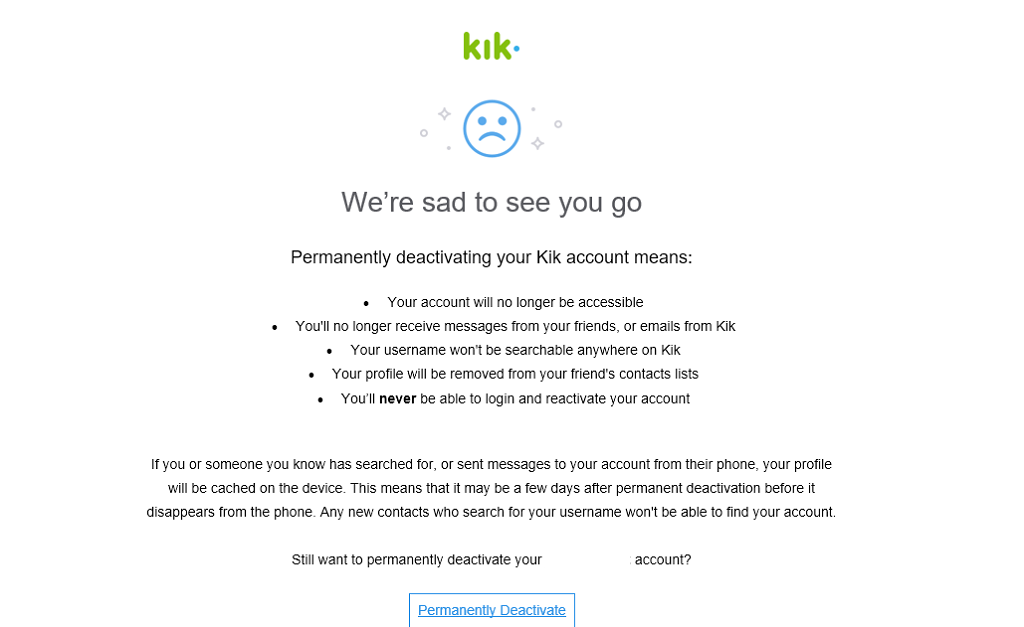
- Select Permanently Deactivate .
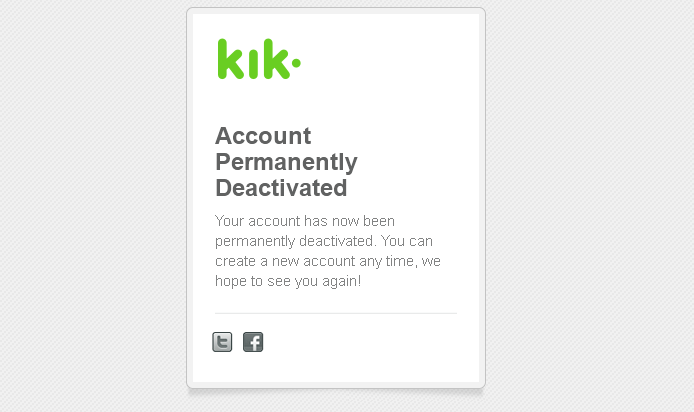
Note: You can also temporarily deactivate your Kik account and you will be able to reopen your account if you’d like to. Following the steps above is the only way to permanently deactivate your account.
How To Temporarily Deactivate Your Kik Account
To temporarily deactivate your Kik account, follow these steps:
- Head to the “ Deactivate ” page.
- Enter your email address and select Go!
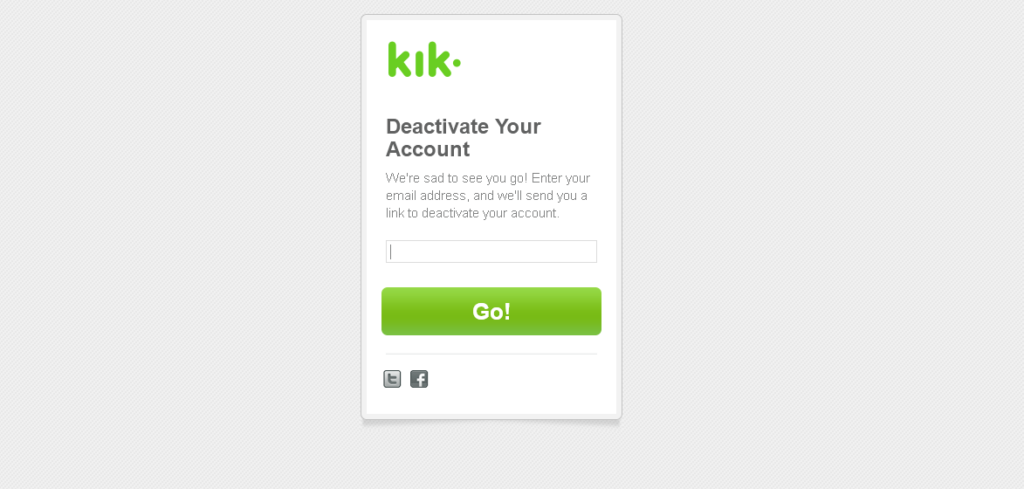
- Check your email and select Deactivate .

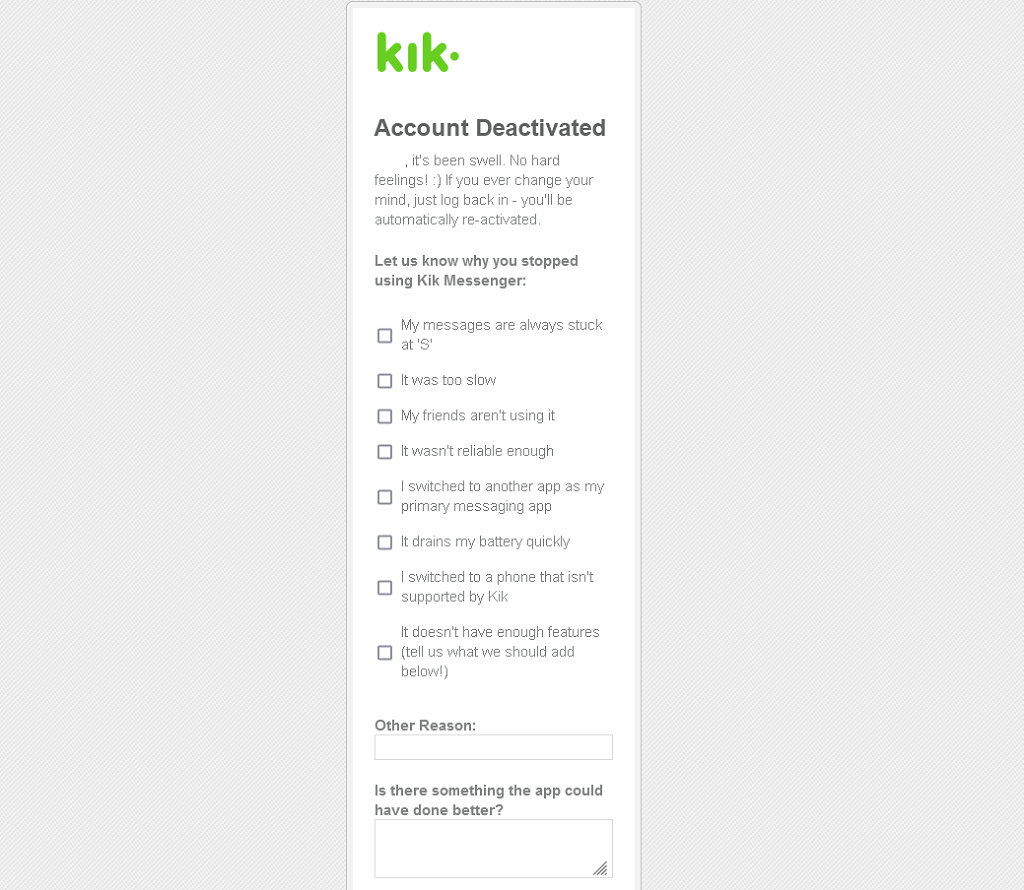
- You will be taken to a page to input a reason for deactivating. Fill out this form and select Go!
How To Delete Your Child’s Account

Time To Try Another App
Once you’ve completed these steps, your Kik account will be permanently deactivated and you will no longer be able to receive notifications or be found on the app by other users. Luckily, there are plenty of safer and more highly recommended messenger apps out there.
- How to Backup an iPhone Without iCloud?
- Sluggish Windows 11 PC? Try These 5 Windows 11 Tricks to Free up Virtual Memory
- macOS Tahoe Privacy Settings You Need to Secure Your Mac
- How To Turn Off Notifications On Windows 11?
- How to Recover Lost Files After Windows Update?
Jake Harfield is an Australian freelance writer whose passion is finding out how different technologies work. He has written for several online publications, focusing on explaining what he has learned to help others with their tech problems. He’s an avid hiker and birder, and in his spare time you’ll find him in the Aussie bush listening to the birdsong. Read Jake’s Full Bio
