To drop items in the Roblox video game, you need to be in a server that allows it — and many don’t. Unfortunately, there’s no way to know whether a server supports dropping items before joining, so you’ll have to find out via trial and error.
This game guide will explain how to drop items in Roblox on the desktop, mobile, and Xbox versions.
Why Would You Want to Drop Items?
However, if you can drop an item in-game, you can easily trade items from your game inventory without paying for a subscription.
How to Drop Items in Roblox on a Desktop PC
To drop an item on the desktop, follow the below steps:
- Join a Roblox game .
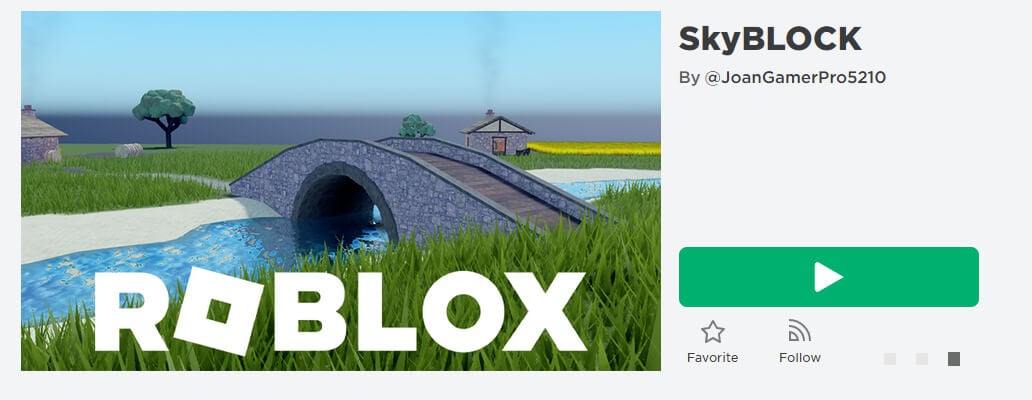
- Pick up an item.
- Select the item from your hot bar (using the number keys or scroll wheel), so it’s in your hand.
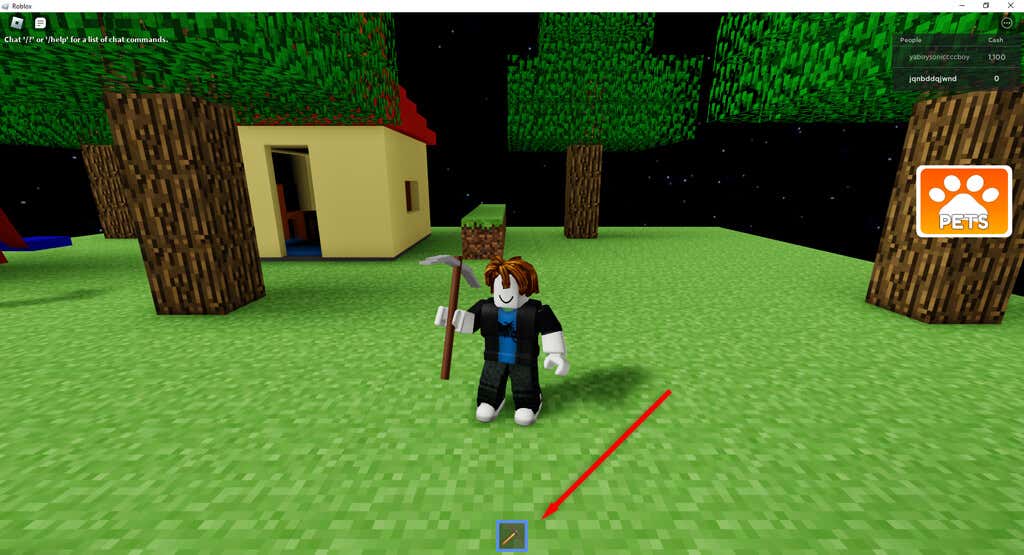
- Press Backspace .
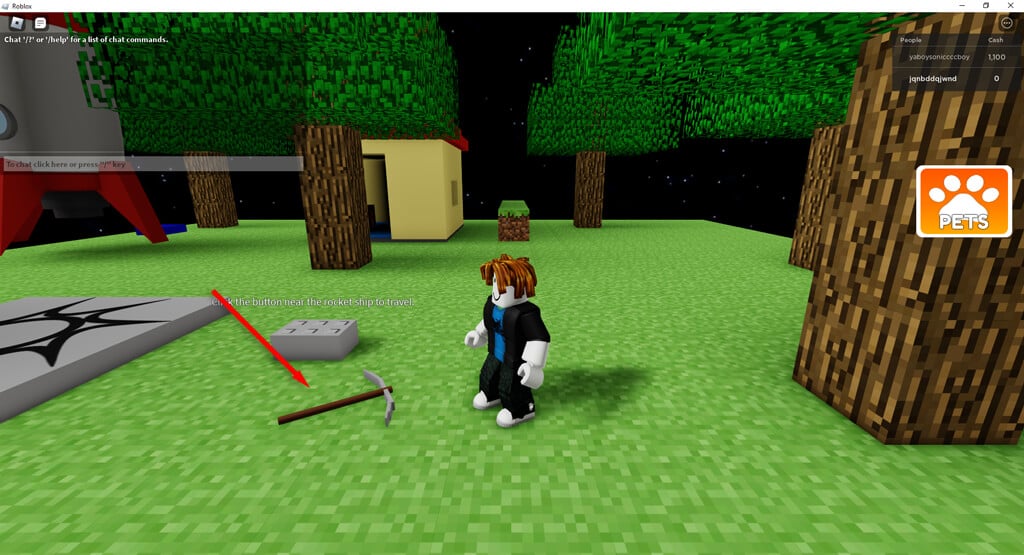
Note: If the item is in your inventory, open the inventory by pressing the three horizontal dots in the top-right corner of your game and pressing Inventory . Then, select an item and press the Backspace button.
How to Drop Items in Roblox Mobile
For Android and iPhone users, dropping items in-game is similar to the process for PC players. To do so:
- Join a Roblox game on your mobile device.
- Equip an item.
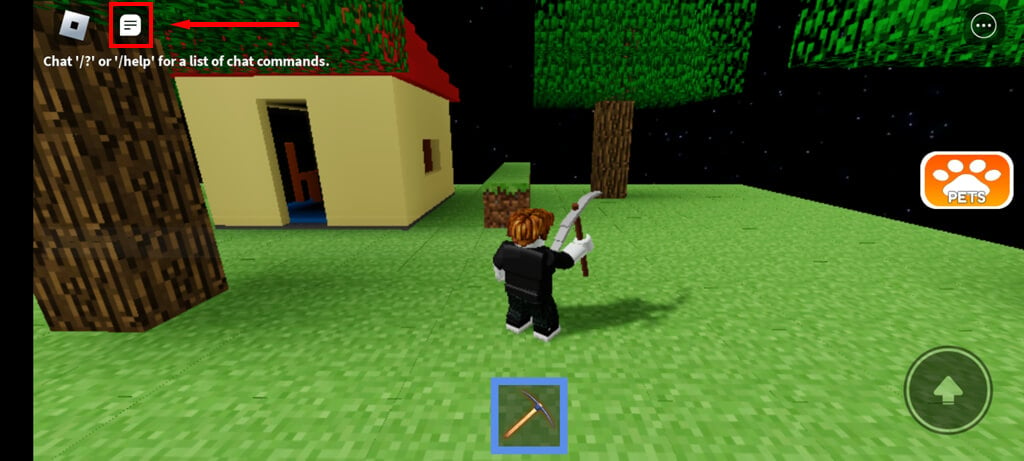
- Tap the Chat icon at the top-left corner of the screen to open chat.
- Press the Backspace key multiple times.
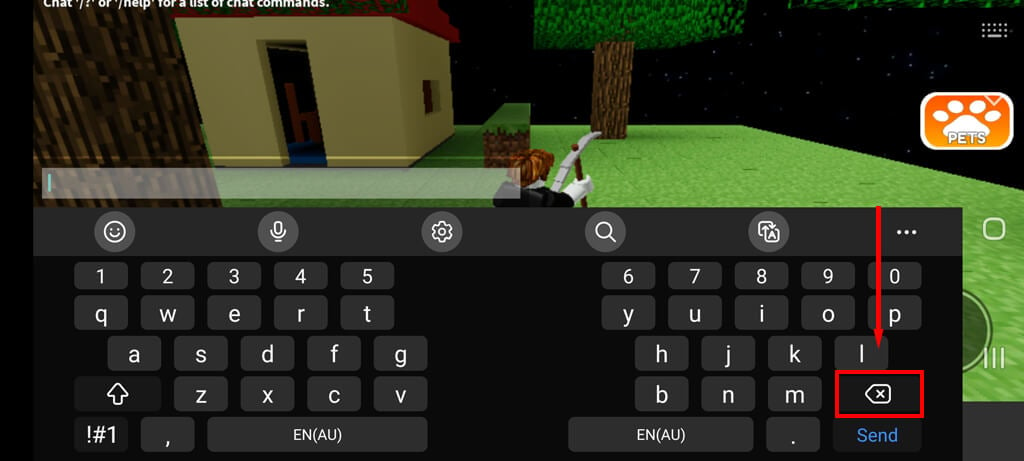
If that doesn’t work, dropping items from the mobile app is probably impossible.
How to Drop Items in Roblox on Xbox
To drop an item in Roblox:
- Join a Roblox game.
- Equip an item.
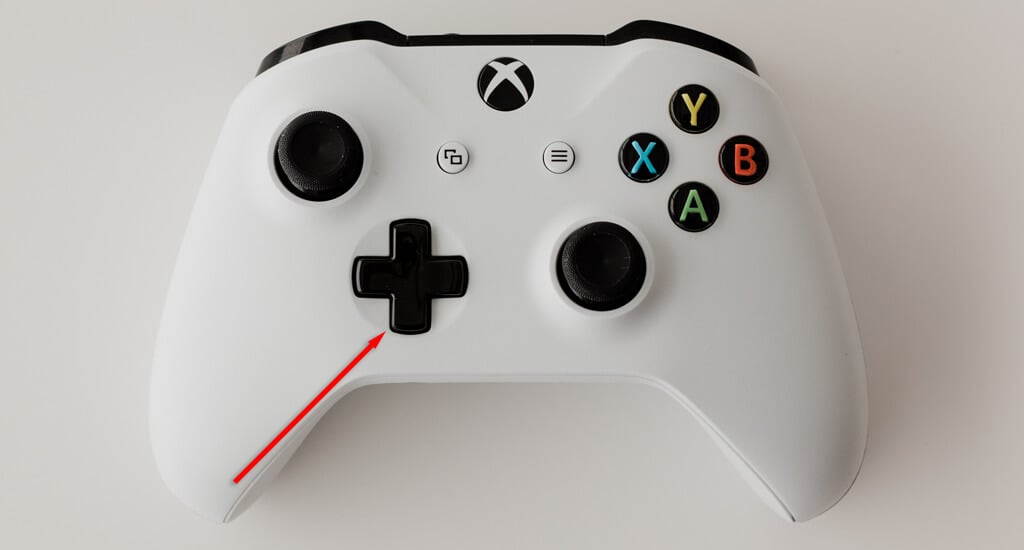
- Press the down arrow on the D-pad multiple times. The item should drop to the floor. If this doesn’t work, try the B button.
Trade Items With Your Friends
Dropping items is a great way to trade them with other players in online games. Unfortunately, dropping items isn’t supported by all Roblox servers, so you’ll have to find one that does support it. Item-based games like Skyblock (which is like a Minecraft simulator) are often the best, as dropping items is part of the game.
- 10 Most Popular Games in Roblox to Play in 2025
- How to Fix Roblox Error Code 262
- How to Fix a Roblox Error Code 268
- Roblox Voice Chat Not Working? 5 Fixes to Try
- How to Fix Roblox Error Code 524
