Are you looking to buy a gift for your friend or a family member? Finding the perfect gift may be tricky, even for the person you know best. The easiest way to do it is to actually ask the person what they want to get.
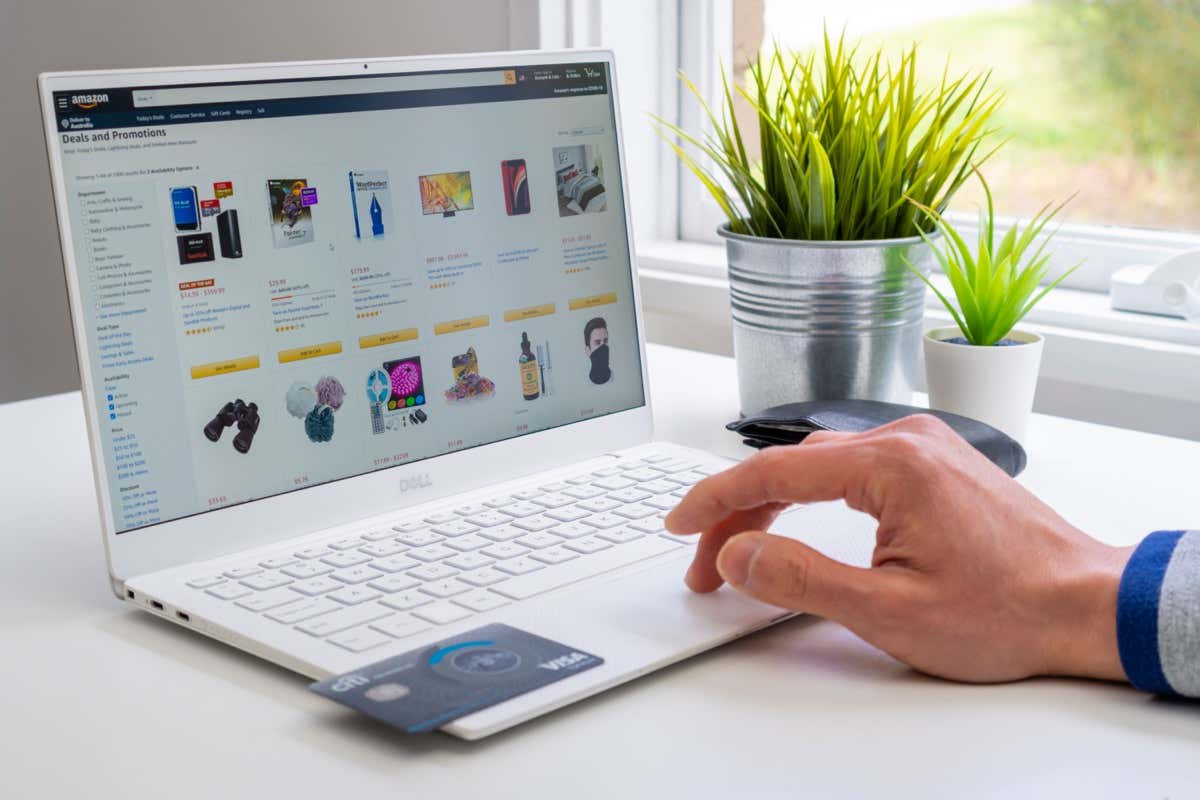
- Open your web browser, go to the Amazon homepage, and sign into your account.
- In the top right corner of the screen, hover over Account & Lists .
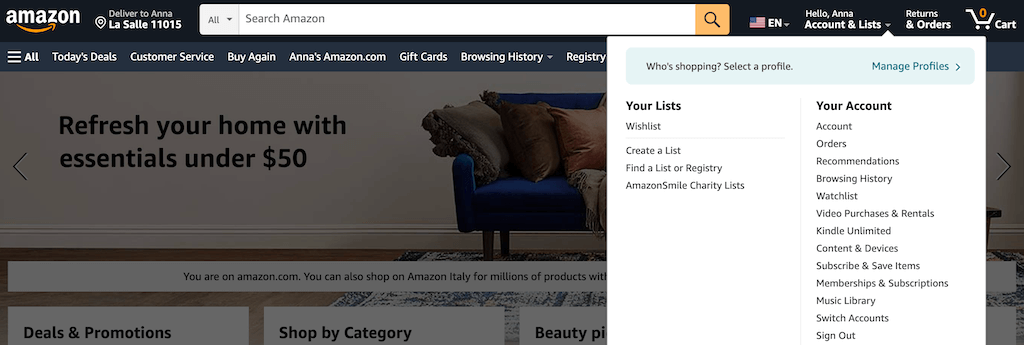
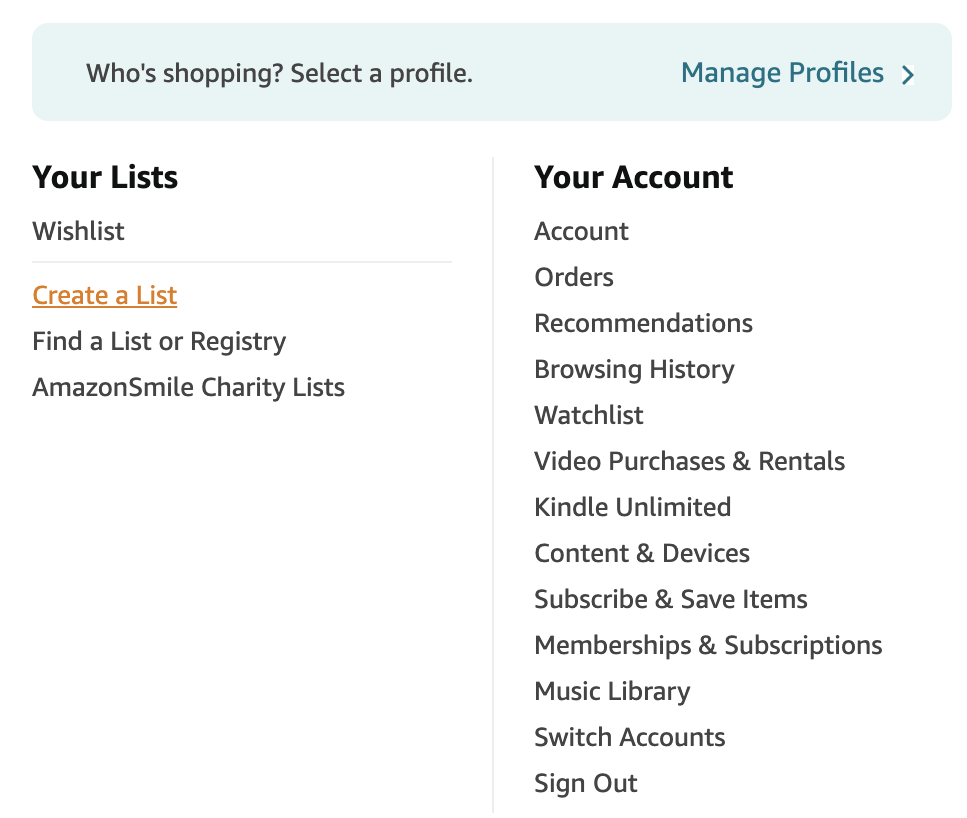
- In the top left corner of the drop-down menu, you’ll see Your Lists . Select one of your lists.
- If you don’t have a list yet, select Create a List and create a shopping list or a wish list of your own.
- This will take you to your Amazon wish list page, where you have your idea lists and the section with your friends’ lists. Select Your Friends .
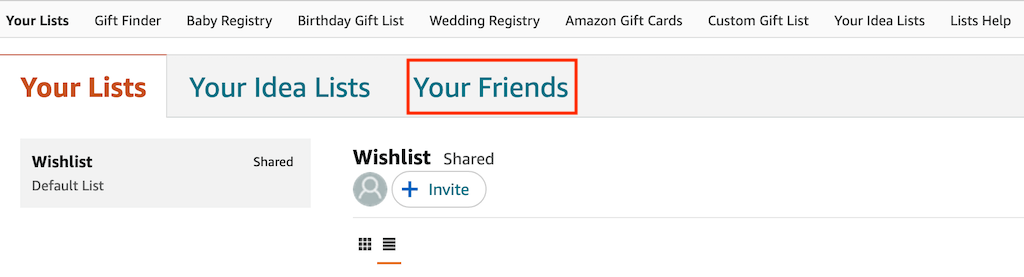
- On the left, you’ll see the users who shared their Amazon wish lists with you. Select the user to see what items they have on their wish list.
If you don’t have any shared lists yet, or can’t find the right person’s list, you can message them and ask them to share their wish list with you. To request access to someone’s wish list, follow the steps below.
- Go to your Amazon Account and open Your Lists .
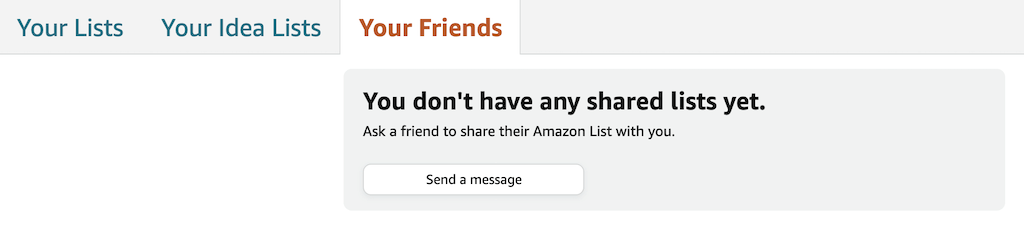
- Select Your Friends , then Send a message .
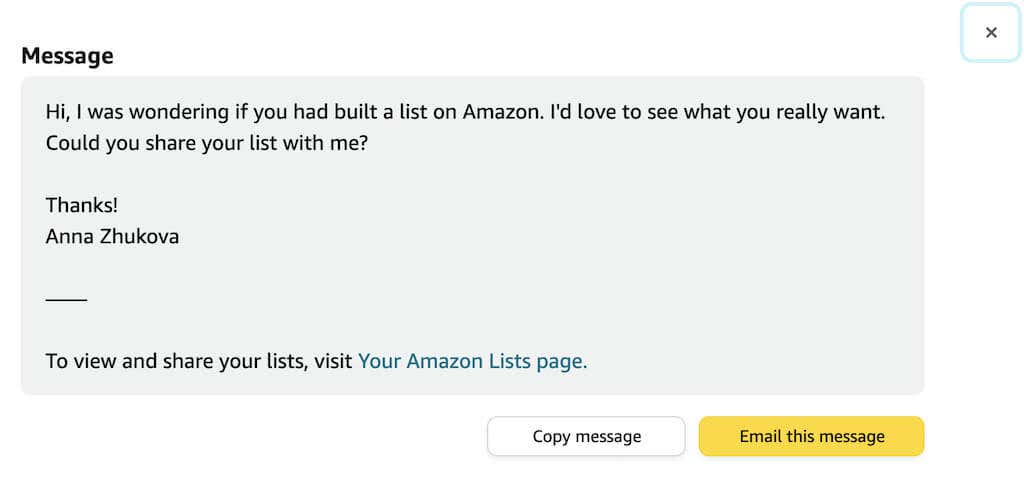
- Use Amazon’s template to request access to someone’s wish list. You can either select Copy message to copy and paste the message anywhere on the internet or select Email this message . The latter will open your default email client, and you can send the message to your friend via email.
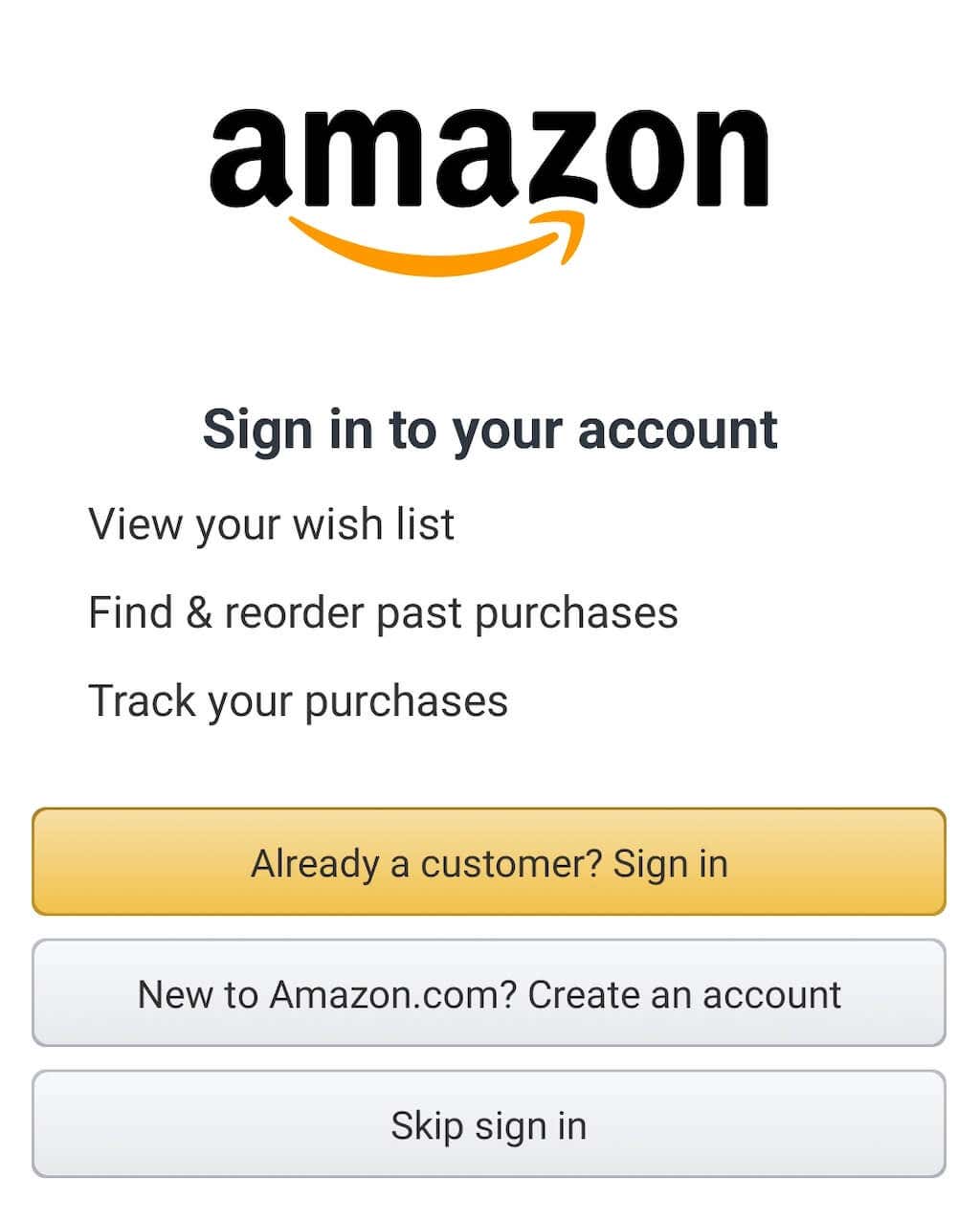
- Open the Amazon Shopping app on your smartphone and sign into your account.
- In the bottom-right corner of the screen, select the three lines icon to open Menu .
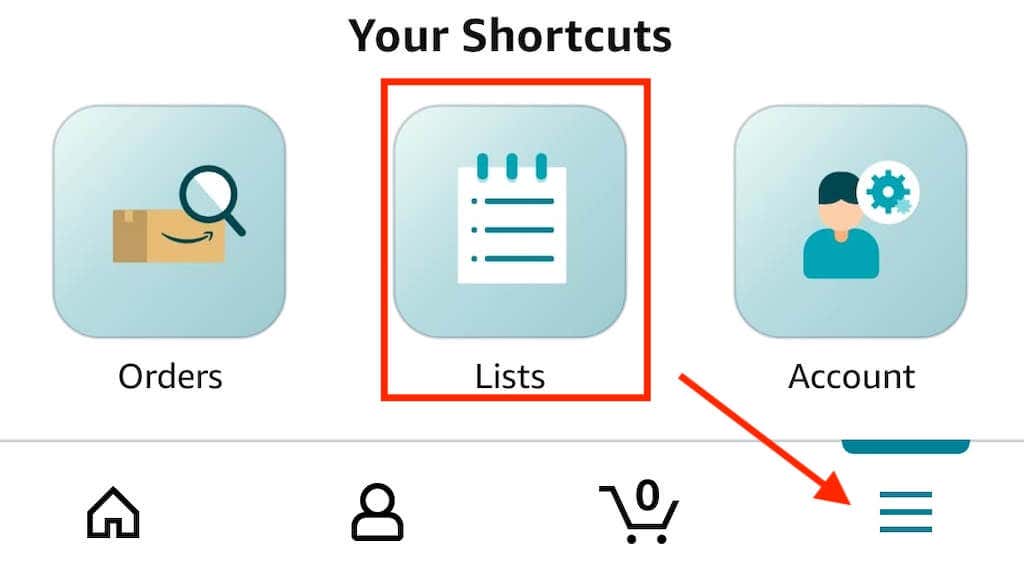
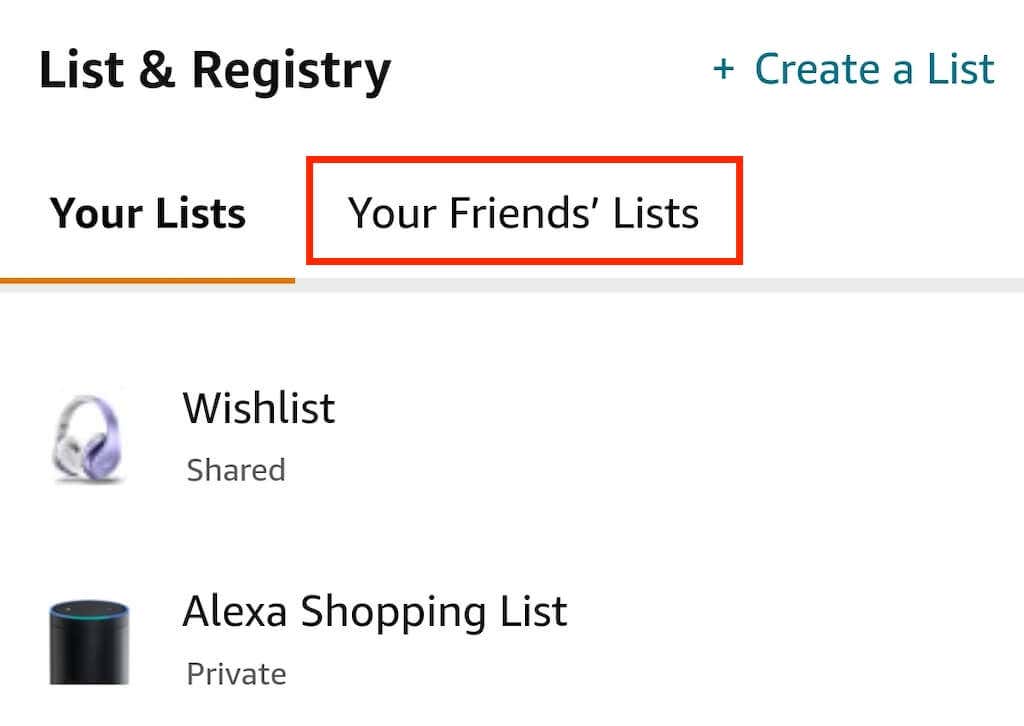
- From the pop-up section at the bottom, select Lists . This will open the List & Registry page.
- Select Your Friends’ Lists to see all of the Amazon wish lists shared with you.
- Open the Amazon website and hover over Account & Lists .
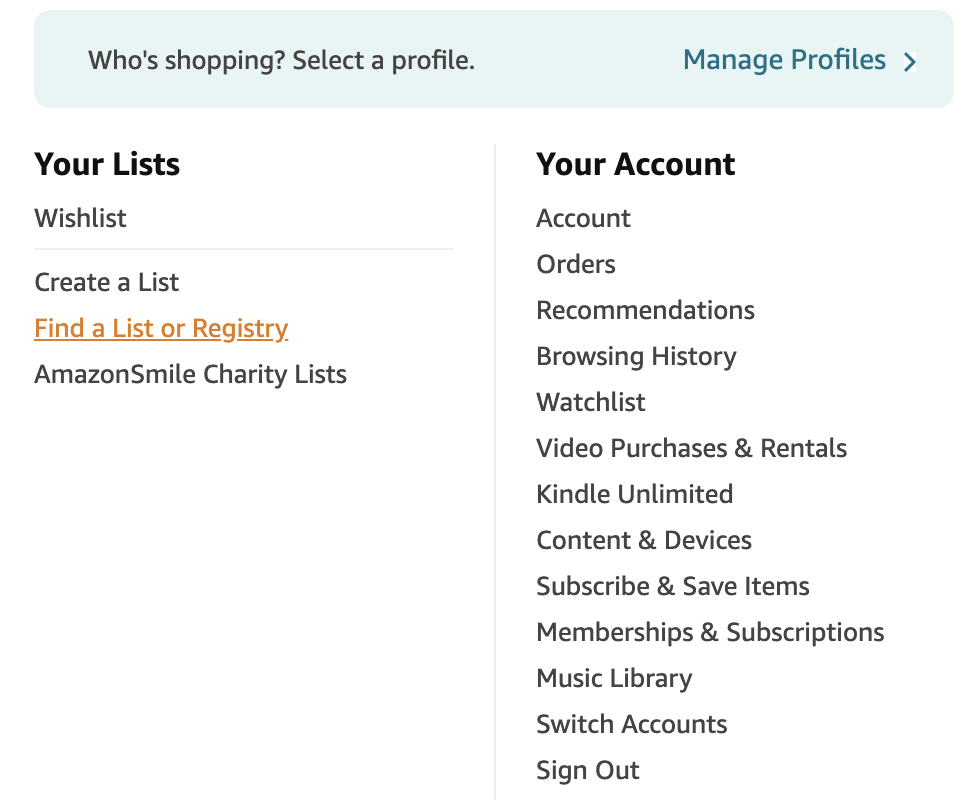
- Select Find a List or Registry from the left side of the menu.
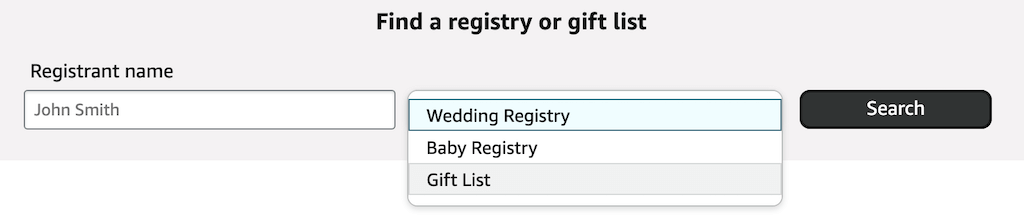
- Type your friend’s name into the Registrant name section, choose a registry or gift list type: Wedding Registry , Baby Registry , or Gift List, and select Search .
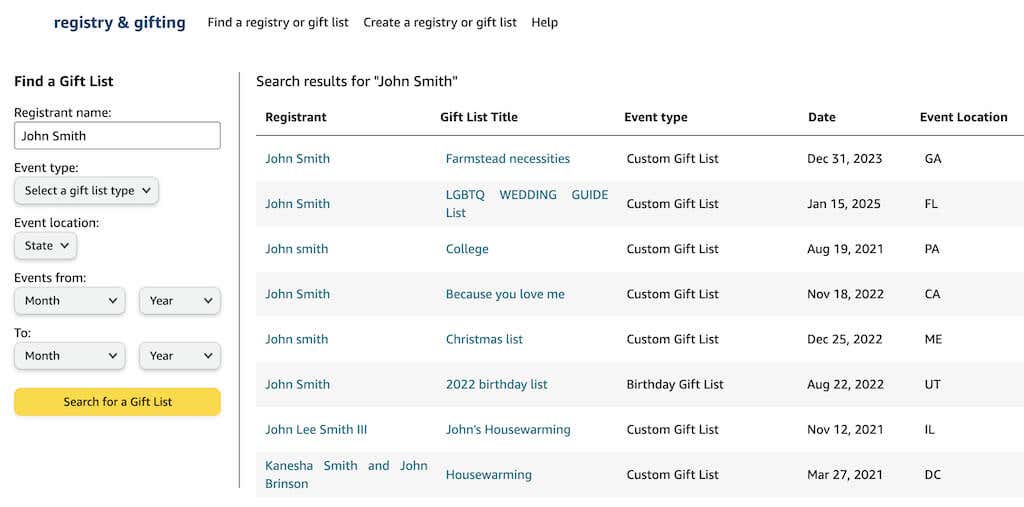
- Amazon will then give you a list of all gift lists registered to similar names. You can then use the advanced search options like Event type , Event location , and date to narrow down the options and find the right gift list.
- Amazon Fire Stick Home Screen Not Loading? 9 Ways to Fix
- How to Share Your Amazon Cart
- How to Delete a Delivery Address From Amazon
- Deleting Order History from Amazon: All You Need to Know
- How to Cancel Amazon Gift Card Order (and Get a Refund)
