Microsoft Office 365 is a popular productivity suite used worldwide in offices, schools, and homes. It includes Microsoft Word, Outlook, Excel, and PowerPoint. Although you can buy these apps individually, a subscription has its advantages. You’ll get the latest updates and access to new features.
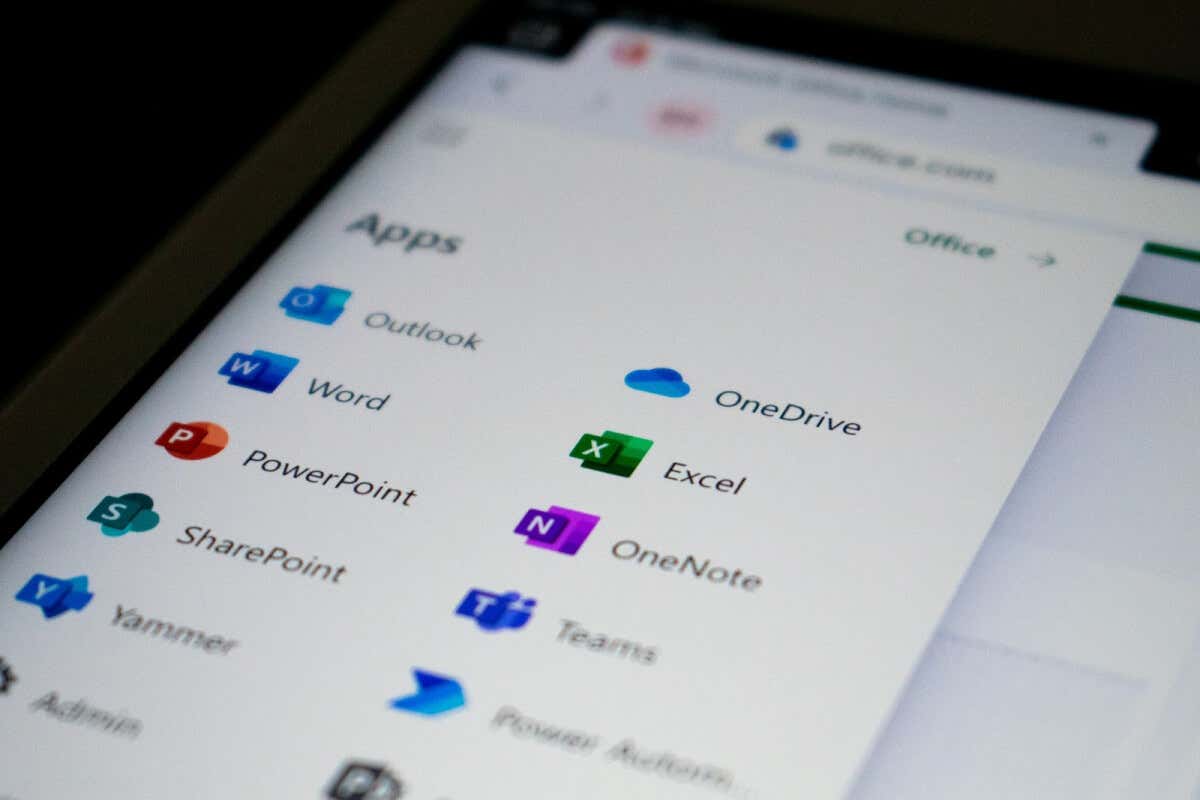
Do you want to take advantage of the full suite of Office 365 tools but don’t have the money to invest in a paid plan? We’ve got good news for you. Microsoft makes it easy for students and educators to get Office 365 completely free under Microsoft Education. If you prefer a one-time purchase, there’s also Microsoft Office for Windows and Mac targeting students. It’s called Office Home and Student 2021, and it costs $150. This version requires no subscription, but it’s expensive.
How to Get Microsoft Office 365 for Free
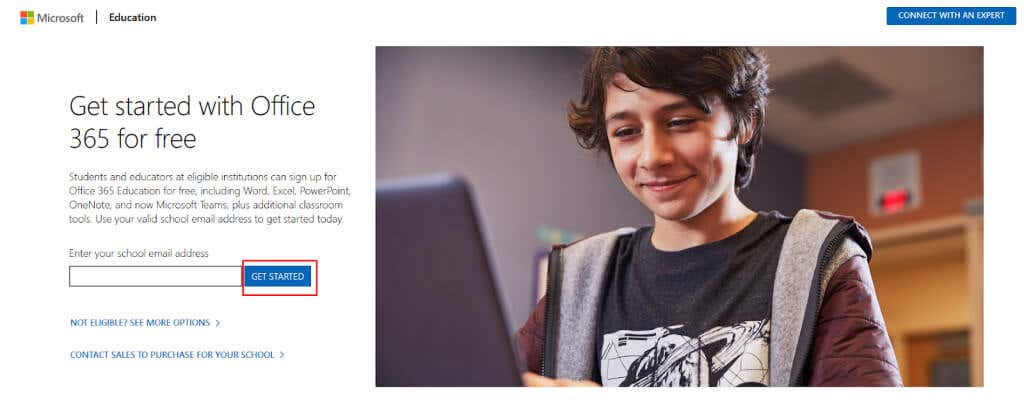
The email address you provide must be able to receive external emails. That’s because Microsoft will send you a verification code with which you’ll access your newly created Microsoft account.
Microsoft will automatically check the eligibility of your school or university and grant access to Microsoft Office 365 tools such as Word, Excel, PowerPoint, OneNote, and Teams immediately.
To be eligible, your school must pay for access to Office 365 apps. Most schools already do that, especially in the Western world. Once access is granted, you can also download and install the Office applications for free on your Windows or Mac PC.
What If Your School Is Not Eligible?
You can start a free trial period of 30 days and use the Microsoft Office suite in the meantime. If your application for Microsoft Education is not processed after the trial period expiration, feel free to contact Microsoft support .
What’s Included in Student Subscription
Most students won’t need more than what’s offered in this free subscription. Microsoft Education brings you Microsoft Word, PowerPoint, and Excel online apps. But you can also opt to install their desktop versions. They’ll be available for the following Operating Systems: Windows, macOS, Android, and iOS. Also, you’ll be able to install all of these apps on multiple devices so you won’t need internet access to use them.
These apps will enable you to work on your school projects with your colleagues, as you’ll also get access to Microsoft Teams and a 50 GB mailbox. That’ll make communication much easier.
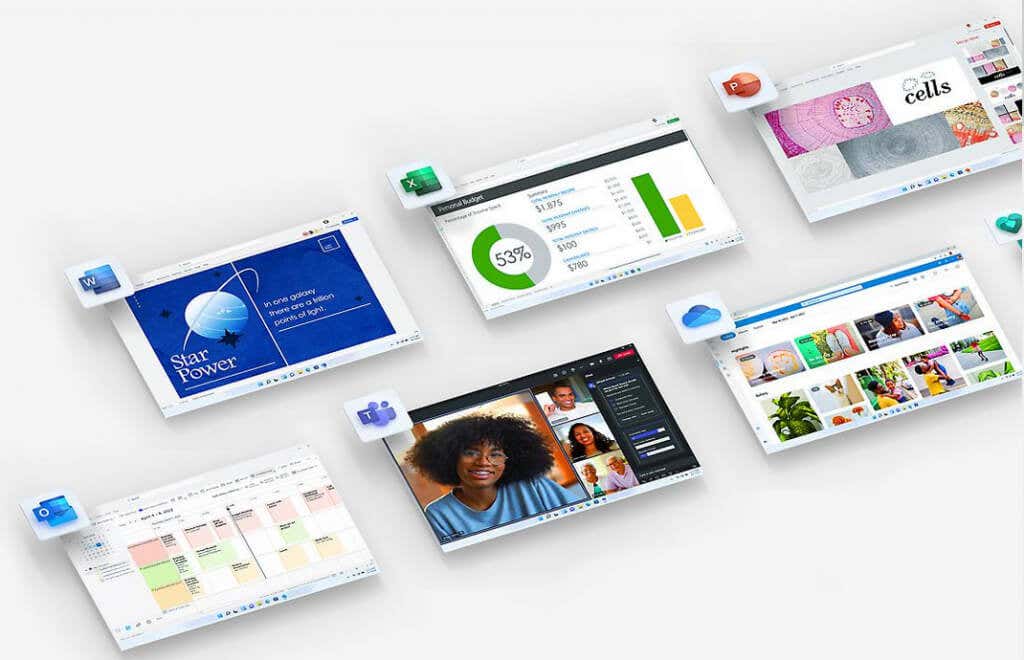
Everything you worked on related to your school assignments can be saved on your cloud storage with OneDrive. But your cloud storage will be limited to 1 terabyte. If your school adds five or more users, this storage space will become unlimited. Use it to save projects no matter the file type. They don’t need to be created in Office apps at all. Upload photos, PDF files, video files, and more.
If you need more than what the Free Microsoft Office 365 subscription for students has to offer, look into one of the three subscription tiers Microsoft offers:
- Office 365 A1
- Office 365 A3
- Office 365 A5
Although Office 365 A1 is free, the other two tiers are not. A3 will cost your school $2.5 and A5 $6 per user per month. Although the free subscription includes everything you could expect from Microsoft Office 365, the other two tiers bring some benefits. A3 comes with additional management tools that’ll help you organize the student’s workflow and are mostly aimed at teachers or group leaders. A5 is targeting schools that need additional security and analytics and is the most useful for universities that do research projects.
- Protect Office from Actively Exploited Zero-Day (CVE-2026-21509): Step-by-step Guide
- How to Find Circular References in Microsoft Excel
- How to Remove Headers and Footers in Word Documents
- How to Report Phishing Emails in Outlook
- Name Box in Excel: All You Need to Know
Nicolae is a Jack of all trades technology writer with a focus on hardware, programming languages, and AI image-processing software. Over the last five years, he has ghostwritten numerous tech how-to guides and books on a variety of topics ranging from Linux to C# programming and game development. Nicolae loves everything that has to do with technology and his goal is to share his knowledge and experience with others. Read Nicolae’s Full Bio
