Knowing when a website updates lets you stay on top of their new content. Fortunately, there are several ways to do this aside from manually checking on a whim whenever you wonder whether the site has changed.
Depending on the site you’re monitoring for updates, you can be alerted about anything — breaking news stories, brand-new products, blog updates, new cars, updated software, etc. A website monitor can even be helpful for knowing when a website goes offline.


Tip: Not sure about the email provider you use? There are lots of options , including disposable email accounts and anonymous and private email services.

To know if the website you’re wanting to check for updates on is using RSS, look for an orange icon, likely somewhere in the corner or on the top/bottom of the page near a search bar or around their social media icons.
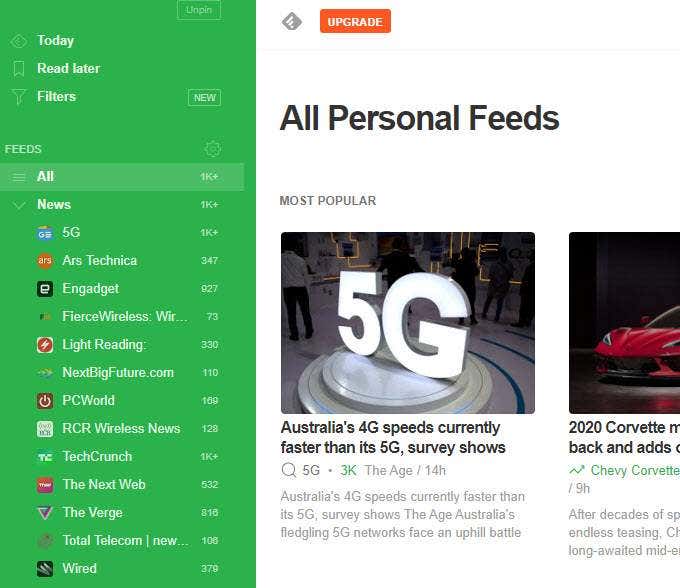
Some examples of free RSS feed readers include Feedly , The Old Reader , Feeder , Omea Reader for Windows, and Reeder for Mac.
Use a Website
Monitoring Tool
Tools exist that can do all the checking for you. These dedicated monitors are helpful if the site in question doesn’t have an RSS feed, if you don’t like using news aggregators, or if the changes you want to track aren’t available through an RSS feed.
Visualping is one example of a tool that will email you each time a particular web page changes. This is useful if you like to follow a single page and not necessary be alerted about all the site’s new content. It works by having you select which part of the page to monitor for changes.
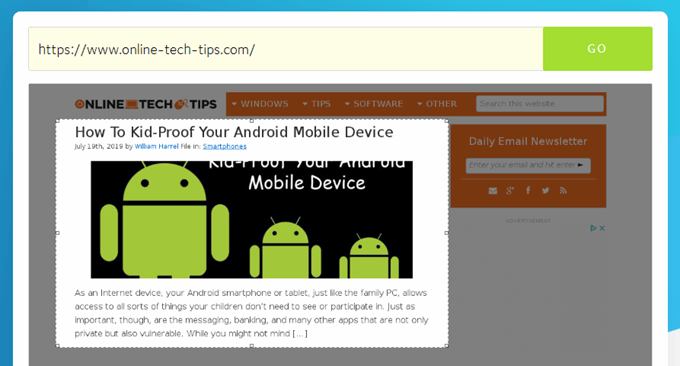
You can even adjust the change sensitivity and have the ping wait several seconds before checking for updates. Visualping free users are limited to 62 free checks every month.
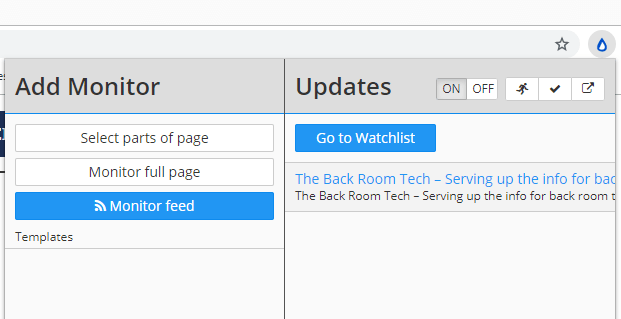
Distill Web Monitor is a Chrome extension, so it runs entirely in your web browser to monitor full pages for changes as well as any section of any web page. It works with RSS feeds, too. Free users get 25 website monitors and up to 30 emails per month, but more can be had if you pay for a Distill.io plan .
ChangeTower is similar to these other free tools that monitor sites for changes. It can monitor a single page for changes or the entire website.
Lots of really neat features are included in ChangeTower, letting you get alerted when any content is changed or added, when the changes match keywords you specify, when part of the page changes appearance, when the HTML code gets altered, and more.
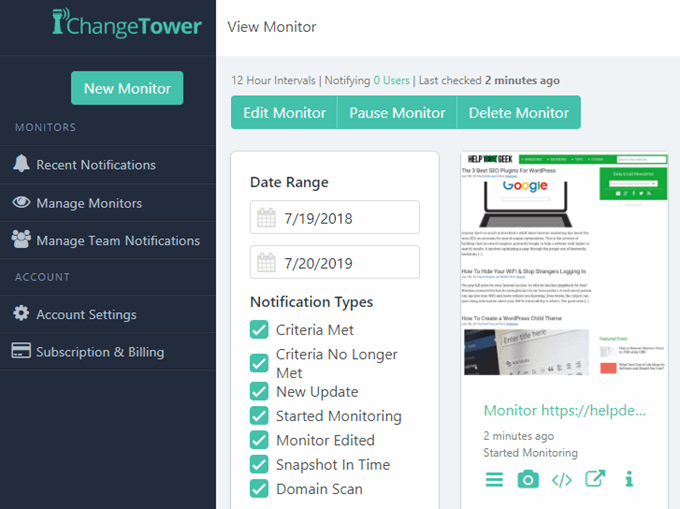
You get up to six free checks every day, with the most frequent lookup set at 12 hours (you can pay for faster ones).
Follow Any Social
Media Accounts
Another good way to track when a website changes is to follow the company on their social media platforms.
Most websites have links to their Twitter, Facebook, Instagram, Snapchat…you name it. Follow as many as possible to get the greatest exposure to their content. When they update their site with something they want the world to see, they’ll be sure to post it on their social media platforms.

- How to Fix Slow Wi-Fi on Your Smartphone
- 7 Best Machine Translation Software (or AI) to Try in 2025
- What Does the Green Dot Mean on Facebook?
- How to Turn off Hardware Acceleration in Chrome
- How to Check VRAM in Windows 10, 11, and macOS?
