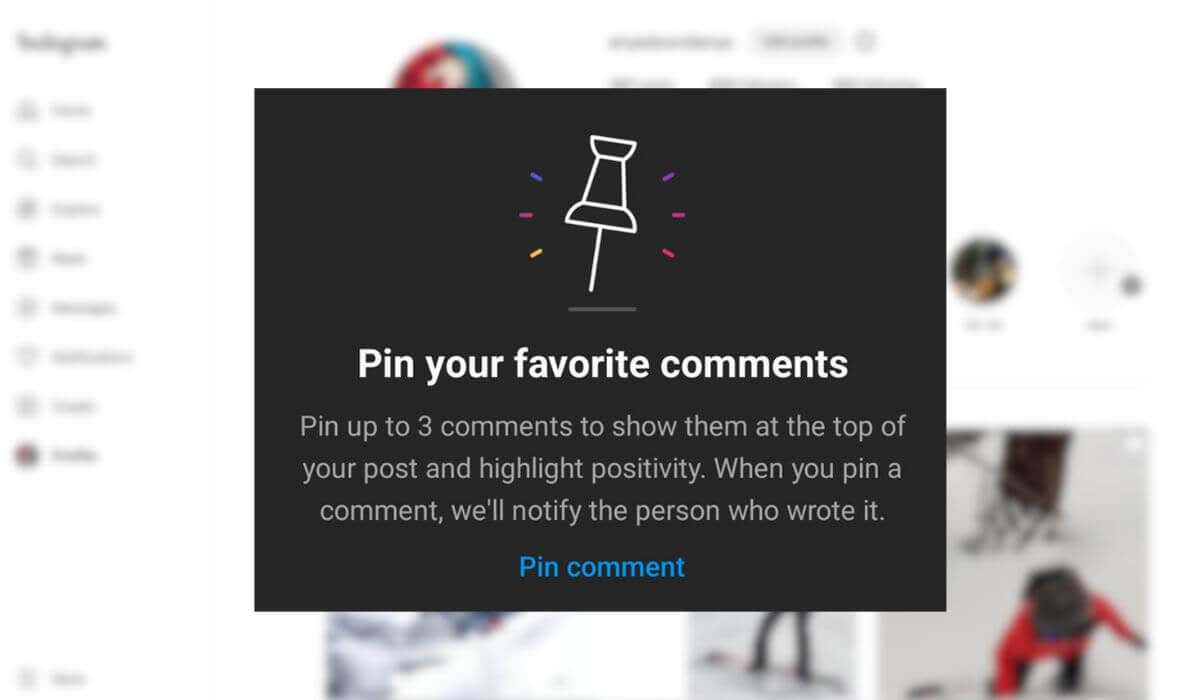
What’s a Pinned Comment on Instagram?

Before you try this feature, here are a few things you need to know about pinning a comment on Instagram.
- You can pin up to three comments (per post) to the top of your feed posts.
- Instagram only allows you to pin comments on your own posts on the platform.
- You can’t pin your own comments, only those left by other users.
- Besides text, pinned comments can contain emojis, links, and other media files.
- You can pin comments on all types of Instagram content, including Instagram Live videos and Instagram Reels. However, there’s no way to pin comments for an Instagram Story .
- When you pin a comment, the user will get a notification from Instagram.
How to Pin a Comment on Instagram
If you want to pin a comment to the top of your Instagram post, follow the steps below. The instructions to pin a comment are similar for Android and iOS users.
- Open the Instagram app on your device and sign into your account.
- Navigate to one of your Instagram posts.
- Select the speech bubble icon under your post to open the comments section. Then find the comment you want to pin.

- On Android: select and hold the comment until the toolbar appears at the top of the screen.
- On iPhone: swipe left on the comment you want to feature.
- Select the thumbtack icon (or the pushpin icon ) to pin the comment.

When you try to pin a comment for the first time, a verification message will appear explaining the basics behind the feature will appear.
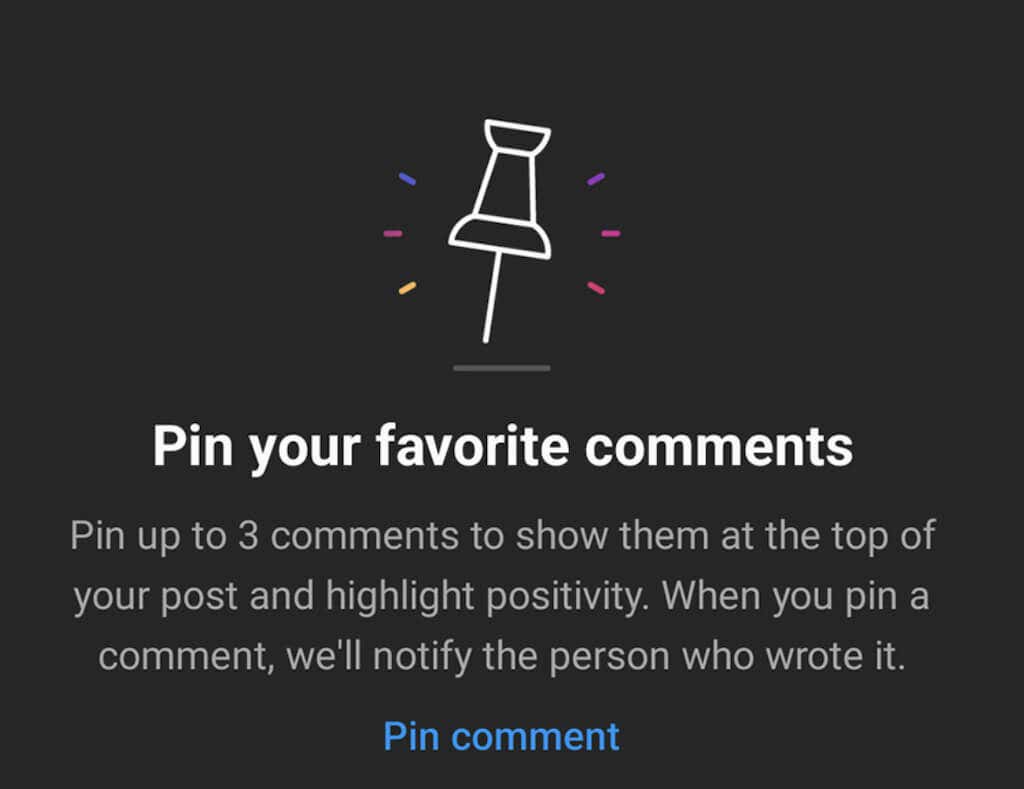
Select Pin comment to proceed. The comment will now say Pinned next to the person’s name.
How to Unpin a Comment on Instagram
To unpin a comment on Instagram, find the post and comment in question and select the pin icon .

You’ll see the Unpin comment pop-up window appear. Select Unpin to confirm.
- Open Instagram and log into your account.
- Go to the comments section of one of your posts.
- In the comments section, select the three vertical dots icon in the top right corner of the screen to access Comment Controls .
- You’ll see different control options divided into two sections: For all posts and For this post .
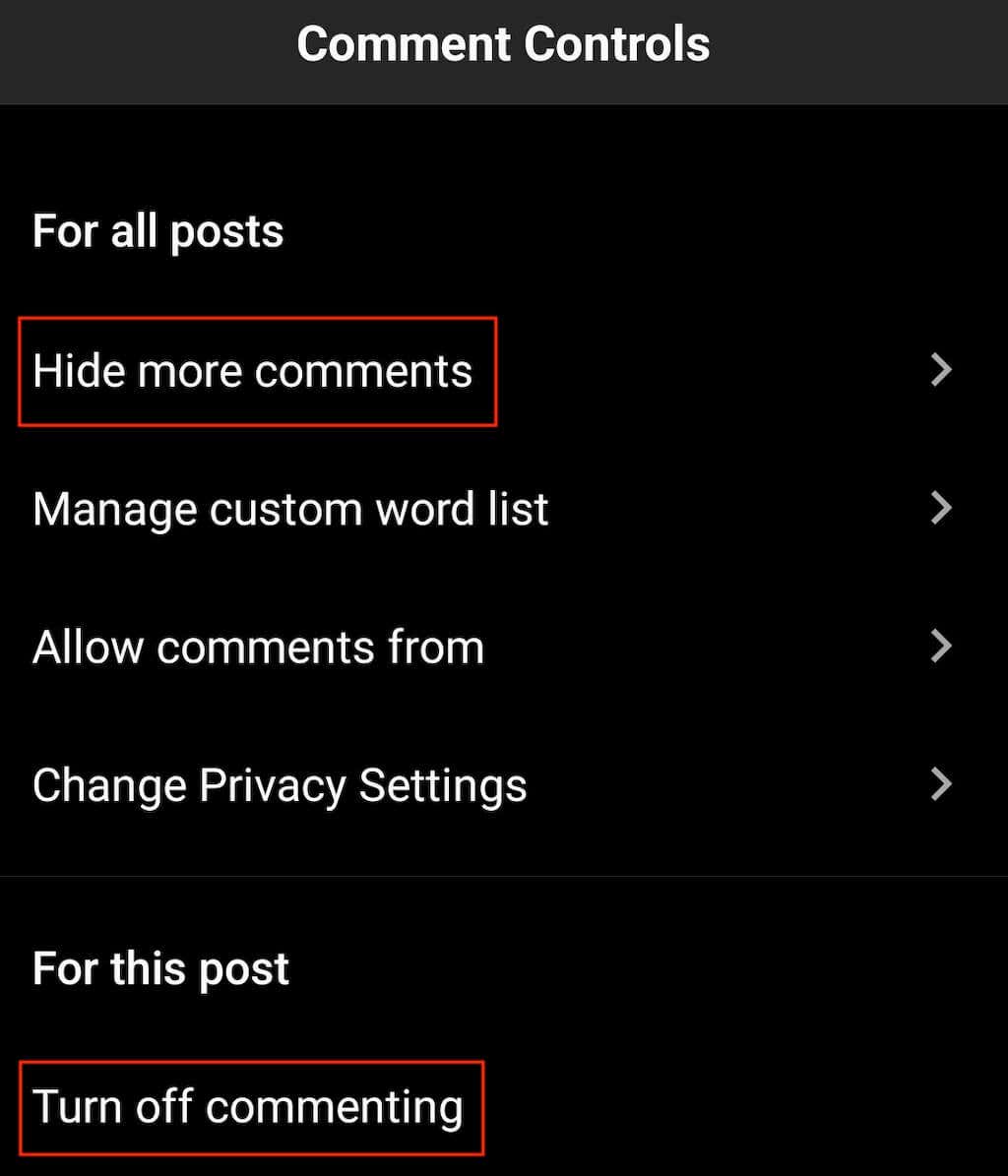
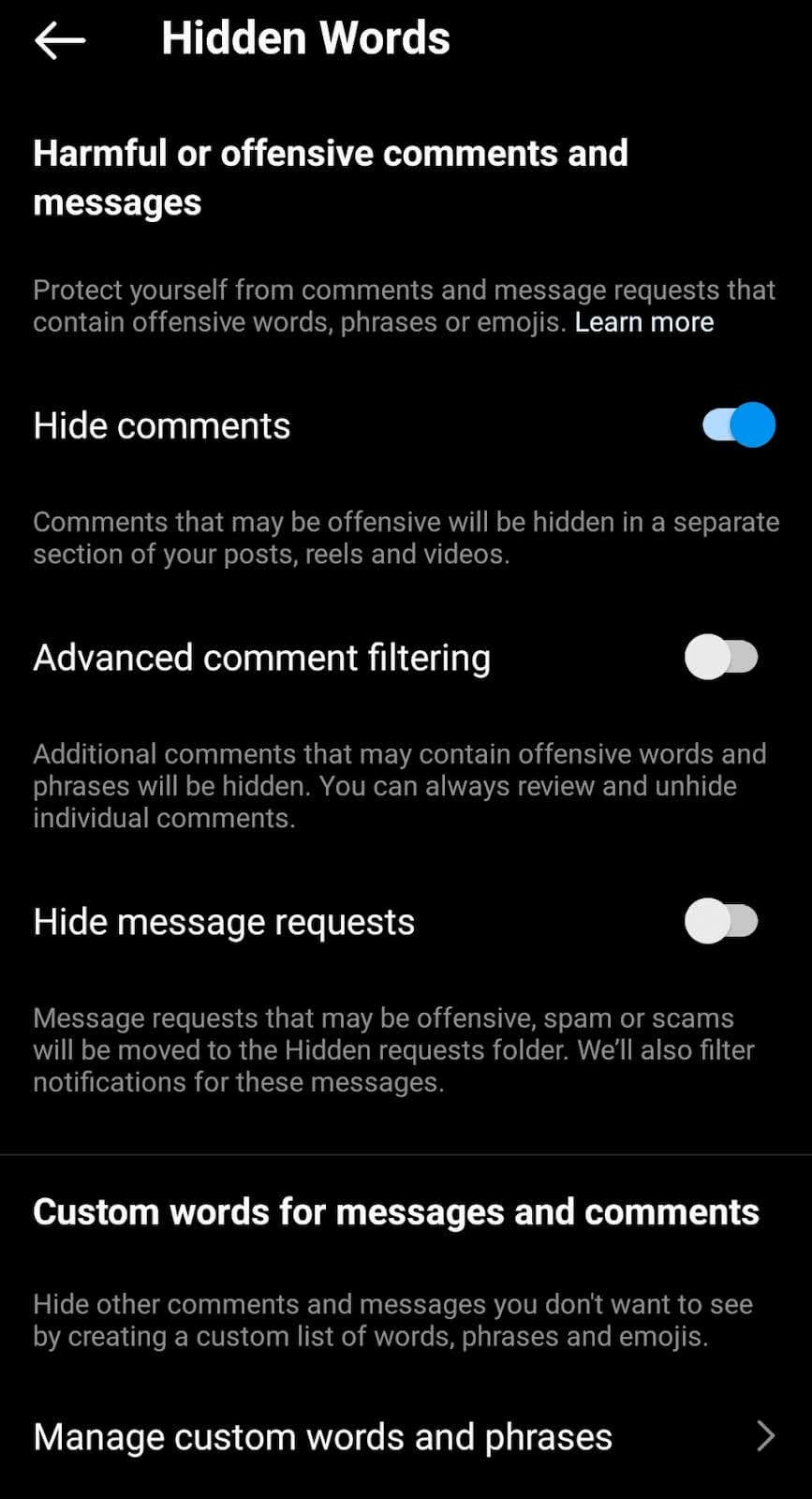
If you want to take it a step further, select Manage custom words and phrases . In this section, you can add specific words, phrases, and even emojis that Instagram’s algorithm will filter out from your comment section.
- How to See Watch History on Instagram
- How to Fix Instagram Notes Not Showing
- How to Hide Followers on Instagram and Protect Your Privacy
- How to Reset Your Instagram Explore Feed
- How to Turn Off Instagram Read Receipts
