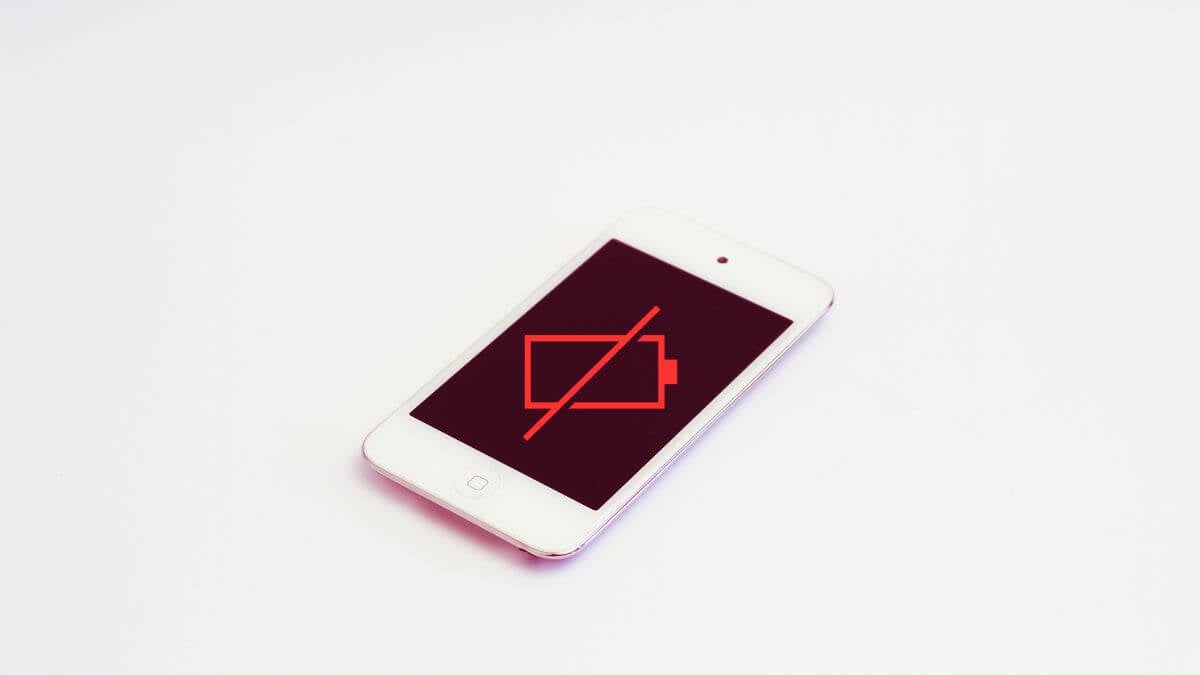
So, you’ve plugged in your Apple iPod Touch, eagerly awaiting that satisfying lightning bolt symbol to appear, signaling that your device is happily sipping on some much-needed juice. But alas, nothing happens.
Take a deep breath before drafting its eulogy or rushing to the nearest Apple Store. Your iPod Touch might only be throwing a tiny tantrum, and there are plenty of ways to coax it back into its usual, functional self.
Know Your iPod Touch: A Quick Recap of Models
Knowing which generation you’re dealing with is crucial if you’re troubleshooting your iPod Touch’s charging issues. Different generations have different features, and knowing the age of your device can help you understand if battery wear and tear might be a factor.
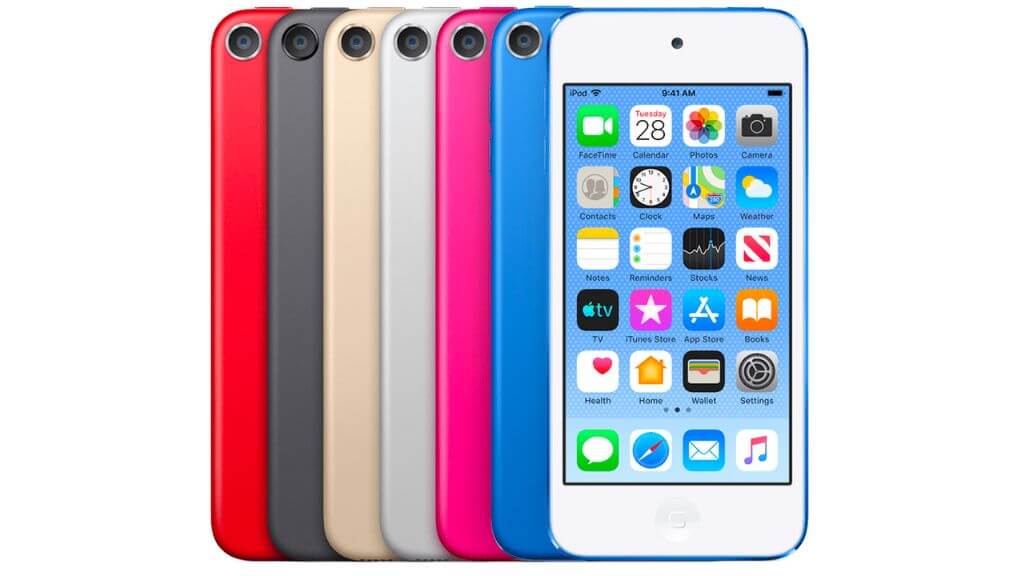
(Image Credit: Apple)
Here’s a quick rundown to help you identify your iPod Touch model:
1. Update Your Firmware
Assuming your iPod Touch has enough battery power or will still run with a cable connected, you can use the opportunity to ensure that iOS is updated to the latest version, just in case your charging issues are the results of a bug that has been addressed in the newer version of the operating system.
2. Not All Chargers Are Created Equal

If you’re experiencing charging issues and using a third-party charger or cable, switch to an Apple-certified one and see if that resolves the issue. Apple’s chargers and cables are designed to work optimally with their devices, ensuring efficient charging and long-term battery health.
3. Check for a Clean Charging Port and Undamaged Cable
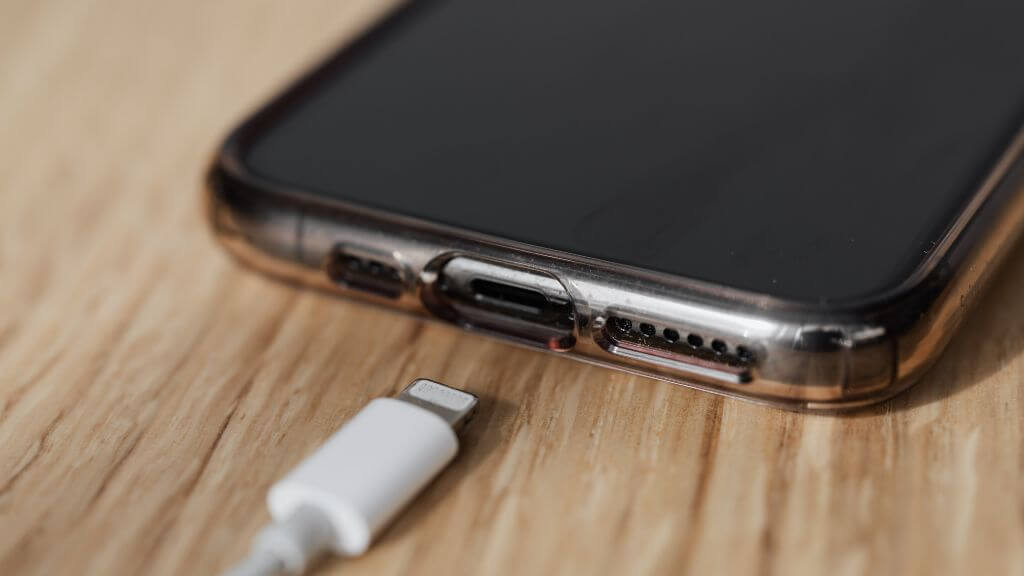
A frayed or damaged charging cable can be the silent culprit behind your charging worries. Always inspect your cable for any visible wear and tear. If you spot any, it’s time for a replacement. Also, a quick cleaning of the charging port with a plastic or wooden toothpick often solves the problem. Lint and debris can accumulate over time, preventing a secure connection.
4. Use the Power Outlet Directly From the Wall
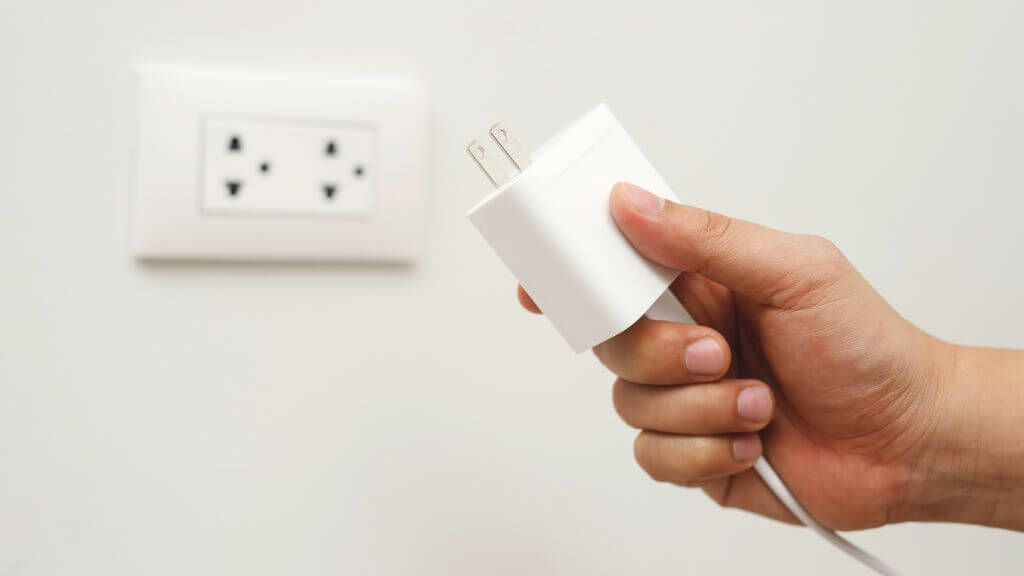
Sometimes, the issue isn’t with your iPod Touch or the charging cable but with the power source itself. If you use an extension cord or multiplug adapter, bypass these and plug your charger directly into a wall outlet. These additional connectors sometimes fail or provide inconsistent power, making charging difficult for your device.
5. Environmental Factors

Your iPod Touch is a sensitive creature. Extremely cold or hot conditions can affect its ability to charge. Always make sure the device is in a room-temperature environment. A too-hot or too-cold device will refuse to charge as a self-preservation mechanism.
6. Charging Longer
Don’t jump to conclusions if you’ve just plugged in your iPod Touch and nothing seems to be happening. Sometimes, the battery is so drained that it needs a good 15 to 30 minutes to gather enough charge even to start the device. Patience often solves what initially seems like a serious issue.
7. Force Restart Your iPod
If your iPod Touch is still not responding, it might be time for a little tough love. A force restart can often snap your device out of a glitch-induced stupor. Hold the power and volume down buttons together until you see the Apple Logo appear. On older iPod Touch models, you’ll hold down the Home button instead of the volume down button, but the result is the same.
It’s like the tech equivalent of a splash of cold water to the face—refreshing and often effective. But remember, this is a temporary fix. If you have to force restart often, you might be dealing with deeper system issues.
8. Inadequate Connection Power
If you’re charging your iPod Touch through a computer, use a high-power USB port. Low-power ports, like those on a keyboard, won’t provide enough juice for a proper charge. Always connect directly to your computer’s USB port to ensure an adequate charge.
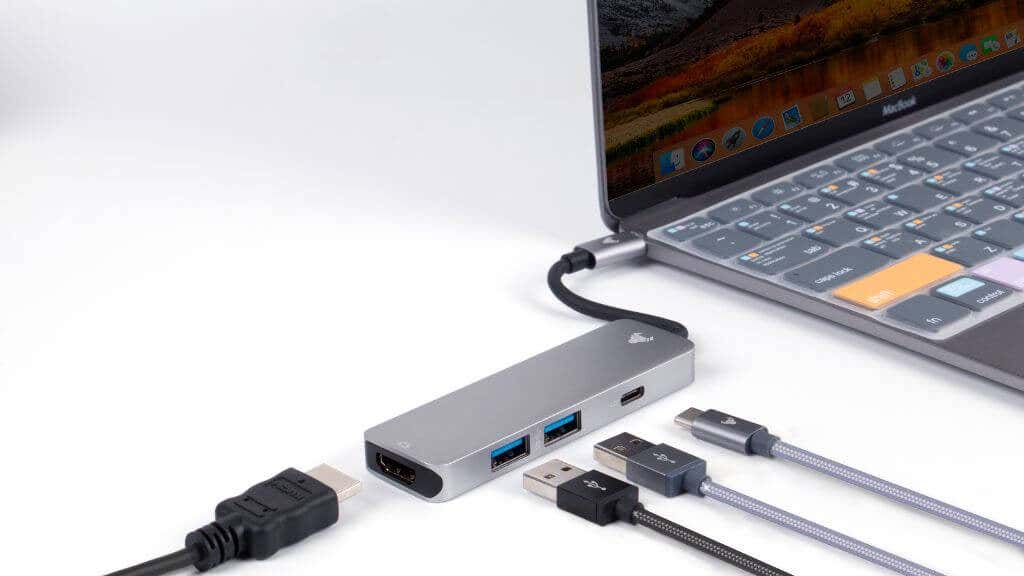
Even then, some ports on a computer might not offer enough juice, so try different ports until you find one that has enough power. You may also want to try a powered USB hub.
9. Keep Your Computer Awake
If you’re using a computer as your charging source, ensure it stays awake. Computers that go into sleep, standby, or hibernation mode will stop charging connected devices. Either disable the power-saving settings on your computer or wiggle the mouse now and then to keep it awake.
Some modern motherboards have an option to leave the USB ports powered up while the rest of the computer is off. You can usually find this option in the BIOS or UEFI; consult your motherboard manual to check if the PC or laptop has this feature.
10. Fix Software Issues With Recovery Mode
Sometimes, the problem is something other than hardware issues. If a simple restart or force restart doesn’t do the trick, you might need to put your iPod Touch into recovery mode and restore it via iTunes. This is a bit more drastic but can solve deeper system issues that simple restarts can’t fix.
To get into Recovery Mode, you simply do the exact same thing you did to do a force restart, except this time, you’ll plug your iPod Touch into your Windows PC (running iTunes) or your Mac (which already has the right software). It works pretty much the same for all iOS devices, so you can refer to our iPad guide for more information.
11. Try Other Apple Device Chargers
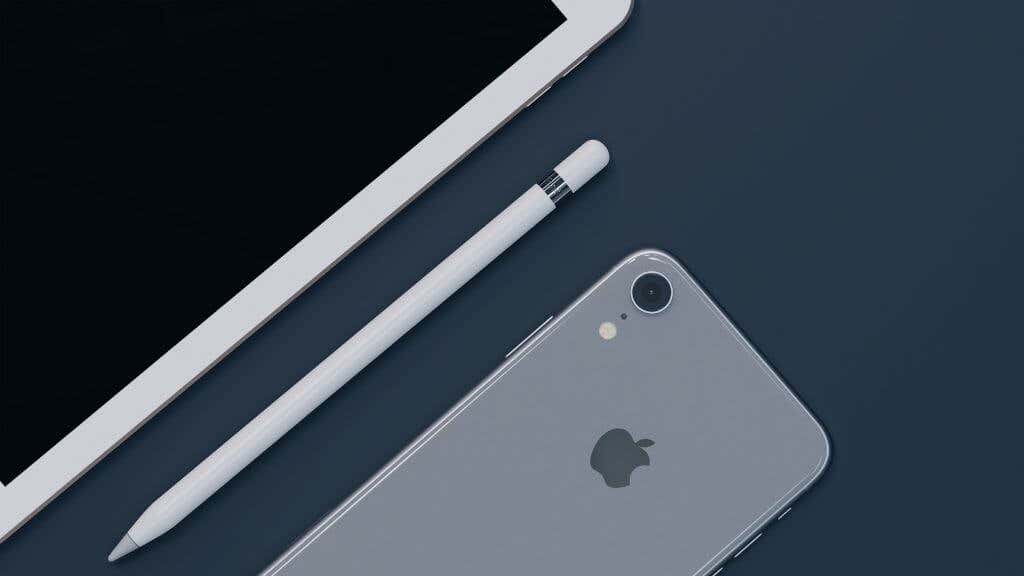
If you’ve tried all of the above and are still facing issues, it’s time to bring in the cavalry. If you have other Apple devices like an iPhone or iPad, use their chargers to see if your iPod Touch’s charger is the problem. This can help you isolate whether the issue is with the charger or the device itself.
12. A Loose Charging Port
You’ve tried different USB cables, adapters, and even force restart your iPod Touch, but it still won’t charge. Before you throw in the towel, there’s one more thing to check: the charging port itself. A loose or wobbly charging port can prevent a secure connection between your device and the charger, leading to inconsistent or failed charging.
If you notice that the charging cable doesn’t sit snugly in the port, or if it easily falls out, you might be dealing with a loose port. While this isn’t something you can fix at home, it’s a relatively straightforward repair for professionals. Take your iPod Touch to an Apple Store or an Apple Authorized Service Provider for an evaluation. This could be a free or low-cost fix depending on your warranty status.
13. An Aged Battery
Even the best batteries have a limited lifespan, and your iPod Touch battery is no exception. Over time, the battery’s capacity to hold a charge diminishes, and the amount of useful battery life dwindles. If you’ve had your Apple gadget for a few years and it’s not holding a charge like it used to, battery wear and tear could be the culprit.
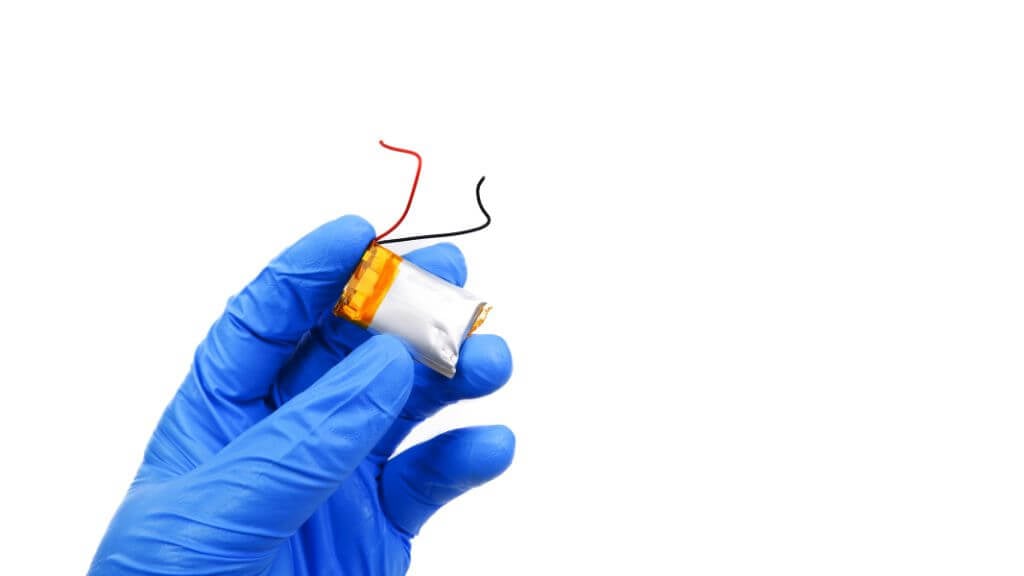
Apple provides a battery service that can breathe new life into your aging iPod Touch. Before you consider this option, check your device’s warranty or AppleCare plan—you might be eligible for a free or discounted battery replacement. If you’re out of warranty, weigh the cost of a new battery against the value of having a fully functional device. Sometimes, investing in a new battery is more economical in the long run than struggling with an old one that constantly needs charging or buying an entirely new iPod.
When to Wave the White Flag and Contact Apple Support
At this point, if you’ve tried everything and your iPod Touch still refuses to charge, it’s time to admit defeat and seek professional help. Check your warranty and head to the Apple Store or an Apple Authorized Service Provider for a thorough evaluation. Sometimes, despite your best efforts, professional intervention is the only solution.

So there you have it, a comprehensive guide to troubleshooting your iPod Touch’s charging issues. Whether it’s a simple fix like cleaning out your charging port with a toothpick or something more complex that requires a system repair, this guide has got you covered. And remember, professional help is just an Apple Store visit away when all else fails.
- How to Transfer Music From an Old iPod to a Computer
- 6 Reasons The iPod Touch Is Still Worth Buying Today
- Fix Apple Watch Charging Problems (All Models)
- How to Use Your iPhone as a USB Drive on Mac and PC
- Apple’s Big Week: Design Debates, AI Ambitions, and Regulatory Roadblocks
