The idea of locking your phone up using such sensitive information as your facial features might feel a little unsafe. Where is the data on your face ID stored? Does it actually help you keep your iPhone secure? Does using Face ID mean you’re now part of a facial recognition database? Is Face ID safe to use?
Face ID has been touted by Apple as the best biometric security measure you can use. It’s easy too, as you don’t need to remember anything to simply look into a camera.
There is, of course, the option to add a passcode to your phone (and it’s required to use one even if you enable Face ID, just in case it doesn’t work), so how much more secure is Face ID compared to that?
The truth is, you don’t need to be overly worried about using the feature, and here’s why.
How Apple Stores Your Face ID
The data created on your face when you first make your Face ID never actually leaves your iPhone. It’s definitely not added to any databases, stored in a server, or sent anywhere else. Instead, it’s kept in a processor on your iPhone, separate from the main processor, called the SEP, or secure enclave processor.
Furthermore, an actual representation of your face isn’t actually saved (such as a picture or 3D model) but instead the mathematical data of your Face ID is stored to memory. So, if someone was somehow able to get into this SEP, they wouldn’t see your actual face, just the numbers that represent it.

The main iPhone processor never obtains this data, it only recognizes whether or not the SEP says your face matches the data stored there. So, now that you know your face is safe, you might wonder how secure using the feature actually is.
How Secure Is Face ID?
As far as actually keeping your phone locked up, is Face ID a better option than just a passcode? Face ID , as well as Touch ID , the other biometric security method Apple has used for older devices, have been shown to be pretty tough to crack.
The issue comes if someone were to go to some length to create fake versions of your face in a 3D model in order to get into your phone. And once your identity has been compromised in this way, you wouldn’t really be able to go back to using your face as a security measure again.
However, situations like these don’t really need to worry you unless you’re someone high-profile, or have extremely sensitive data on your phone that someone could want. And if any thief tries to steal your phone, most of the time they won’t care much about it if they see it’s already secured by other measures. Most petty thieves don’t want to go through the hassle of trying to unlock your phone.
Though if they were determined, it is possible they could force you to look at your phone in order to open it. In this case, Face ID is essentially useless because it’s easy for an attacker to put your face up to your phone. So is there a better option for securing your phone?
Try Using a Long Passcode Instead
While using Face ID is better than using nothing, you’ll always have better security if you opt to use a passcode instead. Length of the passcode matters, too. A 4-digit one is extremely easy for a computer to guess, but the more numbers you add the more difficult it becomes to unlock.
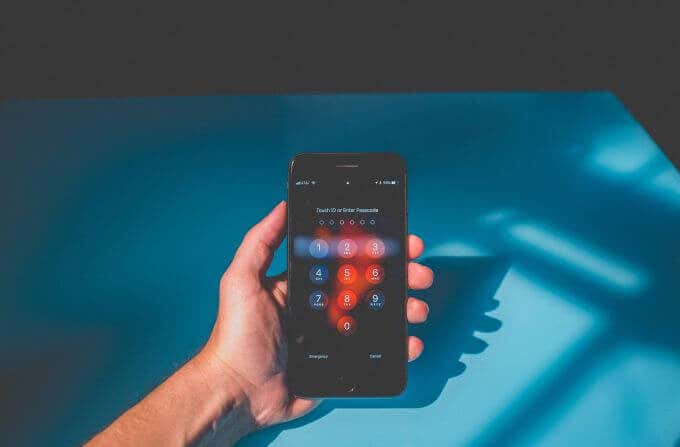
To get an idea of just how secure a longer passcode is, while a 4-digit code could take 7 minutes to crack, a 10-digit one could take 12 years. You also have the option to set up an alphanumeric code on your iPhone, which adds an extreme amount of security as well.
If you’re not too worried about someone breaking into your iPhone, though, and don’t really store any sensitive information on it, Face ID should be enough for you. And if you ever do feel you want extra security, you always have the option to change your Face ID and passcode settings within your iPhone’s settings.
No Method is Completely Secure
Of course, no matter what method you use to secure your phone, nothing is completely impenetrable. There’ll always be ways to compromise a security measure. It’s simply a matter of finding which ones are least likely for this to happen.
In the case of iPhone authentication, it’s pretty clear that using a long, complicated passcode is your best bet for security. But if you aren’t very serious about it and need something easy, Face ID is perfectly fine to use.
It’s highly advisable to use as secure of a method as possible though, because as the saying goes, it’s better to be safe than sorry. Nearly everyone uses their phone for important tasks with sensitive data, such as banking apps, saved passwords, or other personal information. Even if you don’t think it could happen to you, phones get stolen all the time. Whatever method you choose, make sure you do at least choose one.
- How to Fix Face ID With a Mask Not Working on iPhone?
- How to Use Face ID on iPhone With a Mask On (No Apple Watch Required)
- How to Use Your iPhone as a USB Drive on Mac and PC
- How to Turn Off Password Suggestions on iPhone
- How to Accept Invite to Shared Album on iPhone
Passcodes suck. They take a long time to type in, it’s easy to forget them and most people probably pick something really easy to guess, which hurts their security. This is why biometric unlock methods are so popular.
All but the most inexpensive smartphones now have fingerprint scanners built-in. One little touch and your phone unlocks, which is pretty convenient. But more devices are also now using facial recognition instead since screens are getting so large. Apple is no different and offers devices that use both of these technologies to secure them. Technologies that are officially known as Face ID and Touch ID.
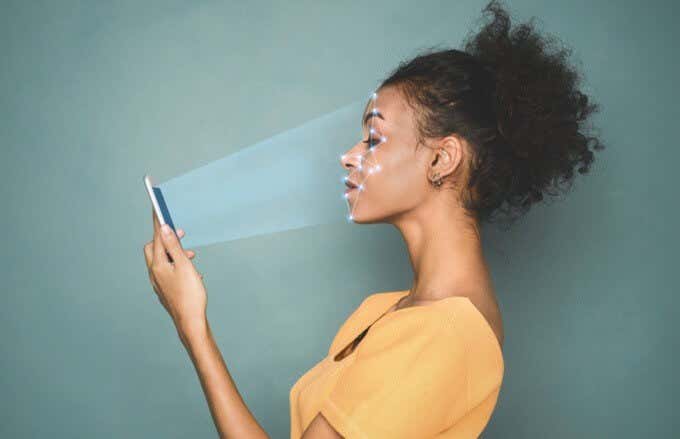
But how do Face ID and fingerprint scans work?
What Are Face ID & Touch ID?
The obvious answer to this question is that Face ID is a face unlock system and Touch ID is a fingerprint unlock system. Job done. End of article. Right? Well, it’s a little more complicated than that because although lots of different companies use faces and fingerprints to unlock their devices, they don’t all work in the same way.
These two biometric systems are Apple’s proprietary solutions to the biometric problem. This matters because companies like Apple feel that their approach and technology are more secure than their competition. It matters because hackers and other security specialists have managed to fool systems like these in the past.
As you’d expect, there’s a race between the creators of biometric security sensors and those who want to defeat them. You must know how the sensors on your Apple device work and what their limitations are.
How Does Face ID & Touch ID Work?
Touch ID is Apple’s most mature biometric system and you’ll find it on certain models of iPhones, iPads, and MacBook Pros. Its sensors use the sapphire crystal as the button material. This is very hard and incredibly resistant to scratches, which is why high-end smartphone cameras also use sapphire lens covers.
When you place your finger on the button, a very high-resolution image is taken of your fingertip. A proprietary software algorithm then examines the image, transforming your fingerprint into pure math. This is then compared to the stored mathematical transformation of the fingerprint that was registered when Touch ID was set up. If they match, then the device unlocks.

Face ID works in a pretty smart way as well. Many devices use a normal camera for facial recognition. It compares the photo it has on record with the one you are presenting to unlock the device. The software that does the facial matching is quite sophisticated, but many of these cameras can’t tell the difference between a photo or a mask, so they can be fooled into unlocking.
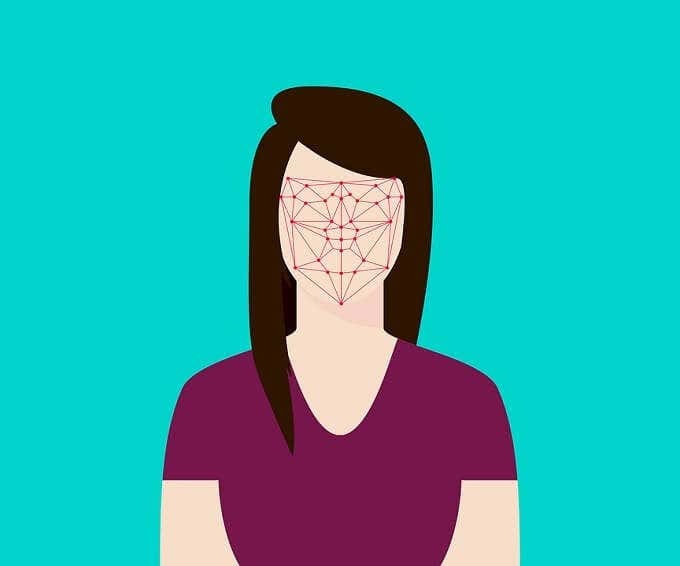
Face ID, on the other hand, makes use of a specialized TrueDepth camera to create a very detailed depth map of your face. One with over 30 000 points. It combines this with an infrared image of your face to create a facial profile. The neural net machine learning hardware components of modern Apple mobile device processors make this level of sophistication possible.
So how secure are these technologies and are they good enough for you to trust?
General Biometric Security Flaws
First of all, some security vulnerabilities apply to biometric systems in general. The biggest problem with using an aspect of your biology to unlock something is that you can’t change it. If someone managed to make a perfect copy of your fingerprint or face, they could unlock anything. If someone figures out a password or passcode, just change it.

This sort of thing has happened in the past and the way that biometric sensors have got around it is by becoming more detailed and looking at multiple aspects of your biology. For example, finer details of your fingerprints or the presence of body heat. Those who want to defeat these systems have to get better at replicating your biology, which is impractical for the average hacker at a certain point.
The biggest weakness of biometric systems is a pretty simple one. Someone can simply take your finger or face and force you to unlock your device. That’s different from a password or code which you can “forget” or otherwise withhold. We’ll deal with this scenario at the end of the article.
How Secure Are Face ID & Touch ID?
This is a bit of a loaded question since that depends on what your definition of ‘secure’ is. Usually, the security of systems like these is expressed as the odds of someone randomly beating them. That’s the “brute force” method of cracking a digital lock. For Touch ID there’s only a 1 in 500,000 chance of someone’s fingerprint being similar enough to yours that Touch ID will be fooled.
Of course, that’s very different compared to someone making an impression of your fingerprint or creating fake ones from a scan. Then again, how likely that is to happen depends on who you are and if someone would be motivated to take this extreme path. If you’re a VIP who draws this sort of attention, you shouldn’t be using biometrics, since they aren’t secure enough at that risk level in our opinion.

Face ID is more secure from a brute force perspective according to Apple’s numbers. With a one-in-a-million chance of a random person looking enough like you. Identical twins are perhaps the exception here. So what about photographs or masks that replicate your face? Face ID has countermeasures for this. As mentioned above, photos won’t work since the camera can sense depth. It uses neural net technology to also mitigate against the use of masks.
There are no numbers to tell us how effective this is, but once again for the average user, no one is going to spend thousands or even millions of dollars creating technology to defeat Face ID. If you’re the president of a country, don’t use biometric locks.
Activating The iOS Biometric Killswitch
Now only one issue remains. What if someone is in a position to force you into unlocking your phone? They just have to point it at your face or put your finger on it, after all. If you think you may be entering this situation, you can simply click the on/off button five times and biometrics will be disabled in favor of a passcode.
On the iPhone 8 and up you need to squeeze the side button and either of the volume buttons. These methods could be different when you read this, so be sure you look up the biometric killswitch method for your specific iOS device.
In short: Face ID and Touch ID are plenty secure for most people, but not for people who need military-grade security. If you are however very paranoid, use a six-digit passcode instead.
- How to Fix Face ID With a Mask Not Working on iPhone?
- How to Use Face ID on iPhone With a Mask On (No Apple Watch Required)
- Is iPhone Face ID Safe To Use?
- Fix Apple Watch Charging Problems (All Models)
- How to Use Your iPhone as a USB Drive on Mac and PC
