If you’re new to Twitch, however, you might be seeing bits, tips, and other confusing terms and asking yourself: What is Twitch Prime exactly? If you’ve ever wanted to take your Twitch streaming addiction to the next level, you’ll need Twitch Prime—here’s everything you need to know about it.
What Is Twitch Prime?
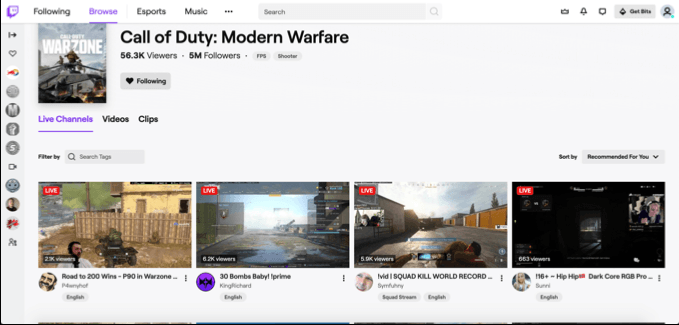
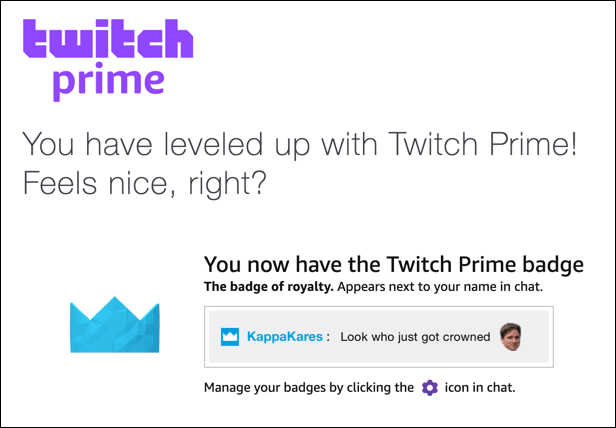
For the clout, a Twitch Prime membership gives you exclusive chat options, including Prime-only emojis, additional text colors, a cool Twitch Prime chat badge, and other channel-specific benefits that streamers may offer for Twitch users.
All in all, Twitch Prime allows you to support your favorite channels, giving you better visibility to chat with streamers and other users, as well as gain other tangible gaming benefits such as discounts or freebies.
Subscribing to Twitch Prime
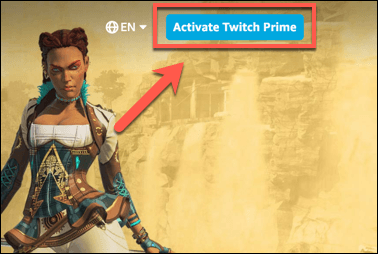
- To do this, head to the Twitch Prime website . You’ll need to sign in at this point using your Amazon account. Once you’ve signed in, press the Activate Twitch Prime button in the top-right corner.
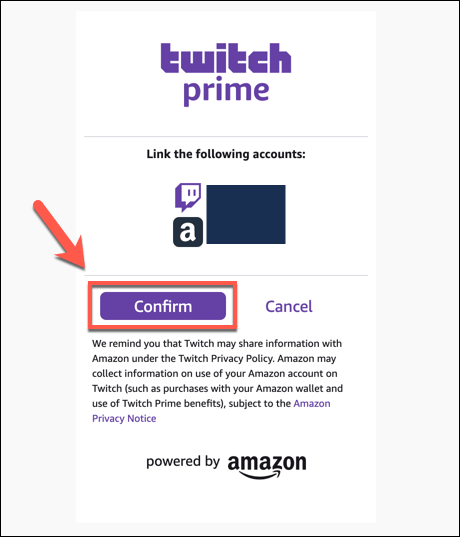
- You’ll be asked to sign in to your Twitch account at the next stage. Once you’re signed in, you’ll need to confirm that you want to link your Amazon account with your Twitch account—press Confirm to confirm this.
- Twitch will confirm if the process is successful, listing a few of your available benefits, and giving you the option to subscribe to a channel.
Once the trial period ends, your Twitch account will return to a standard free account.
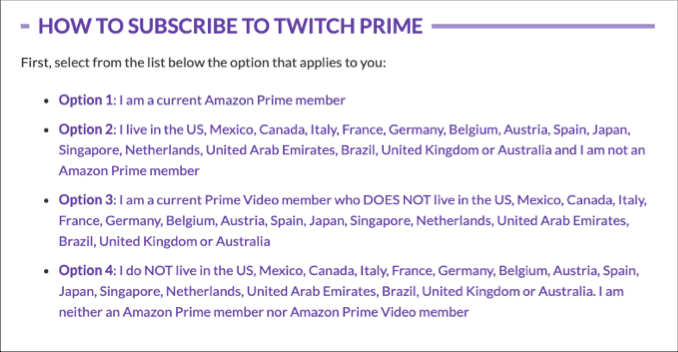
Available Countries for Twitch Prime
Claiming Twitch Prime Loot and Games
You can use the benefits included with a Twitch Prime membership in a few different ways.
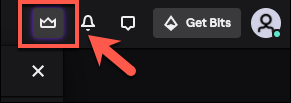
A Twitch Prime membership includes various loot, which is in-game items or gifts you can use with some of your various games. For instance, you may be able to claim a special, Twitch Prime-only cosmetic, or gain access to a free trial for a game. To access these items, press the crown item in the top-right of the Twitch website.
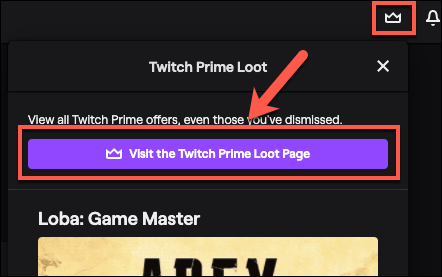
- You can see a full list of loot, including games you can claim for free through your Twitch Prime membership, at the Twitch Prime loot page . You can head there directly, or by pressing the crown icon in the top-right of the Twitch site, then pressing the Visit the Twitch Prime Loot Page button.
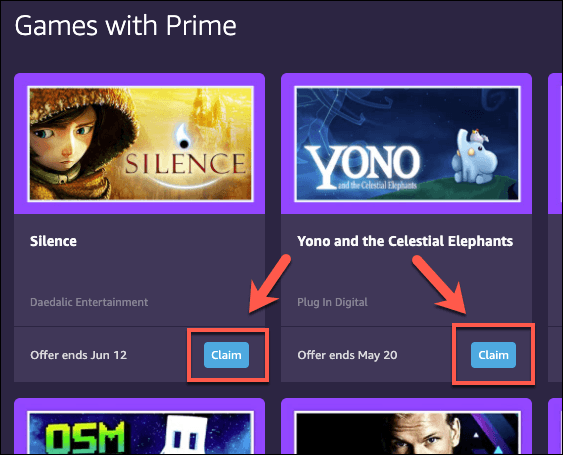
- Under the Games and Loot tab, press Claim to any game listed under the Games with Prime section to claim them for free. You can also do this for any of the loot or other content under any of the sections listed under the Games and Loot tab.
Using Your Free Twitch Prime Channel Subscription
A membership of Twitch Prime includes one monthly channel subscription for free. Subscribing to a channel offers a number of benefits, including the ability to shout out to the streamer, as well as gain specific channel benefits (including custom emojis).
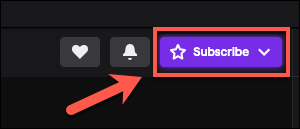
- Different tiers of subscriptions are available for users, with added benefits depending on the length of time you’ve been subscribed for, as well as the amount you pay. To use your free Twitch Prime channel subscription, open the channel you wish to subscribe to, then press the Subscribe button.
- This will bring up various subscription options. To use your free Twitch Prime channel subscription, press the Subscribe Free button.
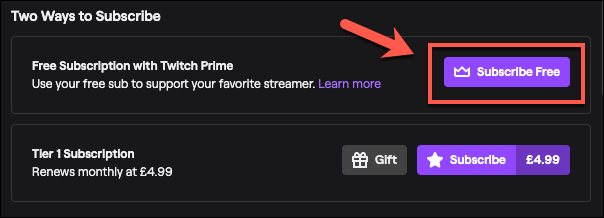
Free Twitch Prime subscriptions don’t renew, so you’ll need to do this every month to continue to support your favorite channel or the subscription will lapse. If you’re streaming games to Twitch yourself, Twitch Prime subscriptions are a great way to raise revenue for your channel at no additional cost to your viewers.
Twitch Streaming Alternatives
If you like the idea of streaming your own gameplay, you can stream on Twitch yourself. Just make sure you have a good quality microphone, a PC that can handle screen recordings, and the right games to play to build an audience.
- 7 Ways to Fix Twitch’s “Error loading data” Issue
- What are Channel Points on Twitch and How to Set Them Up
- How to Enable and Download Twitch VODs
- What Is Twitch Turbo and Is It Worth It?
- How to Host on Twitch
