
- Baby & Child
- Clothing & Miscellaneous
- Food & Grocery
- Health & Beauty
- Household, Kitchen, Office
- Outdoor, Garden, Garage
- Pet & Animal Care
- Toys, Games, Entertainment
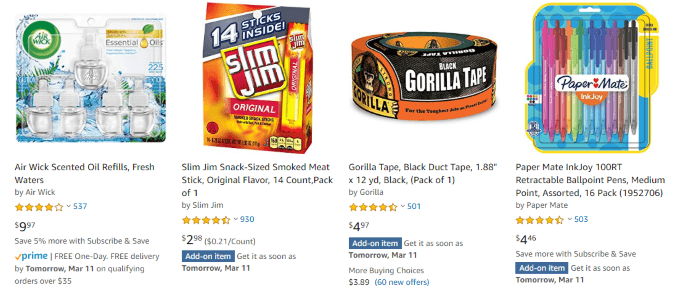
This site also has a filtering option to show add-on items below $2. This is great for tossing in filler items to reach a threshold or squeeze out the last bit of a gift card balance.
Unfortunately, there aren’t many advanced searching options beyond that. You can additionally search by keyword or phrase, but you can’t filter by price range.
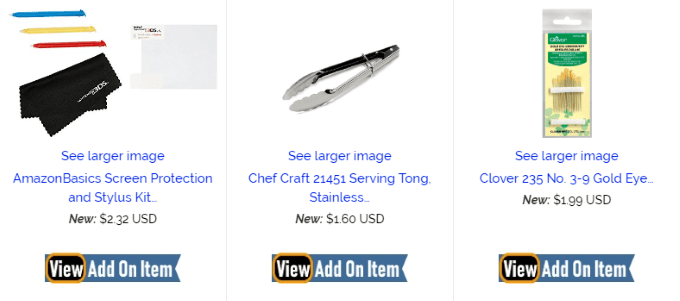
So Cool!
To filter your So Cool! search to add-on items only, you have to first make a search for an item. After you’ve made the search, below the search field and on the right side, click the text that reads “ filters ”.
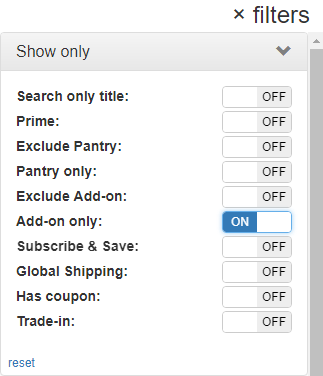
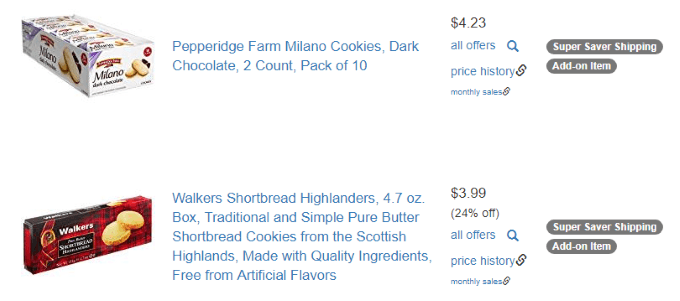
A menu will pop out, and here, you’ll want to toggle the “Add-on only” option on by clicking the OFF button to switch it on. Doing so will instantly filter all items for your current search term to display only add-on items.
- Amazon Fire Stick Home Screen Not Loading? 9 Ways to Fix
- How to Share Your Amazon Cart
- How to Delete a Delivery Address From Amazon
- Deleting Order History from Amazon: All You Need to Know
- How to Cancel Amazon Gift Card Order (and Get a Refund)
