However, up until now, I thought the only way for anyone else in my family to enjoy the benefits was to order it for them through my account and then just have it shipped to them.

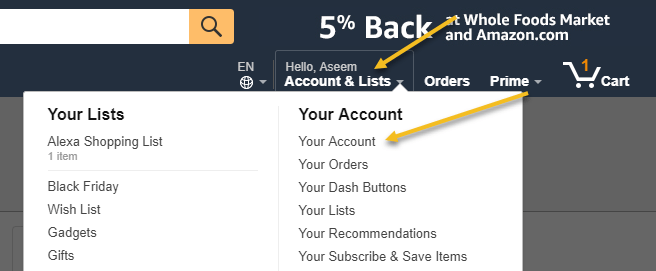
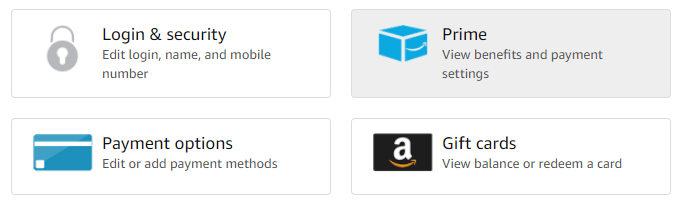
Next, click on the big Prime button to view benefits and payment settings.
At the top, you’ll see some summary information about your Prime membership like how long you have been a member and how many payments you have made.
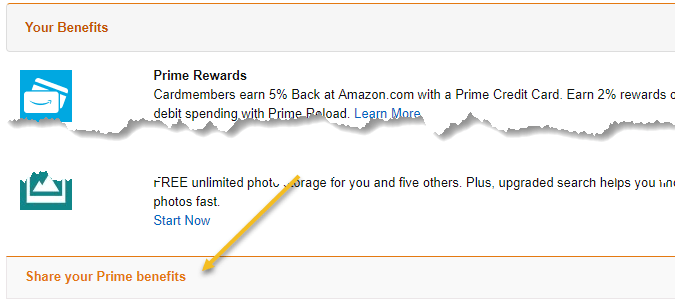
You’ll also see your default 1-click settings, etc. At the bottom is where you can invite someone else to share your shipping benefits. Click on Share your Prime benefits to expand it.
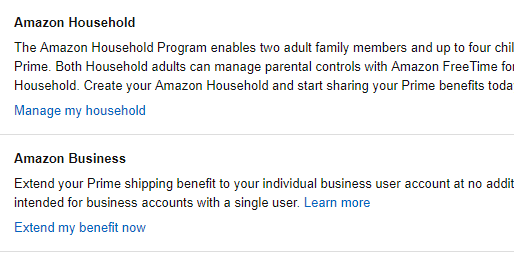
Next, click on the Manage my household link to add up to at least one more adult and up to four children.
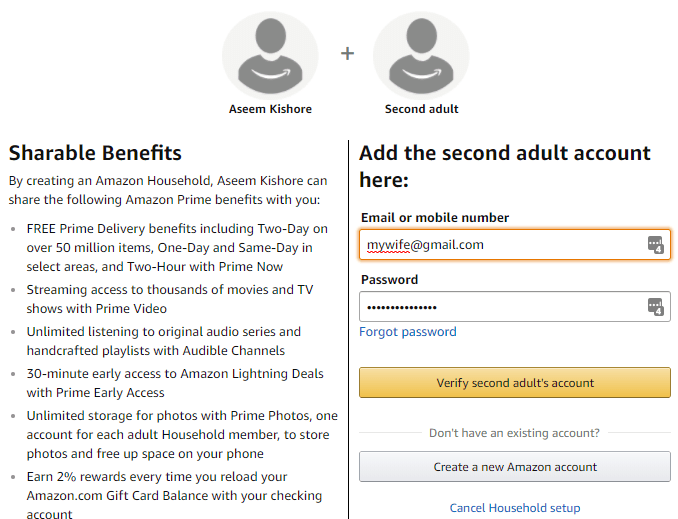
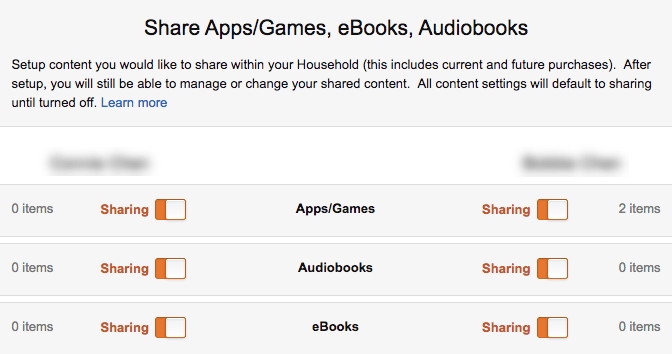
Once you add the adult, you can go ahead and add the children too. You’ll have to add in everyone’s gender and birthdays and then you can control what they have access to. You can choose whether to share apps/games, audiobooks, ebooks, etc.
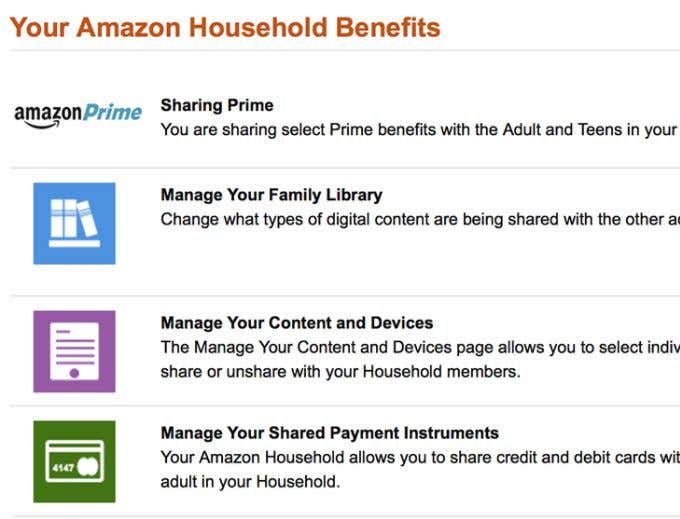
You can also click on Manage Your Content and Devices to control access to Prime Video, books, apps, music, etc.
That’s about it! Something that apparently has been around for a long time, but I never knew about!
- Amazon Fire Stick Home Screen Not Loading? 9 Ways to Fix
- How to Share Your Amazon Cart
- How to Delete a Delivery Address From Amazon
- Deleting Order History from Amazon: All You Need to Know
- How to Cancel Amazon Gift Card Order (and Get a Refund)
