When it comes to professional networking, LinkedIn is everyone’s go-to social network. However, If you’re a creative professional, specifically a graphic designer, you might need a more inspirational platform where you can showcase your work and display all your creative talents.
We’ve put together a list of the top social networking sites for graphic designers where you can place your design portfolio and network with other designers online.
1.Pinterest
Best for: visualizing your ideas and projects.
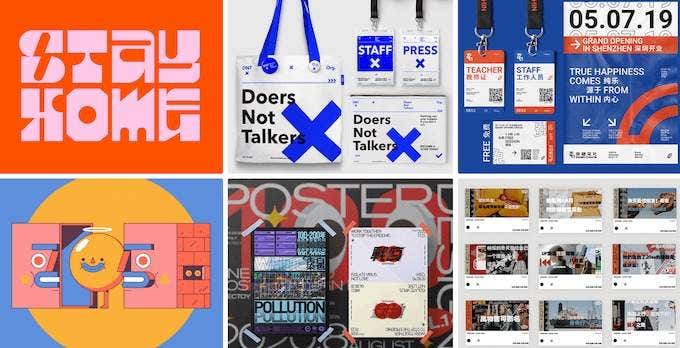
Pinterest started as a visual bookmarking tool. As it gained popularity it turned into a social network for creative professionals and a great tool for any designer.
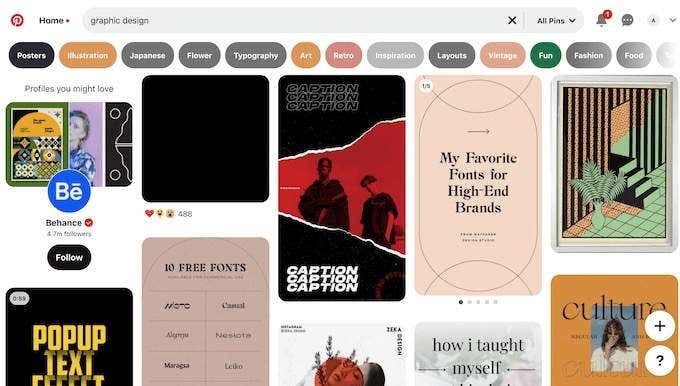
There are multiple ways that you can use Pinterest professionally as a designer:
- Showcase your work via your pinboards.
- Follow and connect with other designers whose work you find interesting.
- Get inspiration from other users sharing their works in a form of mood boards
- Exchange professional contacts and educational resources with other graphic designers online.
- Use promoted pins for marketing purposes and getting noticed.
Getting started with Pinterest is easy. All you need is to fill out the signup form on the site and you can start networking.
2.Dribbble
Best for: quickly exchanging bite-sized information.
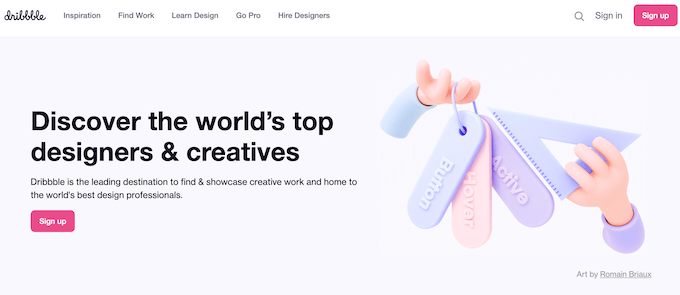
There are members on the site called “scouts” — people looking for designers for a project, which makes Dribbble even more lucrative for creative professionals.
3.Behance
Best for: getting your work noticed.
Behance is one of the most widely-known portfolio websites for designers to showcase their work and discover talented professionals.
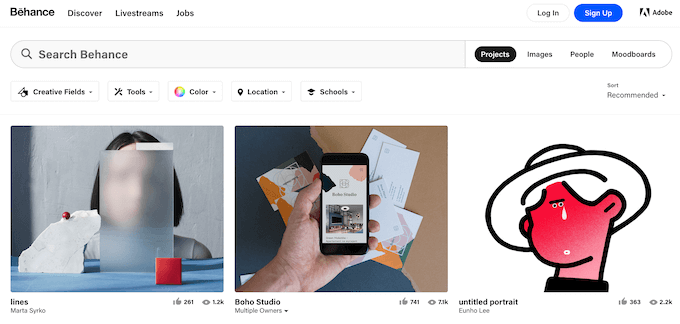
Thanks to a large community of designers and other creative professionals on the site, your work is more likely to get noticed here. If you’re looking for exposure and want to get a job or a project, Behance is your best choice. However, make sure to put the examples of your best work on display. Otherwise, you might get lost in the competition.
4.99designs
Best for: getting your first design gig.
If Dribble is Twitter for designers, then 99designs is Upwork (a remote job board) for designers. 99designs isn’t so much about sharing examples of your work with other designers. The site focuses more on connecting graphic designers with people looking to hire them for a project.
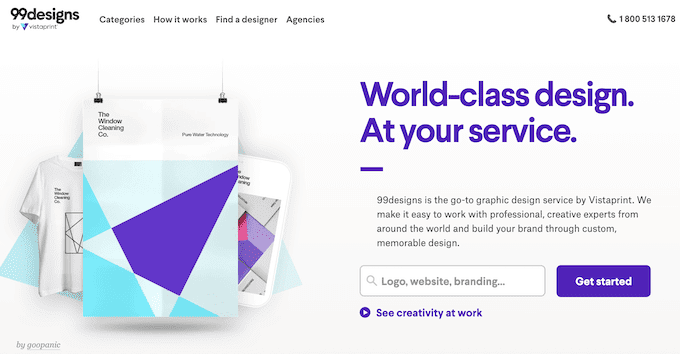
To be an active member of 99design, you need to create a graphic design portfolio on the site, and then take part in creative contests where a group of designers completes a small project and the winner gets the prize money.
5.Cargo
Best for: making your portfolio stand out.
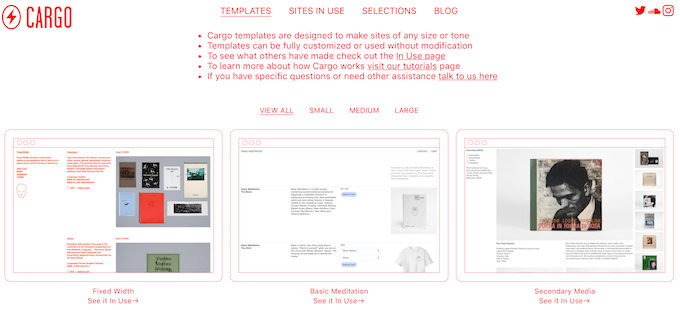
Cargo also has a network of creative professionals who can follow you and leave feedback on your work to help you improve your portfolio.
6.Fontli
Best for: working with typography.
Fontli is not for a wide range of graphic designers but for those who work with fonts and call themselves typoholics. The whole app is organized in a similar way to Instagram: the users create their profiles where they share examples of the fonts they’ve created or the fonts they’ve come across that they like.
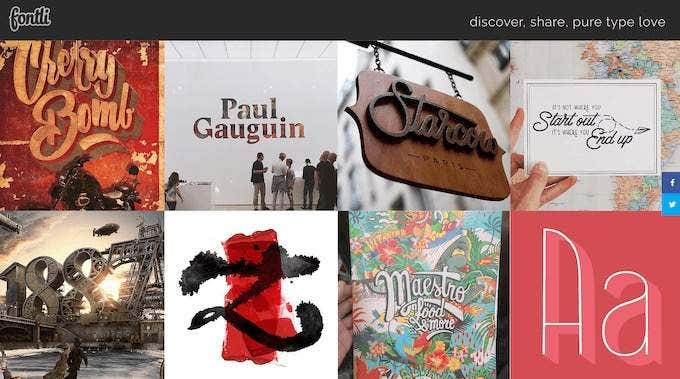
A feature that makes Fontli stand out is the ability to ID a certain font or typeface. You can upload a picture of a font and use photo tagging to get it noticed by more people on the app and get help identifying the typeface. However, since typography is rather niche in comparison, the community is not as large as on other platforms.
7.COLOURLovers
Best for: finding and sharing the best color combinations.
COLOURlovers is a networking website for illustrators, graphic designers, and other creative professionals where they can share color patterns and palettes, discuss the latest trends, and experiment with colors.
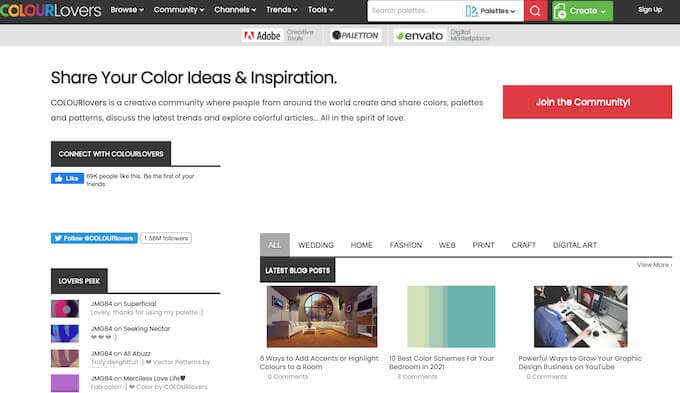
COLOURlovers is a useful online resource for people working on a design project of any kind, whether it’s a portfolio, a website design, or a booklet. You can create your designs right on the site and get feedback from other users. You can also use some of the color patterns and shapes that other users created and shared on the network.
8.SlideShare
Best for: finding educational content.
SlideShare might seem like a different breed compared to other sites on this list. SlideShare is a platform where professionals share their knowledge and experience in different spheres in a form of slides. The site has a dedicated Design section that any graphic designer will find useful.
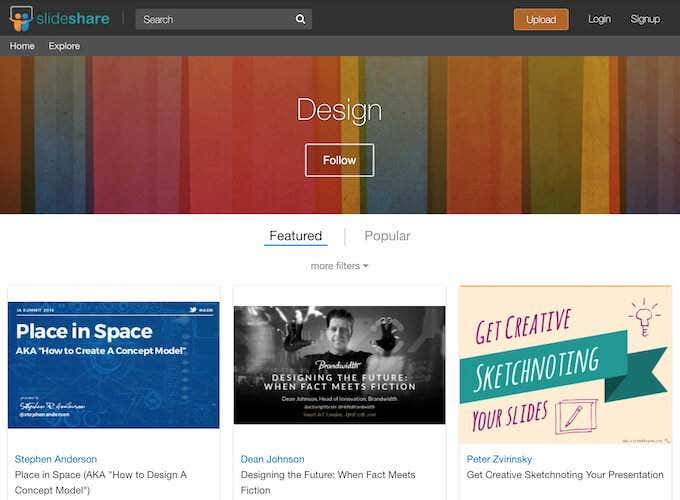
For beginner designers, SlideShare can offer plenty of growth opportunities. There’s a lot of educational material and other experienced designers on the site to learn from. For designers looking to get more exposure and start selling their work, SlideShare can offer a great boost for business as well as brand recognition. You can also create or upload your portfolio on SlideShare and follow other users that you want to connect with.
Time to Start Networking
Smart networking can get you the contacts you need, as well as your first big project. Showcasing your work is a big part of it, and a great way to get exposure and start making a name for yourself. When you put your work up online, don’t forget to protect any copyrighted content that you’ll be sharing with other users.
- The 8 Best Sports Streaming Sites in 2025
- The 10 Best Free Image Hosting Sites in 2025
- 8 Best Crowdsourcing Sites to Fund Your Business Idea in 2025
- 10 Best Free Audio Converter Tools (Online & Offline)
- 7+ Free Tournament Bracket Generators and Templates
