Despite Steve Jobs’ dislike at the idea of adding a pencil to an iPad (he supposedly said “yuck” at a press conference when asked), the accessory has caught on in a major way. The Apple Pencil is a fantastic tool for iPad users of all types, allowing them to take advantage of numerous coloring book applications and other entertainment apps.
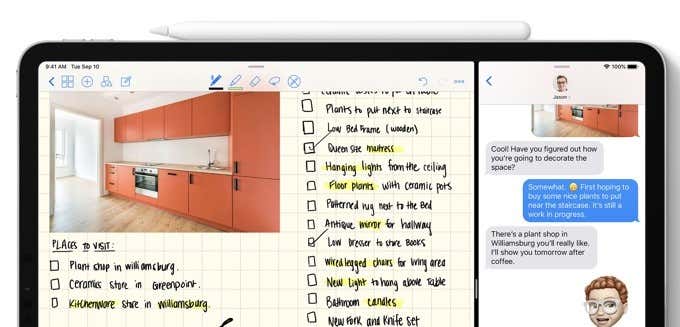
The downside, of course, is the price. The original Apple Pencil costs $100, while version two costs $130. If you use the iPad for commercial purposes, the price point might not be an issue—but for many casual users, the idea of shelling out a third of the cost of a new iPad will stop them dead in their tracks.
The good news is that there are numerous Apple Pencil alternatives that function almost as well as the original. Here are our picks for the best Apple Pencil alternatives.
Logitech Crayon
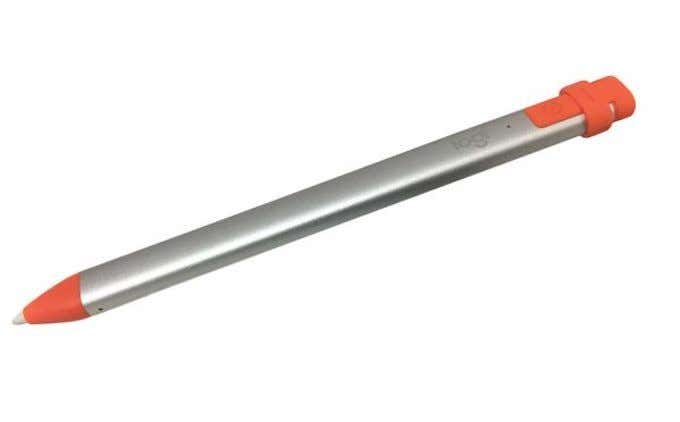
The Crayon takes advantage of palm rejection tech so that your iPad only detects the tip of the Crayon, not your fingers resting on the screen. There is next to no lag when using the device, and the battery lasts roughly eight to ten hours on a single charger.
The bright orange tip makes it easy to find, and while it isn’t as thin as the Apple Pencil, the Logitech Crayon’s wider body gives the user better control. You can tilt the tip to adjust the width of the line.
The Crayon pairs easily, too—you can practically turn the iPad on and begin drawing.
Wacom Fineline Bamboo Stylus
Wacom is one of the go-to companies for anything dealing with graphic design. The Wacom tablets are popular tools for creating digital art, and their stylus is no different. Although Wacom makes a broad range of styluses that work with the iPad, their Fineline Bamboo Stylus is one of the best.
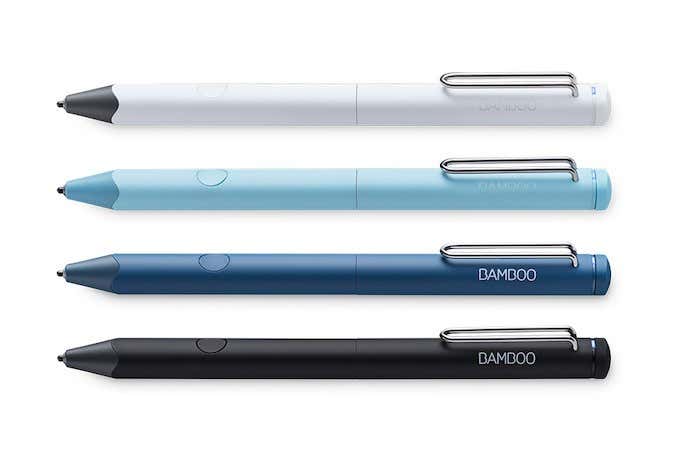
Coming in at just $60, it is far more affordable than the Apple Pencil but packs in a host of features and a 15 hour battery life that makes it appealing to both casual users and professionals.
The Wacom Fineline Bamboo stylus connects via Bluetooth and features a programmable button on its side that lets you easily swap between modes. When not in use, you can twist the tip to retract it and protect it from damage.
With its longer battery life and the precision of the tip, the Wacom Fineline Bamboo Stylus is a great choice for a professional.
- Which iPad Should I Buy in 2025?
- 5 Best Wireless Mice for MacBooks (in 2025)
- Beats Fit Pro vs Beats Studio Buds: What’s Different?
- Beats Fit Pro vs. AirPods Pro: Which Should You Buy?
- 7 Best 3-In-1 Charging Stations for Your Apple Devices
