The Apple Watch i s the epitome of wearable tech. It can make and receive phone calls, track your biometric data, function as a Fitbit, and much more. In the latest models, the Apple Watch can even function as a medical device to monitor your blood pressure and heart rate and alert your physician if you’re in danger.
But for those who care about aesthetics, the numerous choices for watch faces are where the device truly shines. By default, you can choose from multiple Apple Watch faces that include the Modular, Siri, Activity Digital, Breathe, Kaleidoscope, Vapor, Mickey Mouse, and Utility faces.
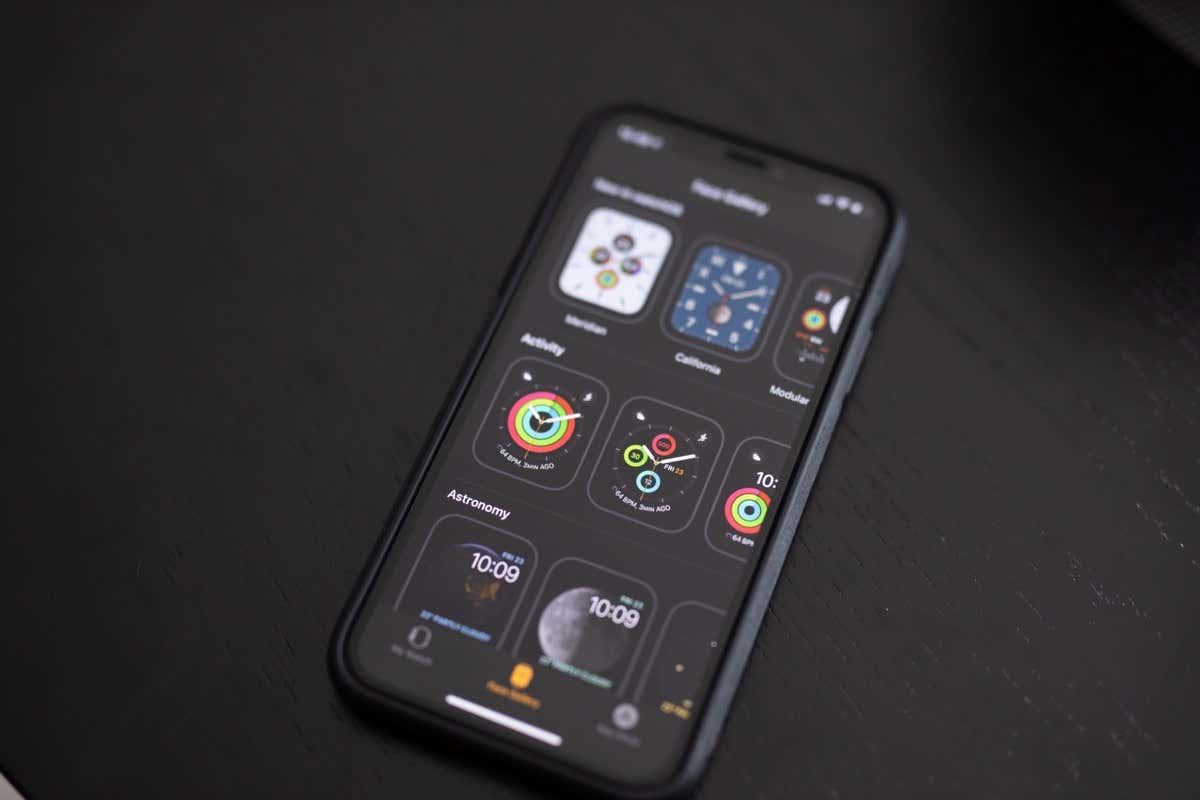
All of these are well-designed and will work for almost anyone, but if you want to stand out, go for the custom Apple watch face. You can choose images from your photo gallery as the background of your Apple Watch, but at present, you cannot download truly “custom” faces—but you can find awesome images to work as the background and create your custom face by adding “Complications.”
A “Complication” is a special feature you can add to the watch face, such as a stock price ticker or information from another app. The ability to choose what information you see at a glance is how you can make your watch face unique from anyone else’s. The key is knowing where to look for backgrounds.
Where To Get Complications for a Custom Apple Watch Face
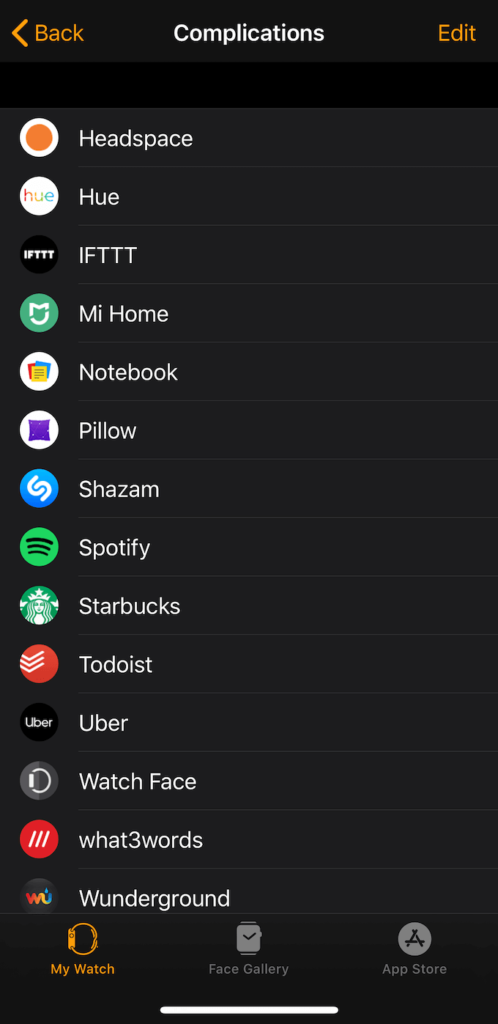
A full list of third-party apps that provide complications is difficult to come by. However, when an app does provide a Complication it will automatically appear in your list of potential options. You can view the ones you currently have by launching the Watch app and tapping Complications beneath My Faces .
WatchMaker
WatchMaker is an app that claims to have over 100,000 different watch faces and hands to choose from. It uses the Live Photos feature to create animated faces for the Apple Watch, but notes inside the app that analog hands, weather, and battery features are not supported by Apple.

The app provides access to quite a few free backgrounds and a watch face builder, but it is extremely aggressive in pushing its premium service – so much so that it is nearly unusable. While it is an option if you’re dedicated to exploring every potential outlet for creating custom Apple Watch faces, use it at your own risk.
- Fix Apple Watch Charging Problems (All Models)
- How to Set Your Apple Watch to Vibrate Only
- How to Delete a Workout on Apple Watch
- How to Delete Messages on Apple Watch
- Why Your Apple Watch Keeps Locking When on Wrist (And How to Fix It)
