Sites like Twitch allow users to watch and interact, in real time, with their favorite streamers as they play games or chat with their audience. You can start streaming on Twitch yourself with the right equipment and streaming software. But if that isn’t for you, you can sit back and watch live streams by other streamers instead.
What Is Twitch Turbo?
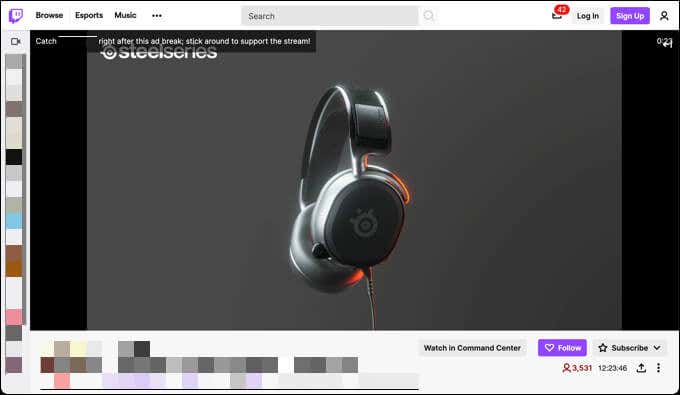
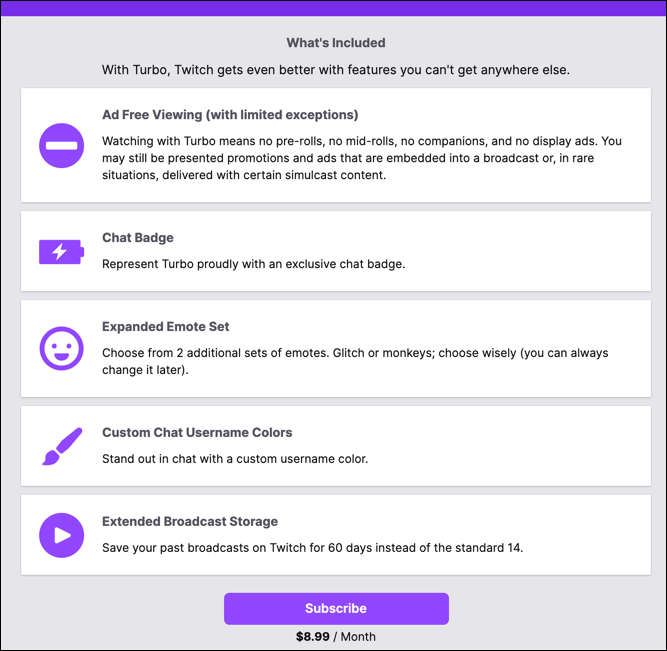
Twitch Turbo is the only guaranteed method for stopping ads on Twitch. Offered as a monthly subscription, it blocks almost all ads during streams. You won’t see pre-roll videos ads before or during a stream or any kind of on-page ads elsewhere, apart from ads presented in the stream by streamers.
If you’re a Twitch streamer (rather than viewer), you can also save your past broadcasts for 60 days, increased from the usual 14 days offered to other users. Twitch Turbo costs $8.99 a month on a rolling basis. If you decide to back out, you can cancel Twitch Turbo in your account settings area.
Twitch Turbo vs Prime
If you’ve been a Twitch user for a while, you may remember that a Prime membership unlocked an ad-free experience across Twitch. This was removed in 2018, leaving Twitch Turbo as the only reliable way to remove ads on the platform without an individual channel subscription.
Alternatives to Twitch Turbo for Ad Blocking
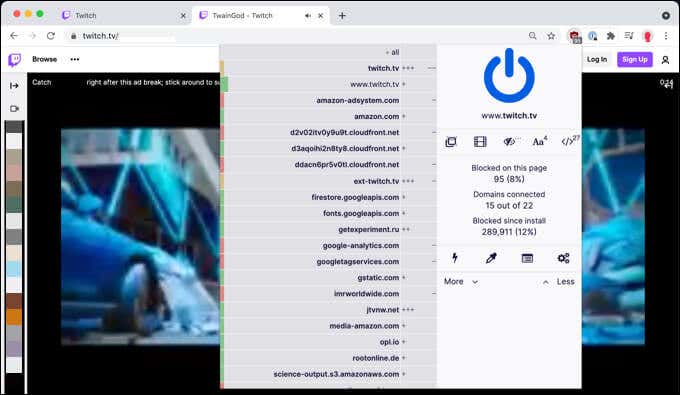
It’s also much more difficult to block Twitch ads on platforms like Smart TVs, games consoles, and tablets. While you could go for a DIY route, such as aRaspberry Pi running Pi-Hole, this works in a similar way to ad-blocking extensions. In comparison, Twitch Turbo blocks ads on all platforms, including TVs and consoles.
Unfortunately, there are no reliable alternatives to Twitch Turbo for ad blocking. If you want to stop the ads without subscribing to individual channels, a Twitch Turbo subscription is the best way to do it. While it isn’t a free solution, Twitch Turbo is a cheap way to beat the 30+ second video ads that appear before and during streams.
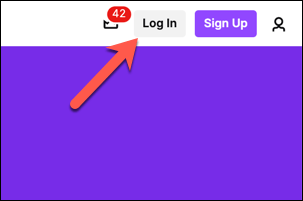
- In your web browser, visit the Twitch Turbo website . If you haven’t already signed in, select Log In in the top right.
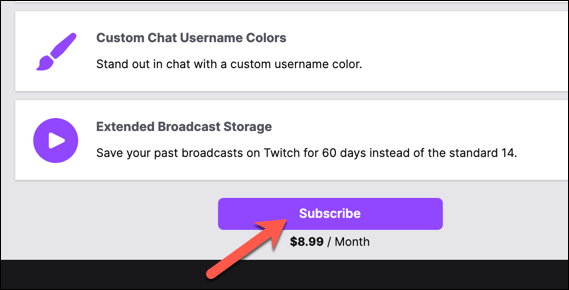
- Once you’ve signed in, scroll to the bottom of the page and select Subscribe.
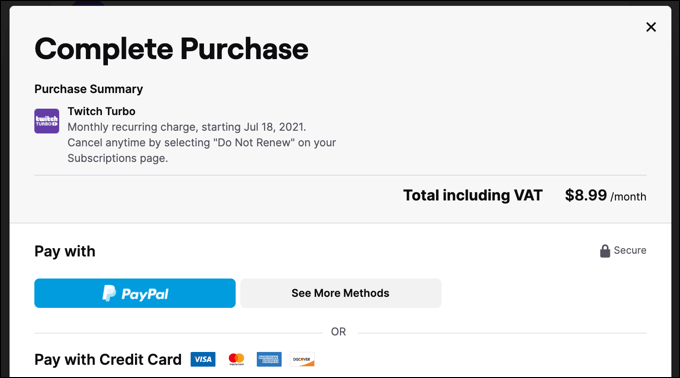
- In the Complete Purchase menu, complete the form by providing your billing information and chosen billing method. Select Review Purchase to proceed once you’re ready.
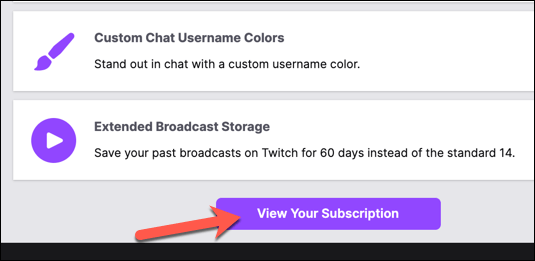
- Follow any additional on-screen instructions to complete the billing process. Once the process is complete, you can return to the Twitch Turbo website and select View Your Subscription to view the status of your subscription.
How to Cancel Twitch Turbo
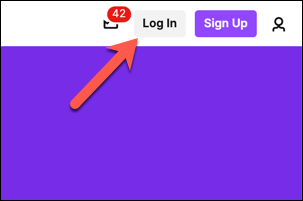
- To cancel Twitch Turbo, open the Twitch website and sign in by selecting Log In in the top right.
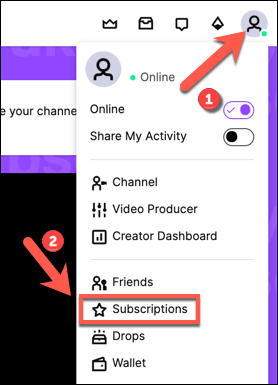
- Once you’ve signed in, select your account icon in the top right. From the menu, select Subscriptions .
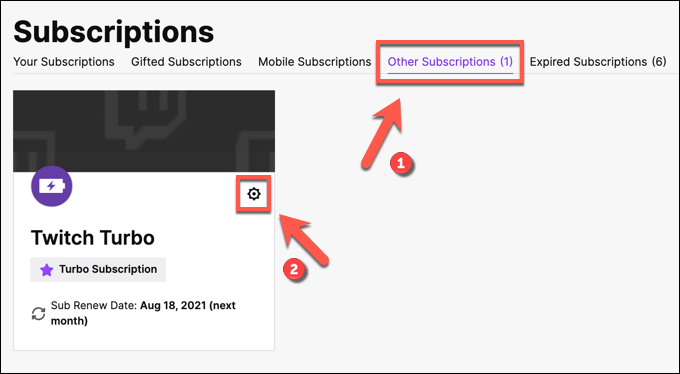
- In the Subscriptions menu, select the Other Subscriptions tab. If you’re a Twitch Turbo subscriber, your subscription will appear here. Select the Edit Subscriptions icon in the Twitch Turbo card to make changes to your subscription.
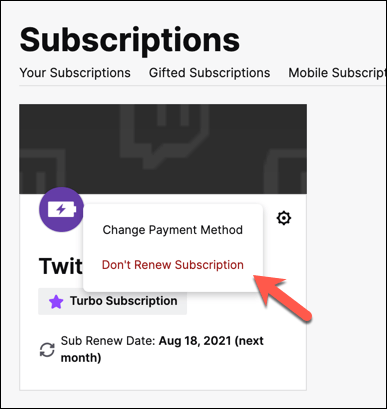
- In the pop-up menu, select Don’t Renew Subscription . If you’ve subscribed within the last 10 minutes, you can secure a refund and cancel Twitch Turbo immediately by selecting Cancel and Refund instead.
- If you decide to cancel, you’ll need to provide a reason why. Select a suitable reason in the Don’t Renew Subscription or Cancel Subscription menu (depending on your available options), then select Don’t Renew Subscription or Cancel Subscription to end your Twitch Turbo subscription.
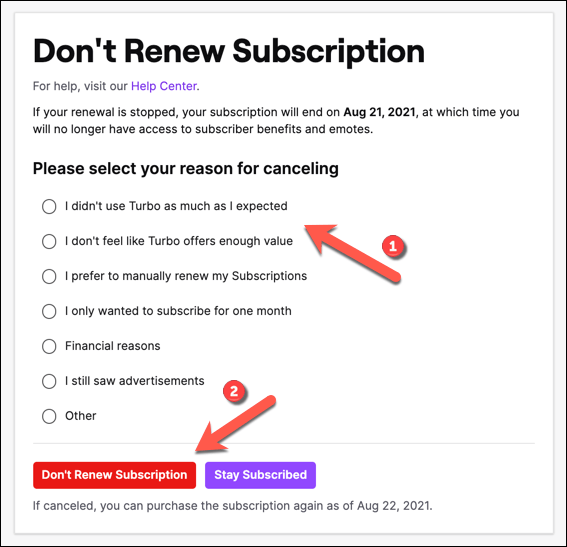
If you don’t renew your subscription, your Twitch Turbo benefits will remain active on your account until your next billing date. If you are within 10 minutes of subscribing to Twitch Turbo, cancelling and refunding the subscription will result in your Twitch Turbo benefits ending immediately.
Live Streaming On Twitch and Other Platforms
Using Twitch Turbo, you can block ads across the entire Twitch platform for a small monthly fee. Twitch Turbo is cheaper than similar products from rivals, such as YouTube Premium subscription , and remains the best way to stay ad-free on Twitch, especially with ad blocking extensions proving so unreliable.
Twitch is a great platform, but it isn’t for everyone. There are some great Twitch alternatives out there to try, but you can also share your screen on Discord if you want to start with a smaller audience. If you start streaming on Twitch, don’t forget to conduct a few Twitch raids to make friends and help other streamers grow.
- 7 Ways to Fix Twitch’s “Error loading data” Issue
- What are Channel Points on Twitch and How to Set Them Up
- How to Enable and Download Twitch VODs
- How to Host on Twitch
- How to Fix Twitch Error 3000
